Raskt tips
Let your system do the chasing.
A new task system usually starts strong, then slips a few weeks in, once keeping it current becomes one more job on everyone’s list.
When your task system fits how your team works, it’s like having an extra teammate whose only job is keeping everyone focused on what’s next. All the brain bandwidth that went into “what are we missing?” can pour into big creative ideas.
The Todoist Product team has been busy shipping lots of things you asked for, especially to help you and your team feel supported by your perfect task system!
Improve your team’s routines as you go
Your wish is granted – templates are now editable! Template creators and your team’s admins can open a template on web or desktop, click Edit, and change it – just like a project. Everyone on your team starts from the latest version.
The Todoist People team is thrilled! Their onboarding template has 150+ tasks for every new Todoister (don’t worry – it’s spread out over 90 days), and now they update it in place.
Start with the routine your team asks you about most, like a launch checklist!
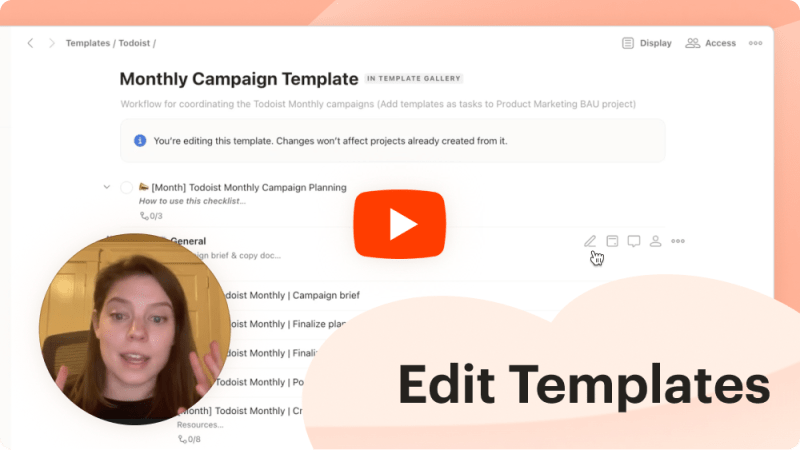
See how editable templates work →
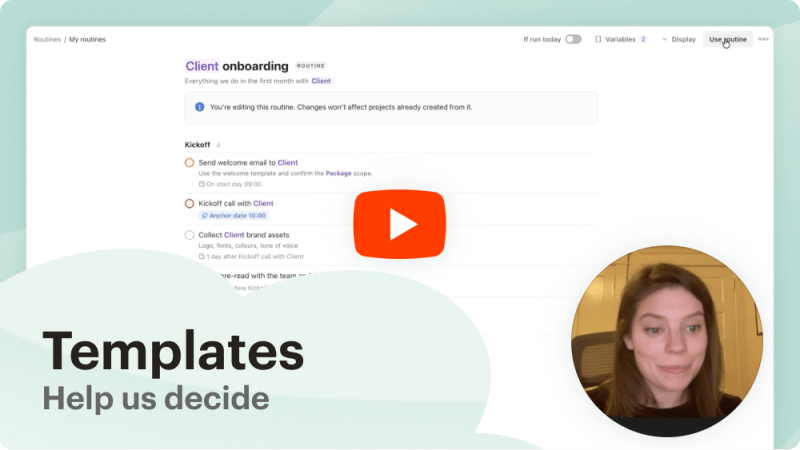
Let’s talk: what should templates do next?
Kaitlin, our Product Manager for templates, walks through a few ideas we’re exploring next, like templates that fill in the right dates and people each time you use them.
If your team runs routines in Todoist and you’d like to try the new templates experience early, take the survey →
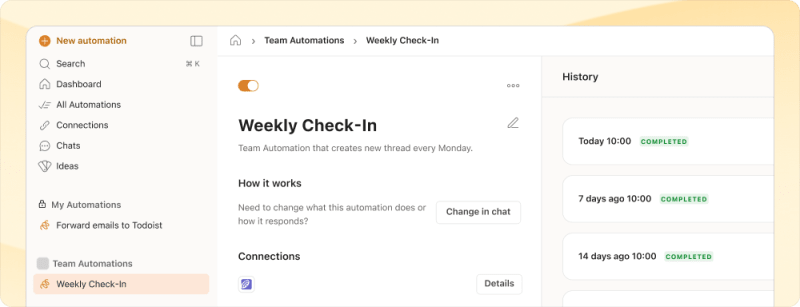
Meet Todoist Automations and let your system do the chasing
What if …
- a weekly roundup of what your team got done went out on its own each Friday?
- your Monday report still went out while you were on vacation?
- the hours your team spent pulling together status updates went into big creative ideas?
Todoist Automations (beta) keeps follow-ups like these running on their own, even when you’re out of office. Connect Automations to the AI agent you already use, like Claude or ChatGPT, and describe what you want. Your agent sets it up once, and Automations runs it the same way every time.
It’s included in the Business plan (usage limits may apply after the beta), and we’d love to hear what you think!
Set up your first automation →
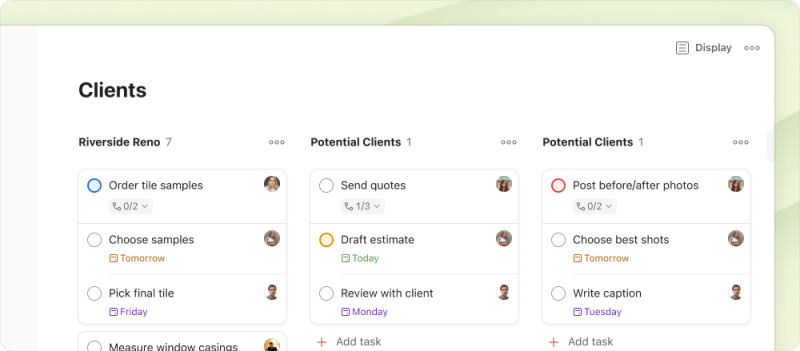
Know what’s left on every card with sub-tasks on your board
You asked, and sub-tasks now show up right inside your board cards! It works on web and desktop. Expand a card to see them, then complete or assign them right there.
See how sub-tasks work on your board →
Answer “where are we at?” across every project with table layout
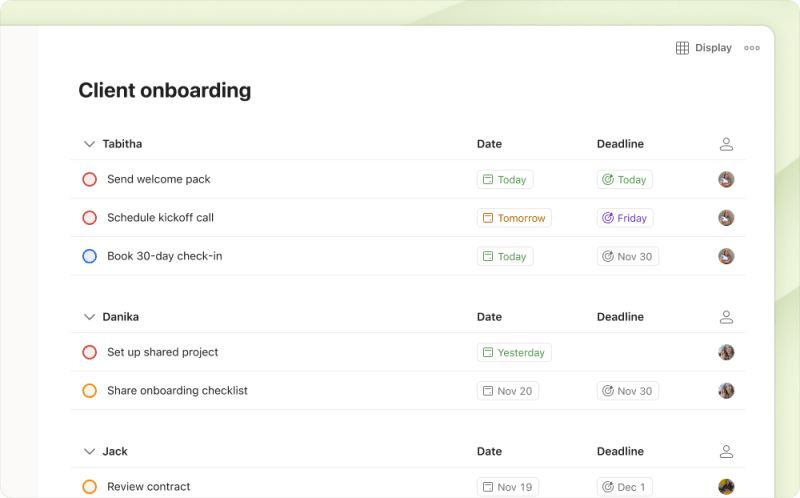
A table view was one of your biggest requests, and it’s here! See who could use a hand, before anyone falls behind.
Group by assignee to see each person’s load this week, then reassign a task with one click. Sort by deadline to catch what’s slipping.
That’s one less job on everyone’s list.
To try it, open a filter or any project on web or desktop and choose Table in the view options. Table layout comes with Pro and Business.
Get to your top priorities in one tap
What’s the project you open the most on your phone? Keep it right in your tab bar!
Any project, filter, or label can now be one of your 5 tabs in the mobile app. Hold down a tab to swap it, then drag the tabs into the order you use them.
A good place to start is a filter for today’s most important tasks (today & p1). Give it a tab, and they’re waiting there every morning!
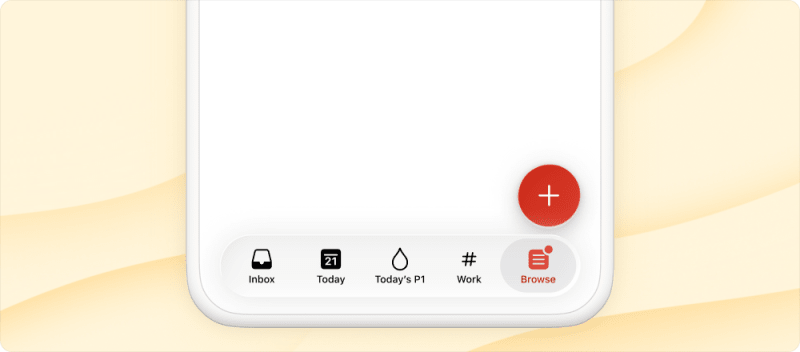
See how to customize your tab bar →
Your routines now come with receipts
Completed recurring tasks stay visible in Today, and in calendar layouts on Pro and Business. You’ll know the weekly check happened before anyone has to ask.
If your team is back to chasing updates too, start small! Save one routine as a template this month.