
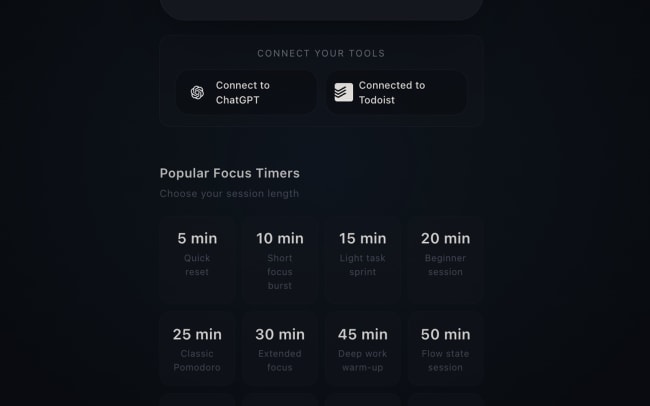
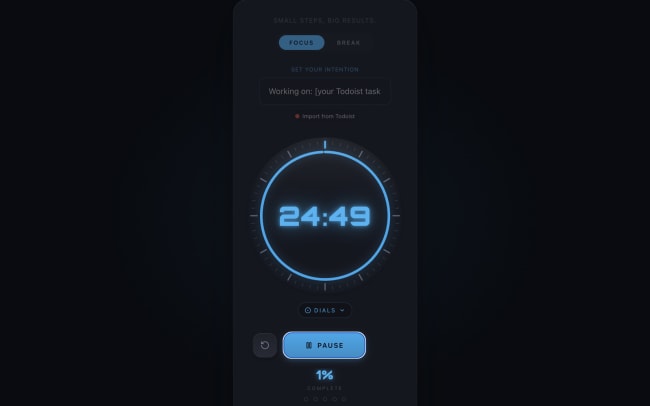
Most Pomodoro timers start counting down before you know what you’re working on. You sit down to focus, open a timer, and waste the first five minutes deciding which task to tackle. PomoDial solves this by asking you to set a specific intention before every session – turning a countdown into a committed work block. Connecting Todoist makes this even more powerful by bringing your actual task list into the moment you start focusing.
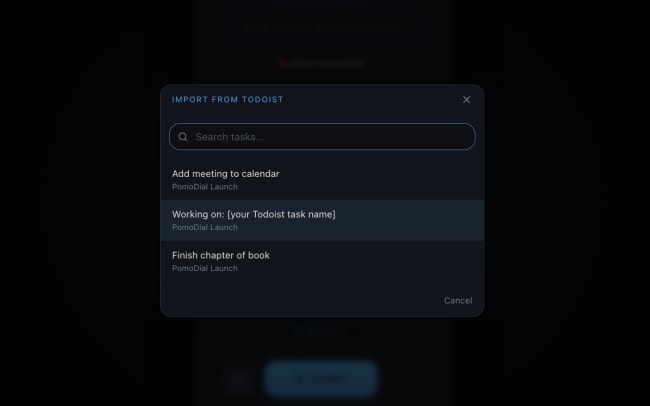
With the Todoist integration, your tasks appear inside PomoDial with one click. Before starting a session, open the task importer, browse or search your Todoist tasks sorted by date and priority, and select the one you want to tackle. PomoDial sets it as your session intention and starts the timer. When your session ends, the task is automatically marked complete in Todoist – no tab switching, no manual updates. Your focus sessions and your task list stay in perfect sync.
功能
-
Start every work session with clarity – instead of deciding what to work on after the timer starts, import your top Todoist task directly into PomoDial and begin your session already knowing exactly what you’re focused on.
-
Clear your morning task list without context switching – import your highest priority Todoist task, set your intention, and start your first focus session of the day without ever leaving your workflow.
-
Stay on track during deep work – writers, developers, and designers can pull their current project task from Todoist directly into PomoDial, so the timer always knows what you’re working on and why.
-
Turn your Todoist inbox into focused action – instead of staring at a long task list, pick one task, commit to it with a timed session, and watch your list shrink automatically as sessions complete.
-
Build a consistent focus habit as a student – import study tasks from Todoist, work through them one Pomodoro at a time, and let PomoDial mark each one done as you go, so your revision list updates itself.

Can’t find the integration you’re looking for?
Integrate with thousands of other apps via our automation partners. Or, explore our API to build your own extensions or integrations.