Simple, powerful, and a little bit magical
Turn voice notes or photos into tasks, let routines run themselves, and get agents working from the same to-do list.
Simple, powerful, and a little bit magical
Turn voice notes or photos into tasks, let routines run themselves, and get agents working from the same to-do list.
Bring Todoist into any AI conversation
Connect your assistant of choice, and Todoist works right alongside it. No copy-pasting or app-switching required.
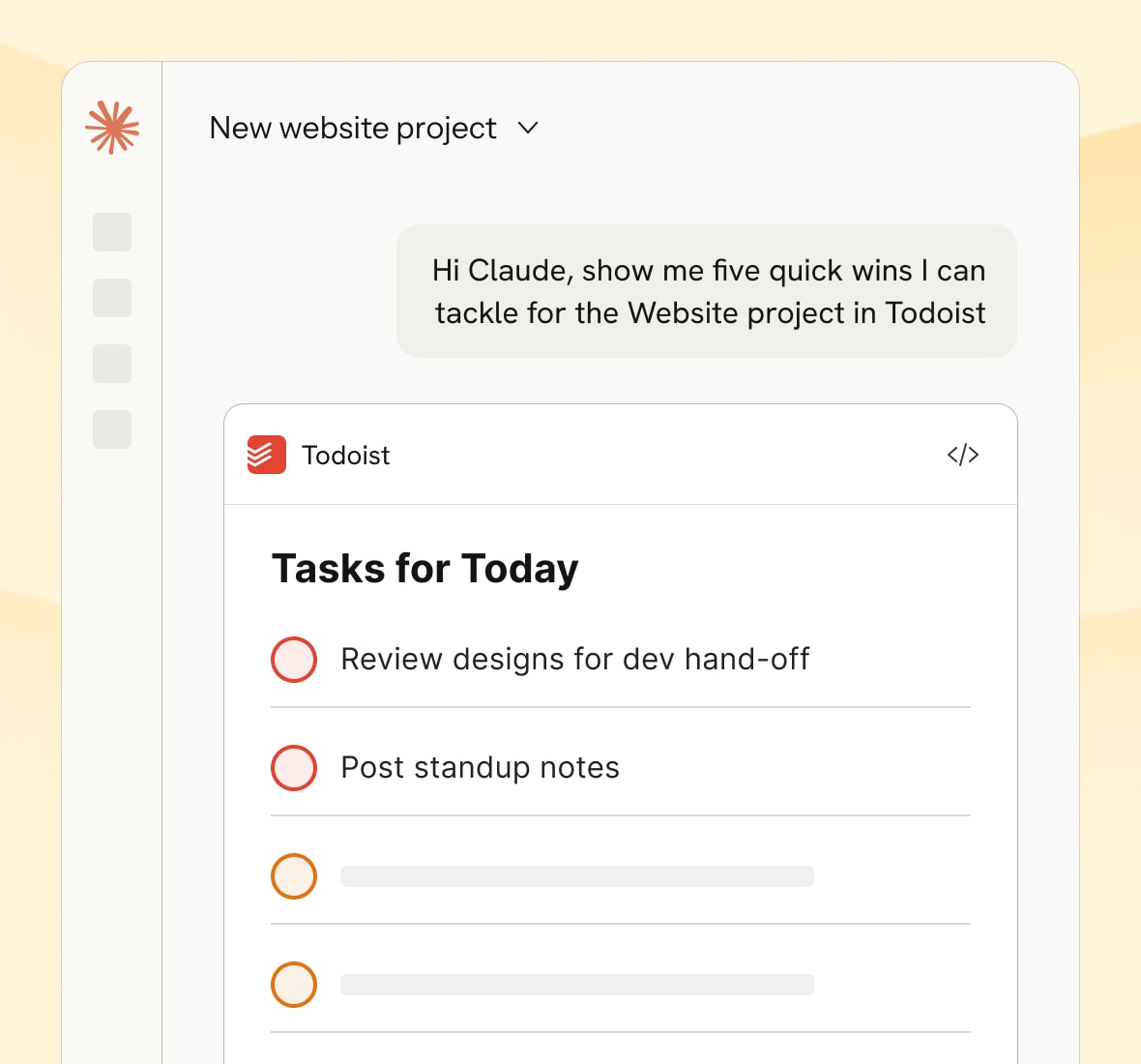
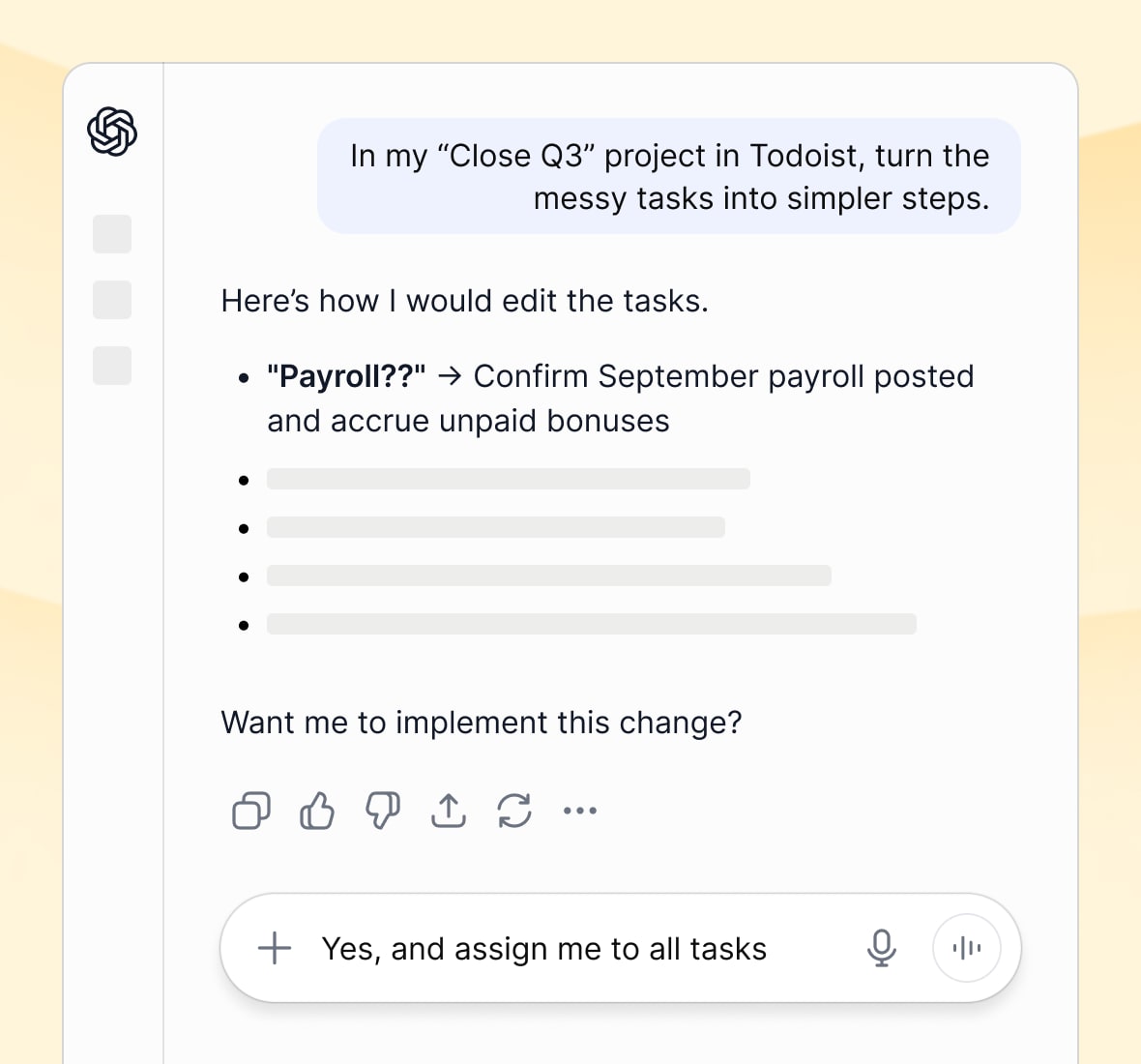
Keep the work in Todoist, whichever agent you use
Let your favorite agent read and manage your tasks, while Todoist stays where the work lives.
“Todoist’s MCP is a huge unlock for all of us because it allows us to streamline the way that our information is categorized, regardless of what tool we’re using.”

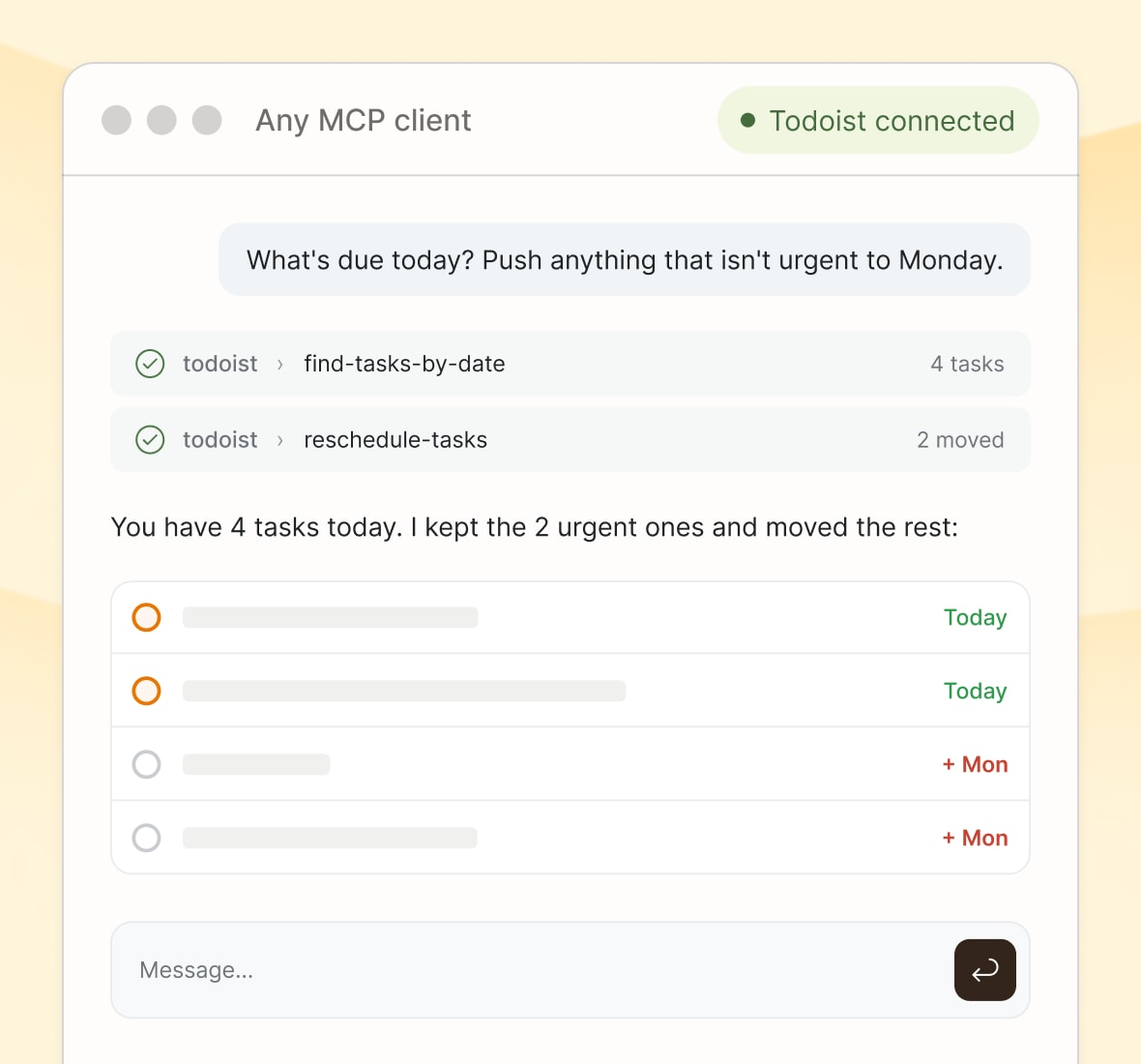
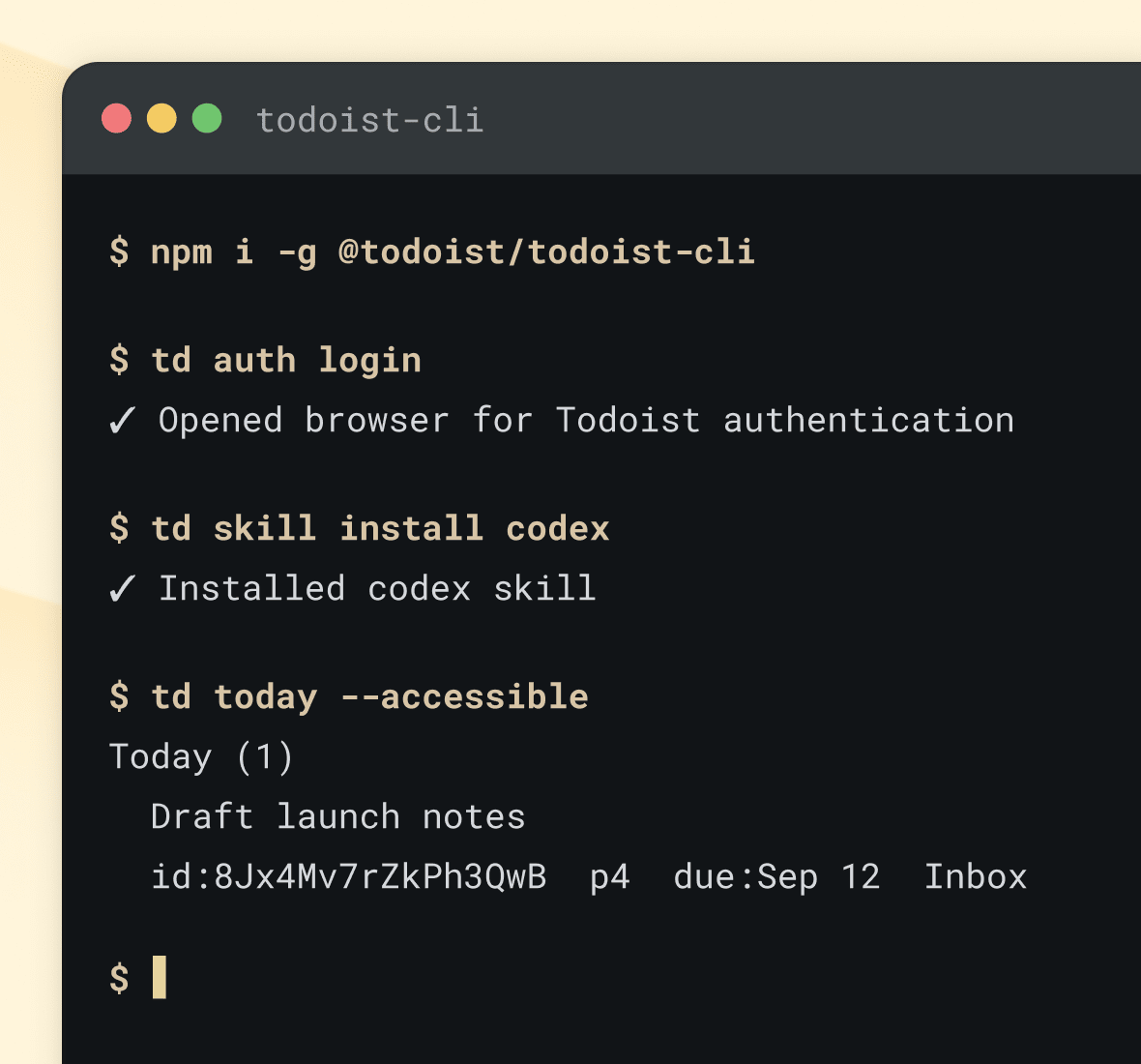

Automate exactly what you need
Read and write every task, project, and comment straight from your own code. Use our API to build your own integrations, keep data in sync in real time with webhooks, or create your dream customizations.
Less setting things up, more getting things done
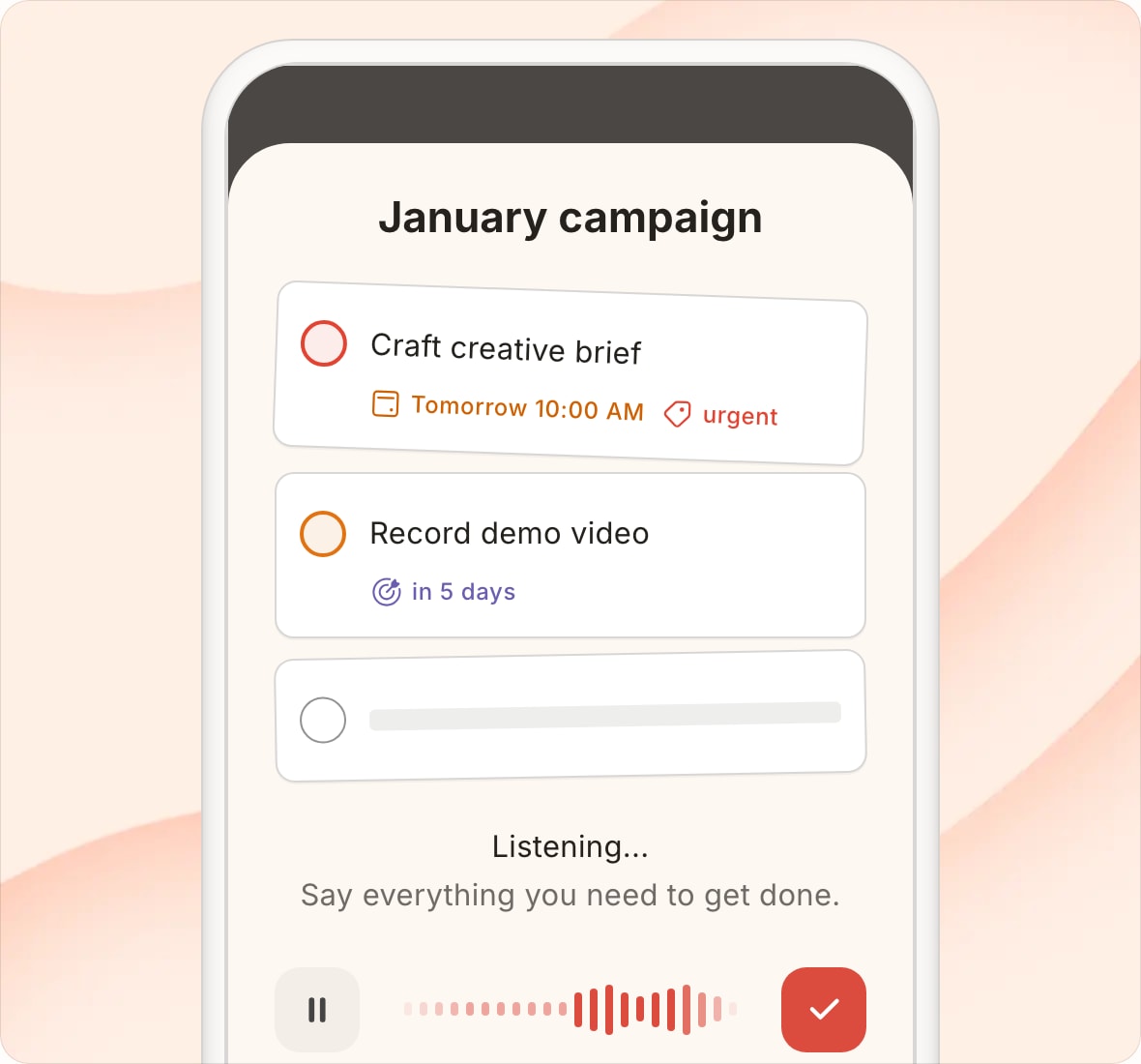
Capture tasks from anything, anywhere
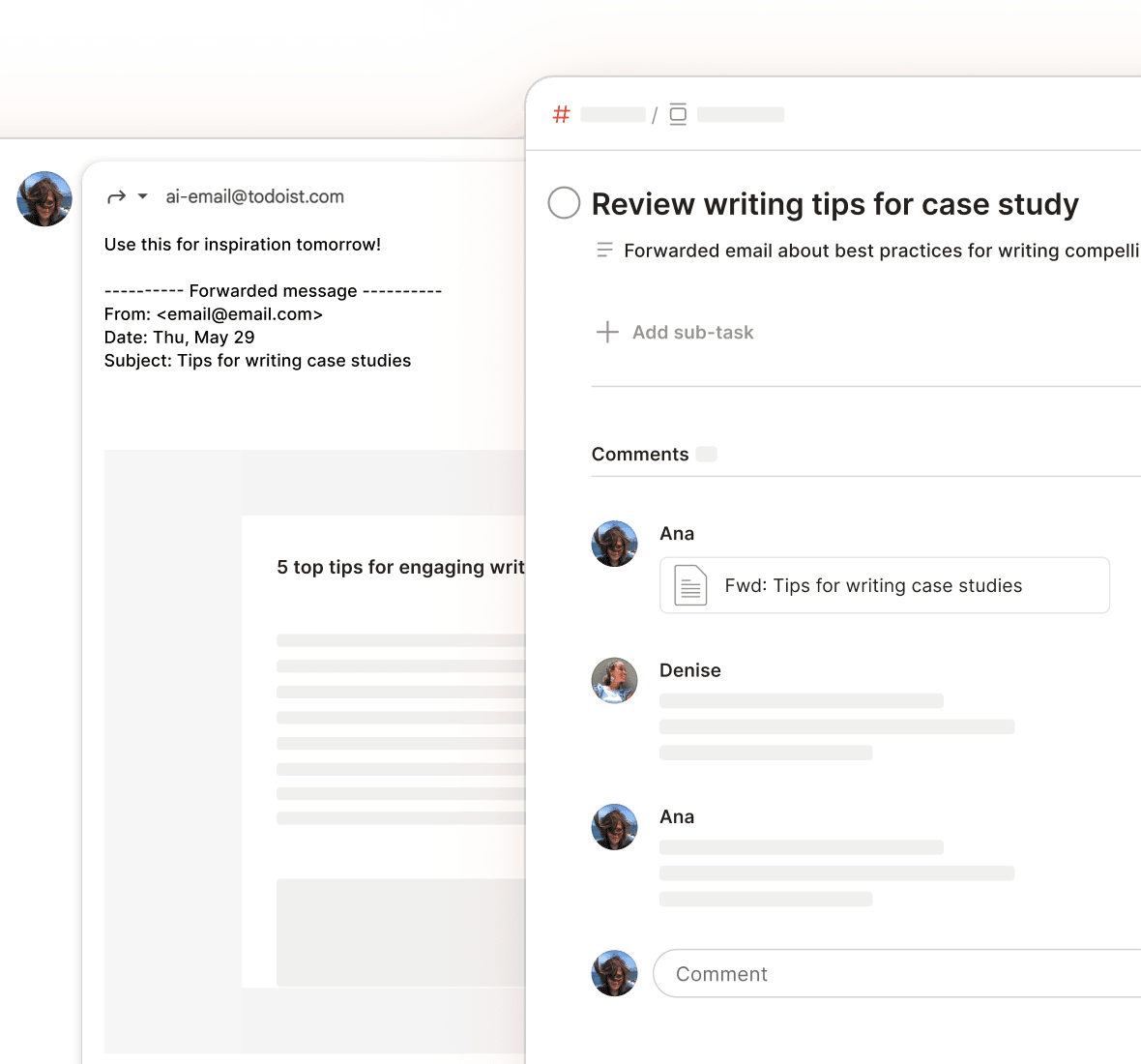
No matter where an idea comes from, Todoist turns it into something you can act on.
“Email Assist pulled out the actual action item and all relevant information from an incredibly bureaucratic government email. This is the right way to use AI in products. 👌”



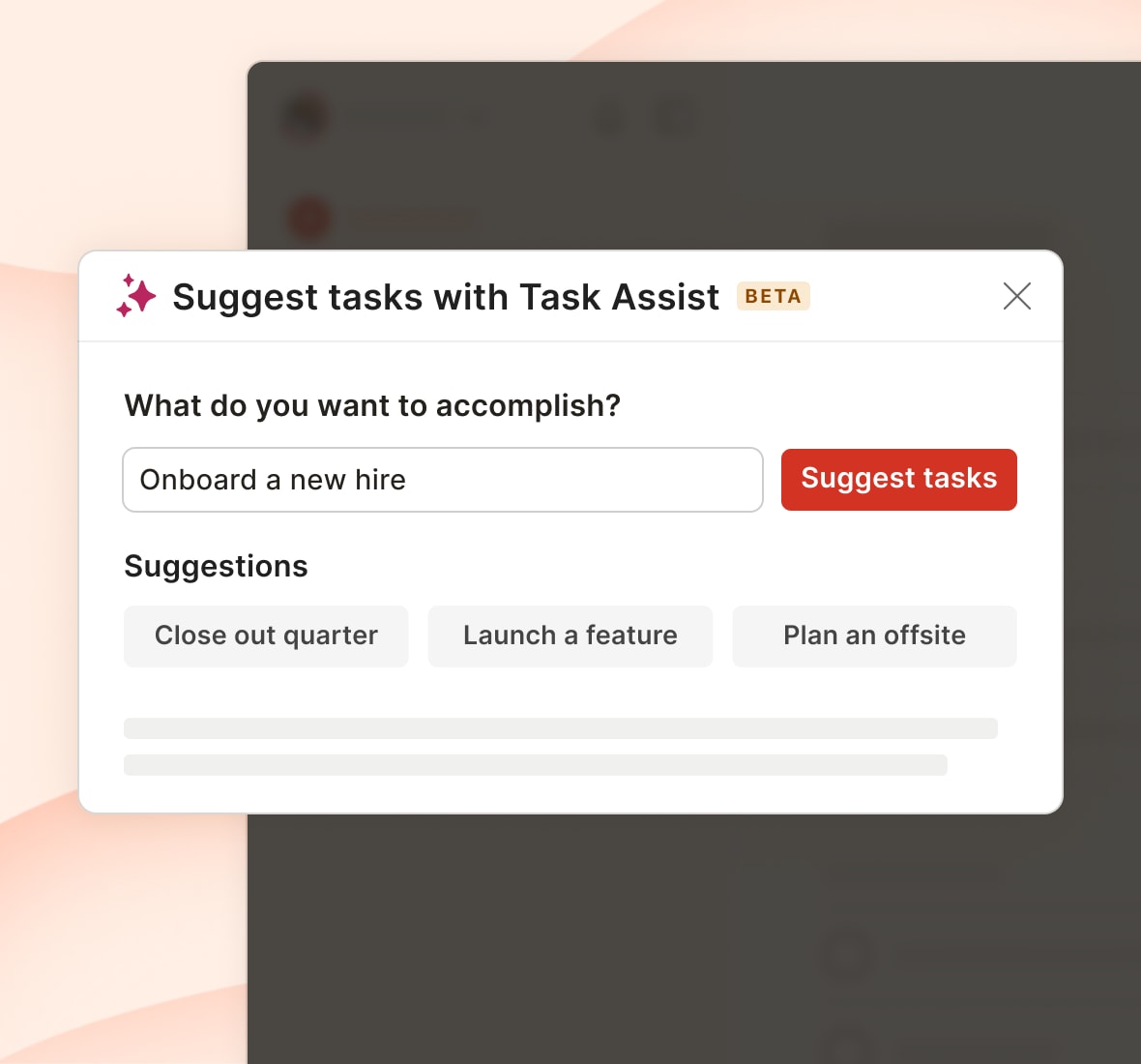
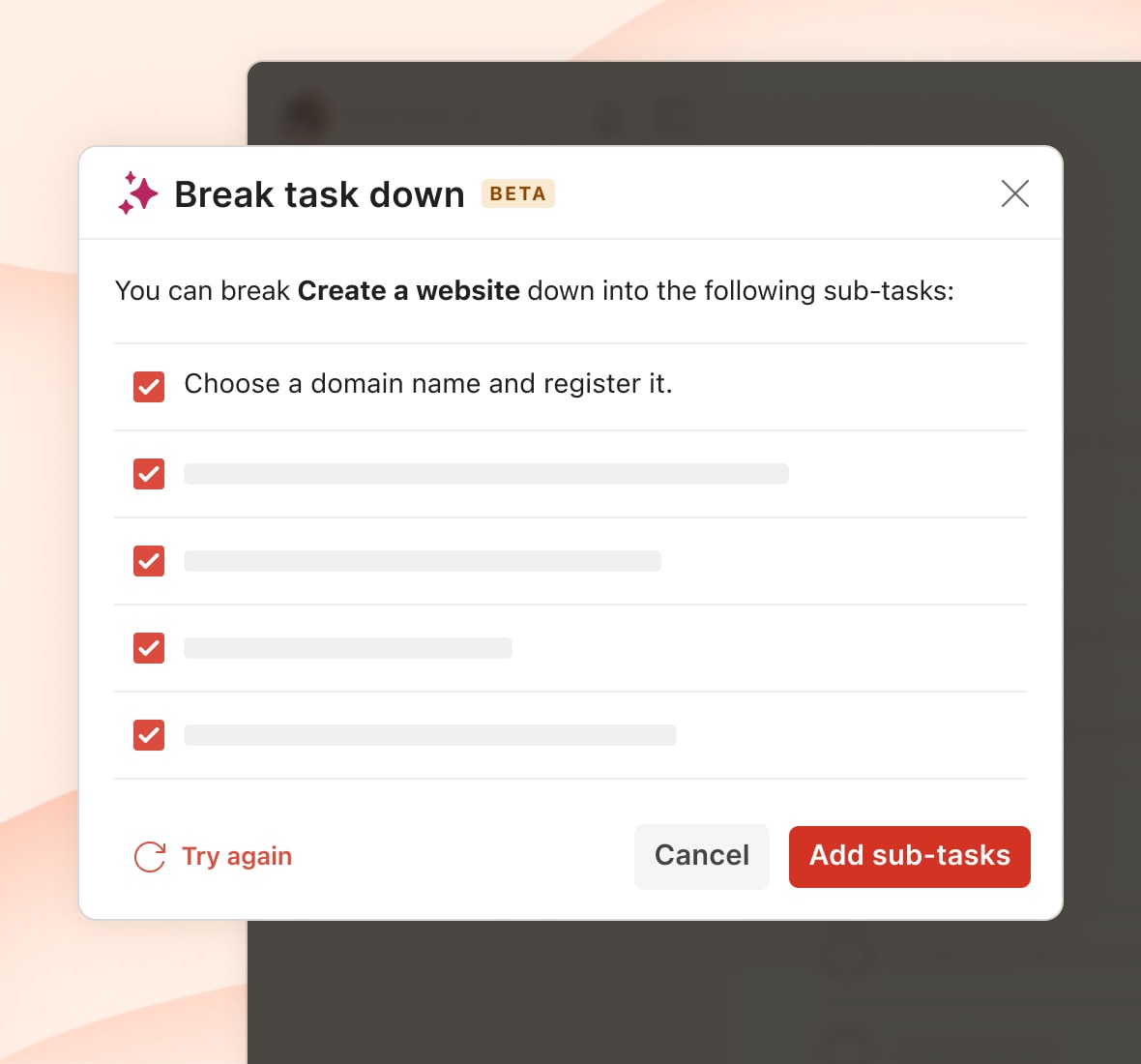
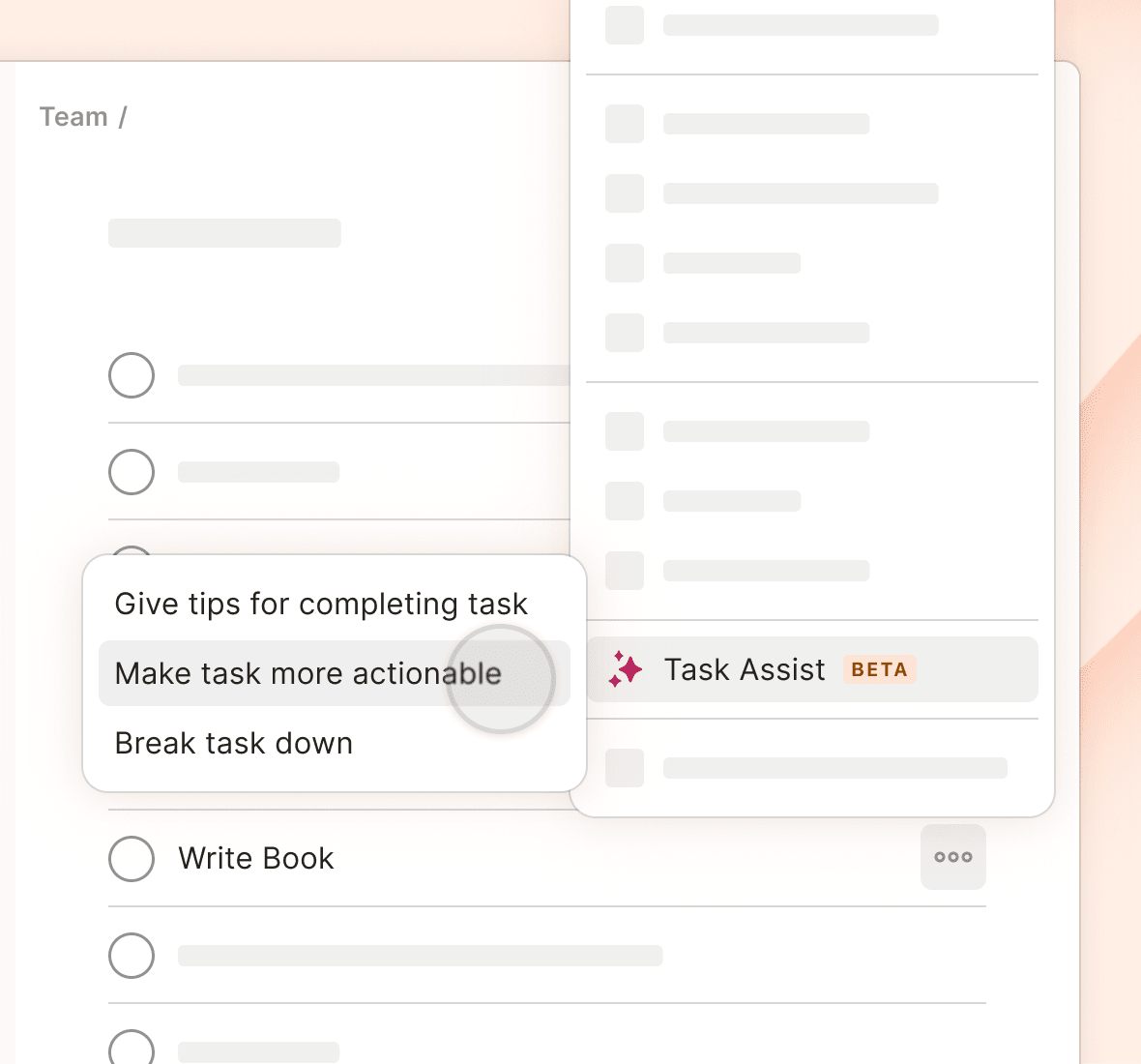
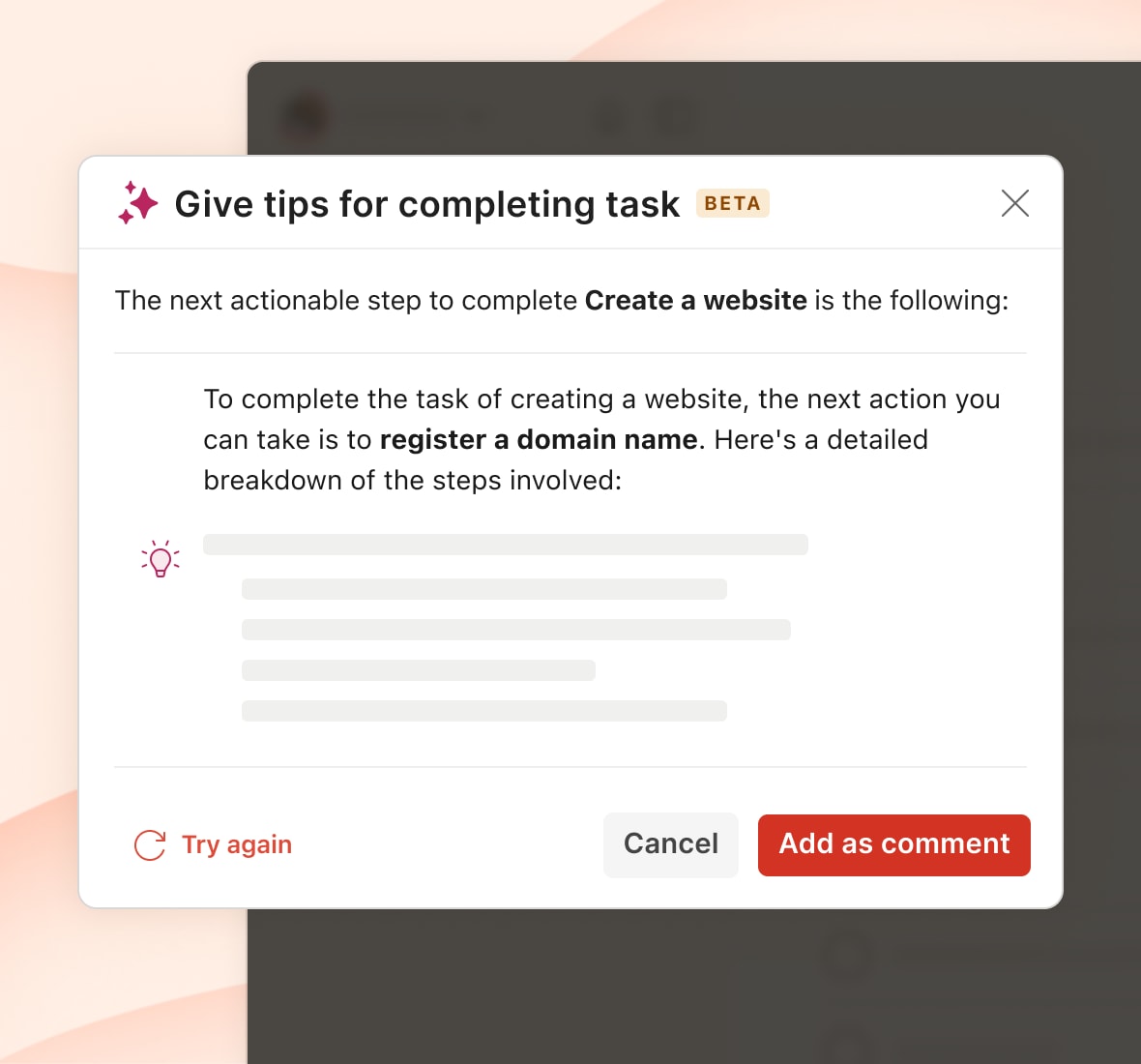
Turn ‘I don’t know where to start’ into a plan
Task Assist turns a fuzzy goal or an overwhelming task into a clear next step, so you’re never stuck wondering where to start.
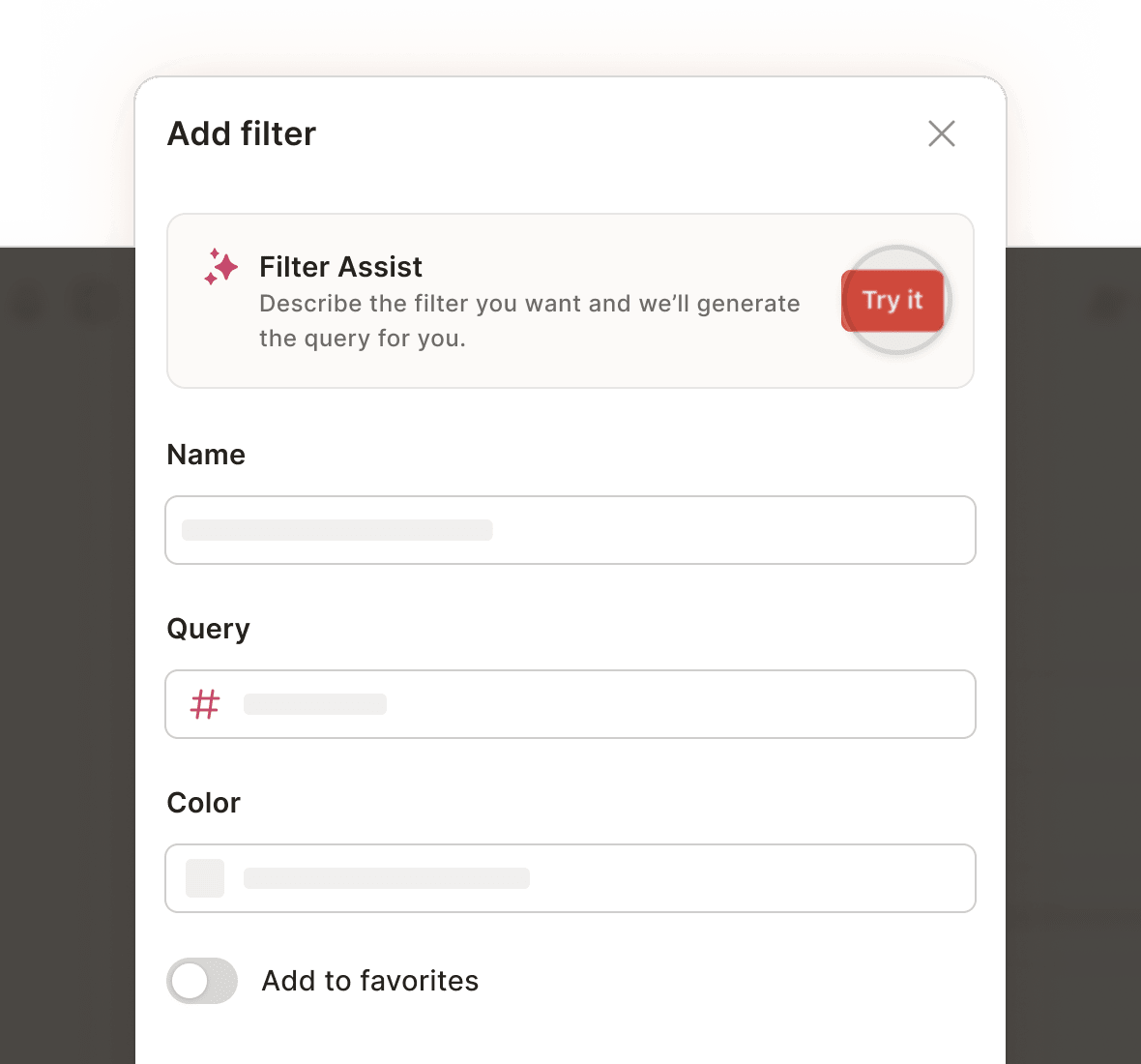
See only what matters, right now
Narrow your focus whenever you like. Filter your tasks to see only the things you care about in that moment, place, or context.
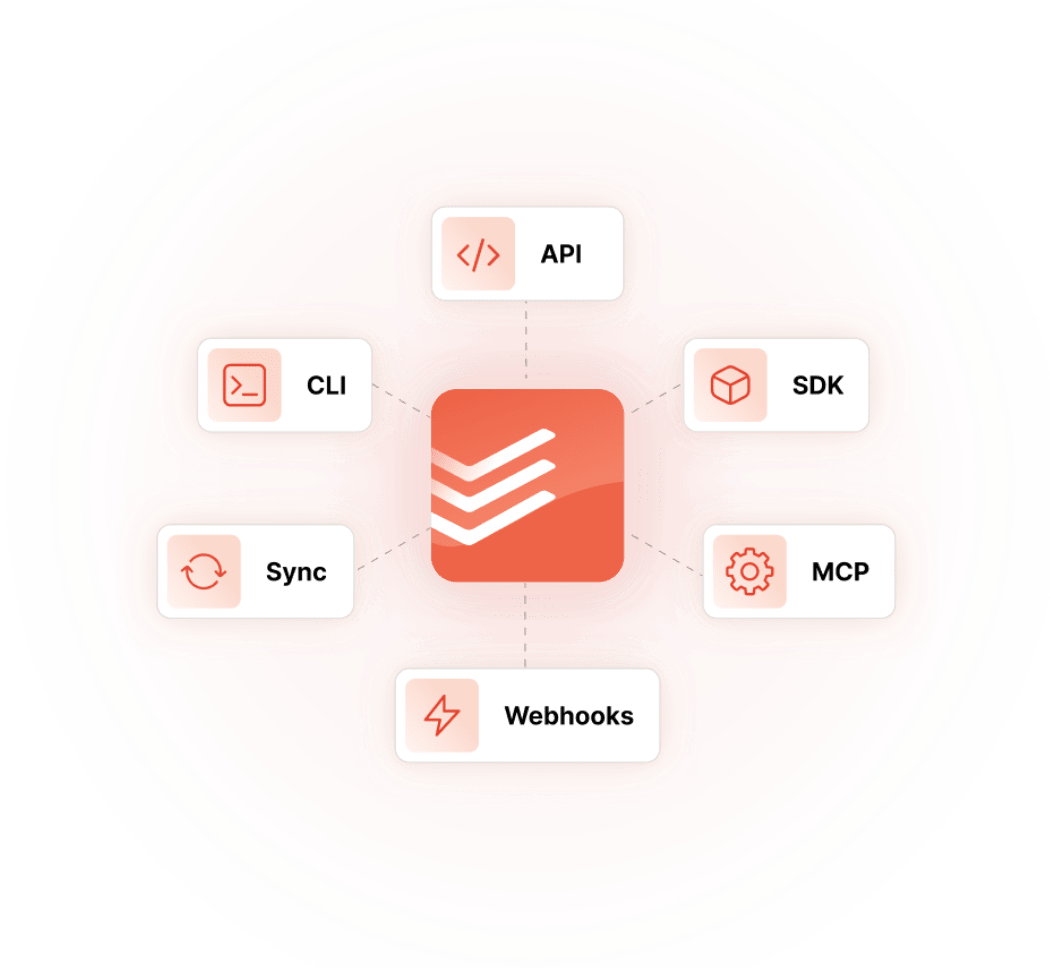
Build your perfect system
Our developer platform hands you the same building blocks our own engineers use to ship Todoist. Built for developers and the agents they work with.
Your entire stack, wired in
Connect to the tools your team already uses. So the work you create everywhere else still ends up in one place.

Plan your time effortlessly with Google Calendar events and Todoist tasks – all in one place.


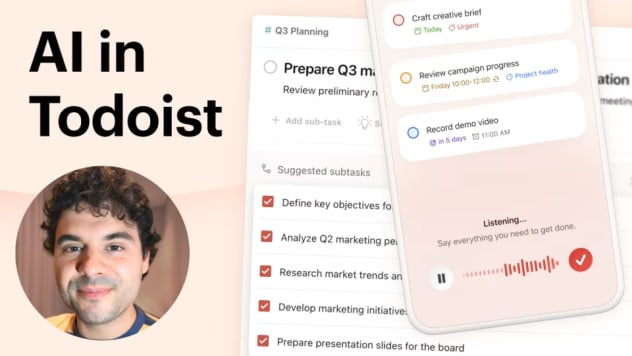
Our thoughtful approach to AI in Todoist
AI in Todoist exists for one reason: to make your life easier, while keeping you in the driver’s seat. We only build things that actually support you, rather than flashy features with AI stamps to prove how advanced we are.
Hear more from our CTO, Gonçalo, on how and why we build this way.
Privacy by design, security by default
Todoist’s approach to AI puts your privacy first, ensuring your data stays protected while you enjoy a more efficient experience.

A secure environment
Your data stays protected within a secure environment. Todoist runs all AI functionality on infrastructure designed to keep your information safe and private from third parties by design. No peeking, auditing, or training on your data.

Purposeful and tasteful
Privacy starts with a clear purpose. And ours is to provide clear and tangible benefits in everything we build. We’ve always been privacy-conscious and only interested in building useful functionality that supports you and your work.

You’re in control
Currently, using these capabilities is completely optional, giving you the freedom to choose exactly if and how you want these intelligent features to support your workflow.