
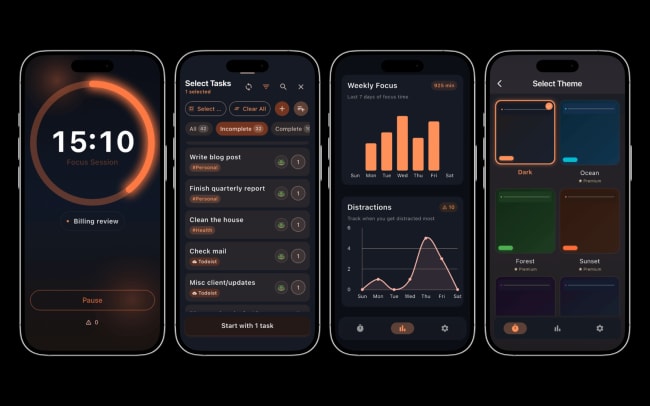
Start a focus session without leaving your task list. FocusFrog is a Pomodoro timer that connects to your Todoist account, so your tasks appear inside the app automatically – no re-entering, no copy-pasting between tools.
Open FocusFrog, pick a task, and start the timer. That’s it. When you complete a task in FocusFrog, it’s marked done in Todoist automatically. FocusFrog tracks your sessions, streaks, and distraction patterns in the background, so you can see how many pomodoros each task actually consumed and get better at estimating your workload over time.
Funktioner
-
Your Todoist tasks sync automatically to FocusFrog. Open the app and your tasks are already there – no re-entering or copy-pasting between tools.
-
Complete tasks during a focus session and they’re checked off in Todoist automatically. Your inbox stays accurate without manual syncing.
-
Set Pomodoro goals for your Todoist tasks so you know not just what to work on, but how long it should take – then track whether your estimate was realistic.
-
Pin your most important task as your daily frog and it stays at the top of FocusFrog all day, so your highest-priority work doesn’t get buried.
-
Track how many pomodoros each task actually consumed over time. You’ll get better at estimating and planning your workload realistically.

Can’t find the integration you’re looking for?
Integrate with thousands of other apps via our automation partners. Or, explore our API to build your own extensions or integrations.