
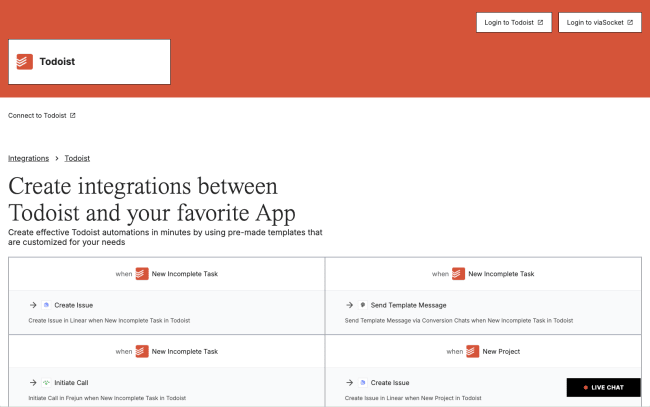
Connect Todoist with your favorite tools to supercharge your productivity. viaSocket eliminates repetitive work by creating effective Todoist automations with pre-made templates that are customized for your needs. It leverages AI to optimize workflows, continually learning from data to improve automation and adapt to evolving business needs.
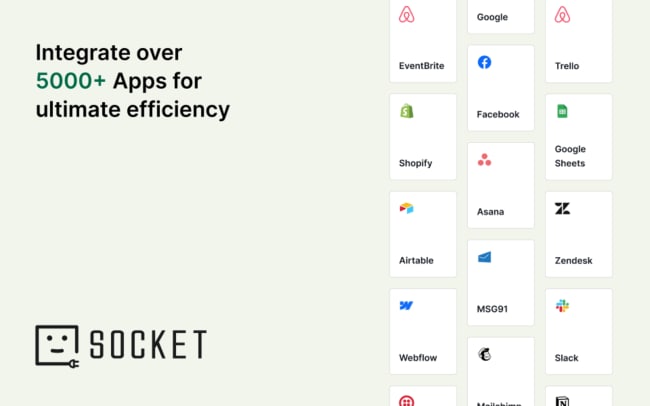
With connections to over 5,000 apps like Slack, HubSpot, and Dropbox, you can put your task management on autopilot. Log completed tasks to spreadsheets for easy progress tracking, create tasks from new leads in your CRM, or send task summaries to your team channels – all without switching apps.
The intuitive drag-and-drop interface allows for easy workflow creation in minutes, even for beginners, while AI optimizes steps for optimal performance. Set up conditional logic, such as If, Else, Delay, and Loop, to create custom solutions that fit your specific business needs.
Whether you’re automating processes for HR, Sales, Marketing, or Support, viaSocket helps your business work smarter, not harder.
Funktioner
-
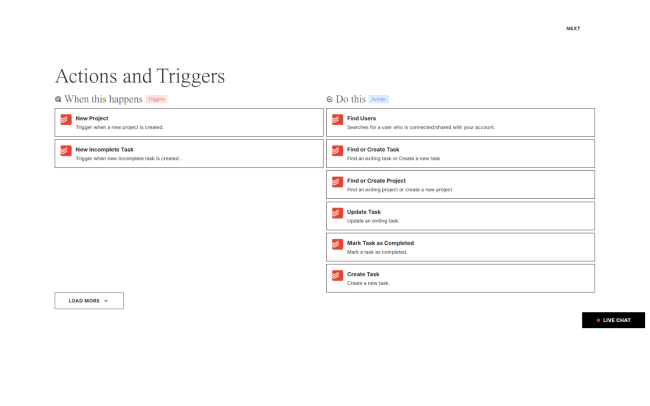
Automatically create tasks from incoming emails, capturing key details like the subject or task description, ensuring you never miss a follow-up.
-
Log completed tasks into a Google Sheets spreadsheet, helping you track progress and generate productivity reports effortlessly.
-
Sync your calendar with Todoist, automatically creating tasks for new calendar events, ensuring you’re always on top of your schedule.
-
Create tasks from new leads in your CRM, helping you manage and follow up on leads efficiently without missing a beat.
-
Send daily or weekly summaries of your tasks to Slack, keeping you and your team updated on progress and upcoming tasks.

Can’t find the integration you’re looking for?
Integrate with thousands of other apps via our automation partners. Or, explore our API to build your own extensions or integrations.