Gmail stars become Todoist tasks with context.
By Todoist
If you can type it, you can automate it
You: Write a few sentences. We: Do everything else and then ping you when it's all ready.
Todoist Automations is still in beta.
Expect a few quirks.
See Todoist Automations in action
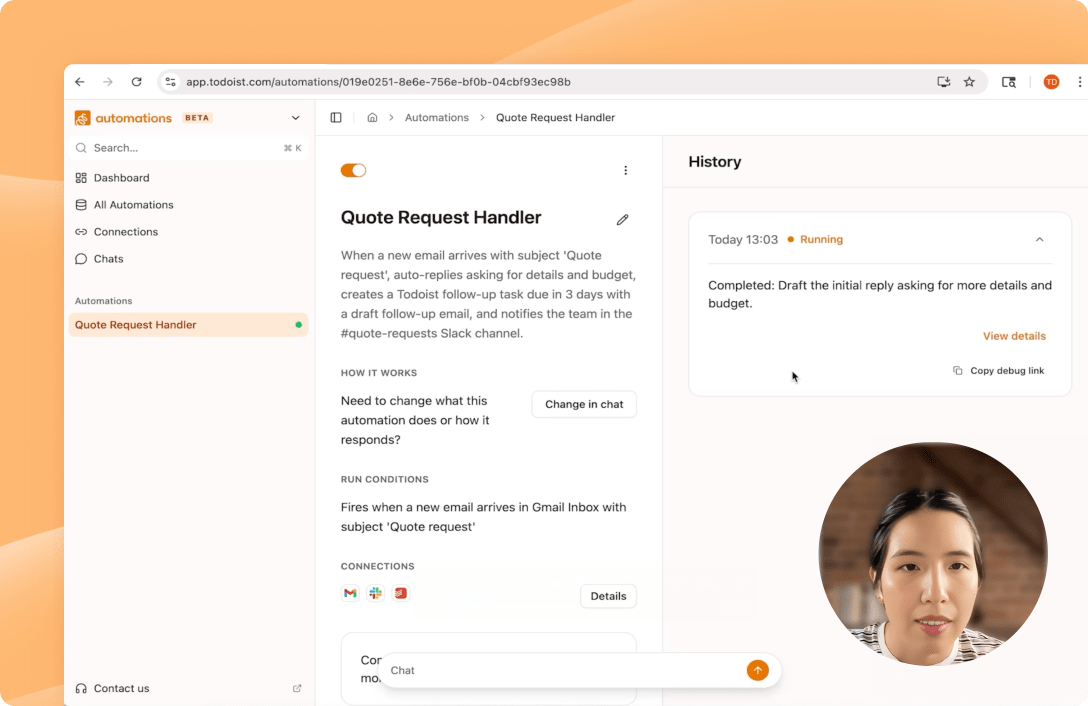
Finally, automations you can set up yourself
No flowcharts or consultants needed. Try setups like these just by typing “ok.”

Turn starred emails into tasks
“When I star a Gmail message, add it to Todoist for tomorrow”


Track receipts
Every receipt auto-logged in a Google Sheet.
“When a receipt arrives in my inbox, log sender, date, and amount in my Sheet.”


Sync deadlines
Notion dates → Calendar + Slack nudge.
“When a Notion page gets a due date, drop it on my Calendar and ping #team in Slack.”
Auto-prioritize
Weekly re-rank of your Todoist inbox.
“Every Sunday, re-rank my Todoist inbox based on what’s due soonest.”
Auto-unsubscribe
Kill marketing noise from unopened senders.
“Unsubscribe from marketing emails I haven’t opened in 30 days.”

Turn sheets into posters
Sheet rows become Canva posters, no clicks.
“When I add an event to the spreadsheet, generate an event poster in Canva and drop the link back in the row.”
Turn starred emails into tasks
Gmail stars become Todoist tasks with context.
“When I star a Gmail message, add it to Todoist for tomorrow”
-
Track receipts
Every receipt auto-logged in a Google Sheet.
“When a receipt arrives in my inbox, log sender, date, and amount in my Sheet.” -
-
Sync deadlines
Notion dates → Calendar + Slack nudge.
“When a Notion page gets a due date, drop it on my Calendar and ping #team in Slack.” -
-
Auto-prioritize
Weekly re-rank of your Todoist inbox.
“Every Sunday, re-rank my Todoist inbox based on what’s due soonest.” -
-
Auto-unsubscribe
Kill marketing noise from unopened senders.
“Unsubscribe from marketing emails I haven’t opened in 30 days.” -
-
Turn sheets into posters
Sheet rows become Canva posters, no clicks.
“When I add an event to the spreadsheet, generate an event poster in Canva and drop the link back in the row.” -
A workflow doing exactly what you told it to, not AI guessing on your behalf
Describe what you need to automate and it'll get up and running on its own.
Just describe it. Write your automation in plain English, the way you'd tell a teammate. We turn your sentence into a working workflow, then step aside so it can run.
Connect tools once. A single secure handshake per tool keeps your data private and your logins tucked away. Each automation runs as a predictable, pre-defined workflow you can count on, every time.
And you're done. Automations hum along in the background, and we ping you the moment each one finishes.
Calendar
→
Summary
I can set that up! Here’s what this automation will do:
Every day at 8:00 AM
READYThis automation runs each morning on your schedule.

Check Google Calendar
READYPulls all events from your Work calendar for today.
Write a summary
READYFormats your meetings into a daily briefing.

Send to Gmail
READYYour Gmail connection is active and working.
Automation created!
Everyday at 8:00 your automation will:
- Pull all events from your calendar for today
- Write a summary and send it to your Gmail
Ask for any edits here
A workflow doing exactly what you told it to, not AI guessing on your behalf
Describe what you need to automate and it'll get up and running on its own.
Just describe it. Write your automation in plain English, the way you'd tell a teammate. We turn your sentence into a working workflow, then step aside so it can run.
Calendar
→
Summary
Ask for any edits here
Connect tools once. A single secure handshake per tool keeps your data private and your logins tucked away. Each automation runs as a predictable, pre-defined workflow you can count on, every time.
Calendar
→
Summary
I can set that up! Here’s what this automation will do:
Every day at 8:00 AM
READYThis automation runs each morning on your schedule.
Check Google Calendar
READYPulls all events from your Work calendar for today.
Write a summary
READYFormats your meetings into a daily briefing.
Send to Gmail
READYYour Gmail connection is active and working.
Ask for any edits here
And you're done. Automations hum along in the background, and we ping you the moment each one finishes.
Calendar
→
Summary
Automation created!
Everyday at 8:00 your automation will:
- Pull all events from your calendar for today
- Write a summary and send it to your Gmail
Ask for any edits here
You told us Zapier was too complicated, so we built something way simpler.
Meloq Arai
“Todoist Automations let me expand my workflow creatively and intuitively, adapting to any challenge. They reduce the mental fatigue of micro-management [and] handle the tedious work for me, making the whole process feel almost like magic!”
David Hively
“Smooth sailing, no problems. Actually, kind of amazing. A delight, really, compared to trying to set up something similar in IFTTT.”
julesvbrtln
“This tool could totally change the way we use Todoist because of the infinite possibilities.”
goomis_90
“It’s a fantastic tool. I briefly describe what I need, and the AI handles all the necessary connections, functions, etc., and spits out a ready-to-use automation.”
Alpha user
“I think that everyone with good ideas can manage it. It’s just about indicating your idea with text. Todoist Automations does the rest.”
-
Meloq Arai
“Todoist Automations let me expand my workflow creatively and intuitively, adapting to any challenge. They reduce the mental fatigue of micro-management [and] handle the tedious work for me, making the whole process feel almost like magic!”
-
David Hively
“Smooth sailing, no problems. Actually, kind of amazing. A delight, really, compared to trying to set up something similar in IFTTT.”
-
julesvbrtln
“This tool could totally change the way we use Todoist because of the infinite possibilities.”
-
goomis_90
“It’s a fantastic tool. I briefly describe what I need, and the AI handles all the necessary connections, functions, etc., and spits out a ready-to-use automation.”
-
Alpha user
“I think that everyone with good ideas can manage it. It’s just about indicating your idea with text. Todoist Automations does the rest.”
Your first automation is just a few words away
Coming soon to Todoist paid plans.
Made by the team at Todoist, the world’s #1 to-do list app
No investors or shareholders to pander to. Just a team of 100+ people in 30+ countries dedicated to running a sustainable business for decades to come.
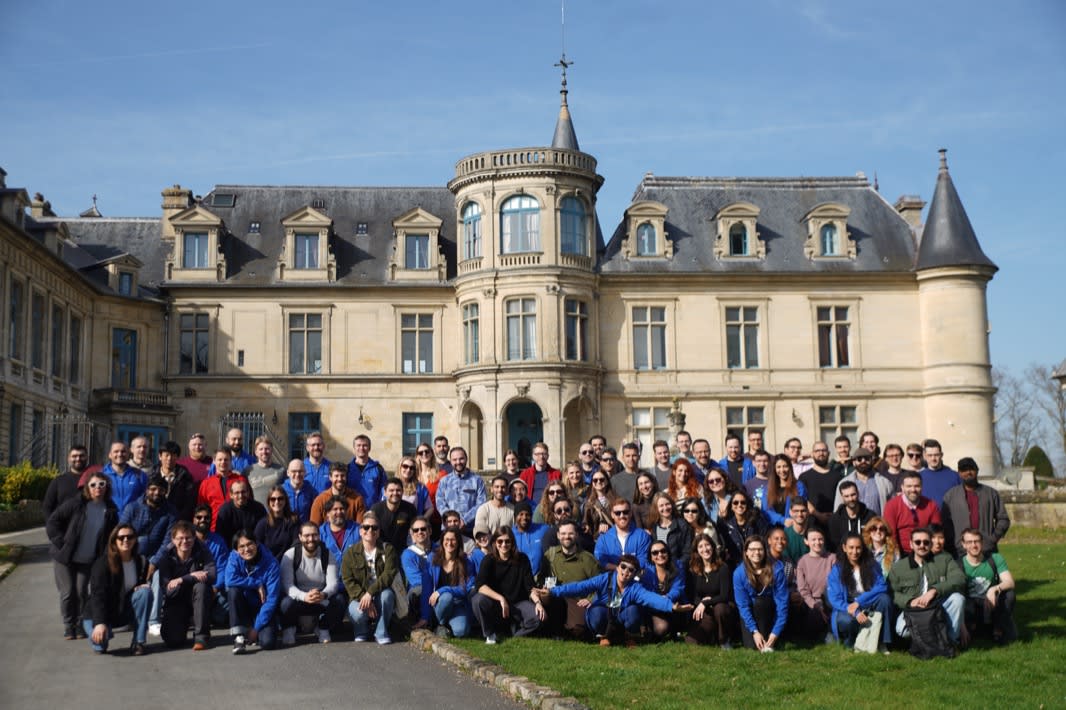
Learn more about TodoistHey, it’s us!