
Beeminder is a tool for dataheads to commit to progress towards goals. You specify any graphable goal and Beeminder plots your progress along a Yellow Brick Road and sends you reminders. If you don't keep your datapoints on track, Beeminder charges your credit card! It's highly motivating.
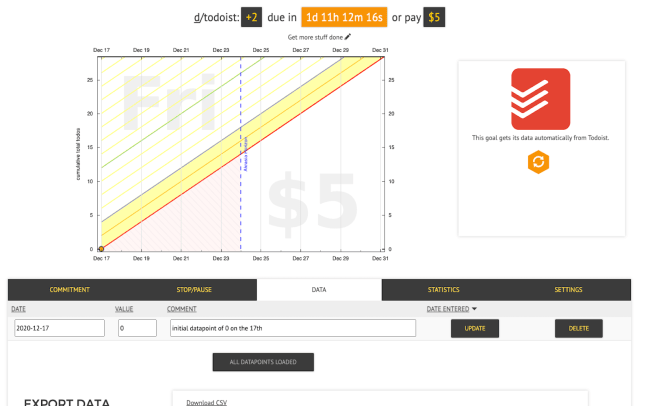
Beeminder's Todoist integration pulls data from any subset of Todoist projects or labels you specify. Beeminder graphs the number of completed tasks over time. You commit to completing a certain number per week. Adjust the rate as you go (with a one-week delay so as not to spoil the point of the commitment device) as well as the amount of money you have at stake.
Funkcje
-
Keep a list of books to read and beemind reading 1.5 per month on average.
-
Commit to making steady progress on a side project.
-
Ensure you keep checking things off in Todoist generally.

Nie możesz znaleźć integracji, której szukasz?
Połącz Todoist z tysiącami innych aplikacji za pośrednictwem naszych partnerów zajmujących się automatyzacją. Możesz też zapoznać się z naszym interfejsem API, aby zbudować własne rozszerzenia lub integracje.