
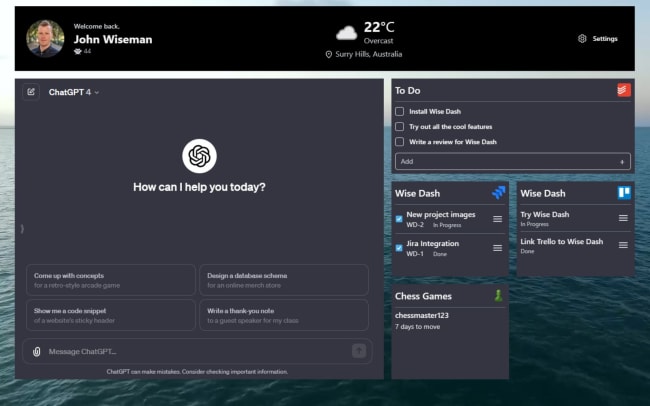
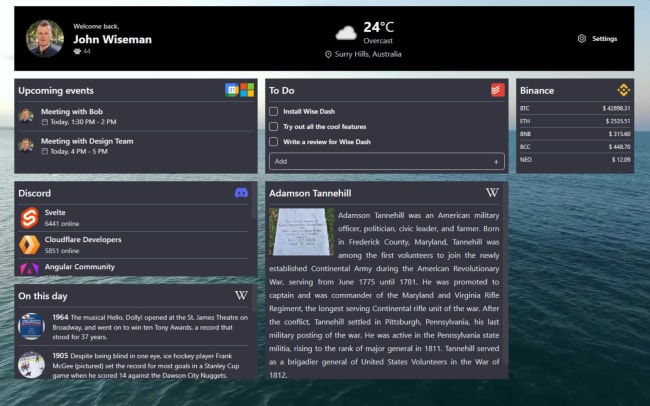
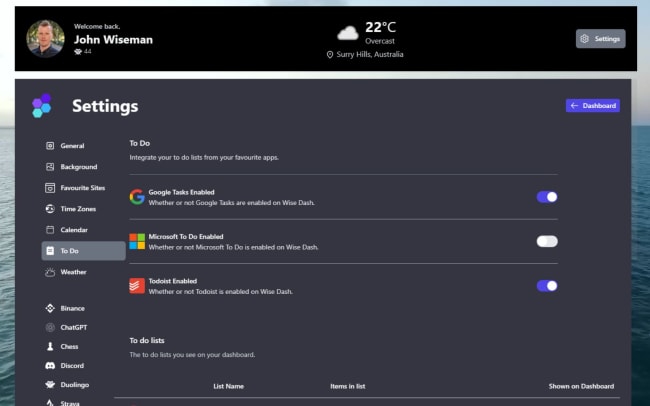
Wise Dash transforms the new tab page into a fully featured dashboard. Enhance efficiency and organization in one convenient interface by integrating your calendar events, to-do lists, fitness apps, and more. When you integrate Wise Dash with Todoist, you can easily view and manage your Todoist tasks straight from the Wise Dash dashboard. With all your favorite apps in one place, get a better overview of your day and get more done.
Funkcje
-
View all your essential data in one convenient customizable dashboard.
-
Access your Todoist projects and tasks on your new tab page.
-
Create new Todoist tasks from the Wise Dash dashboard.
-
Edit and complete existing Todoist tasks from the Wise Dash dashboard.
-
Keep on top of your busy life with a clear overview of all your favorite apps in one place.

Nie możesz znaleźć integracji, której szukasz?
Połącz Todoist z tysiącami innych aplikacji za pośrednictwem naszych partnerów zajmujących się automatyzacją. Możesz też zapoznać się z naszym interfejsem API, aby zbudować własne rozszerzenia lub integracje.