
How I Stopped Chasing Status Updates with Todoist and Claude
Every Friday, AI turns our launch threads and Todoist tasks into one dashboard and a weekly update. Here's my setup and the prompt to copy.
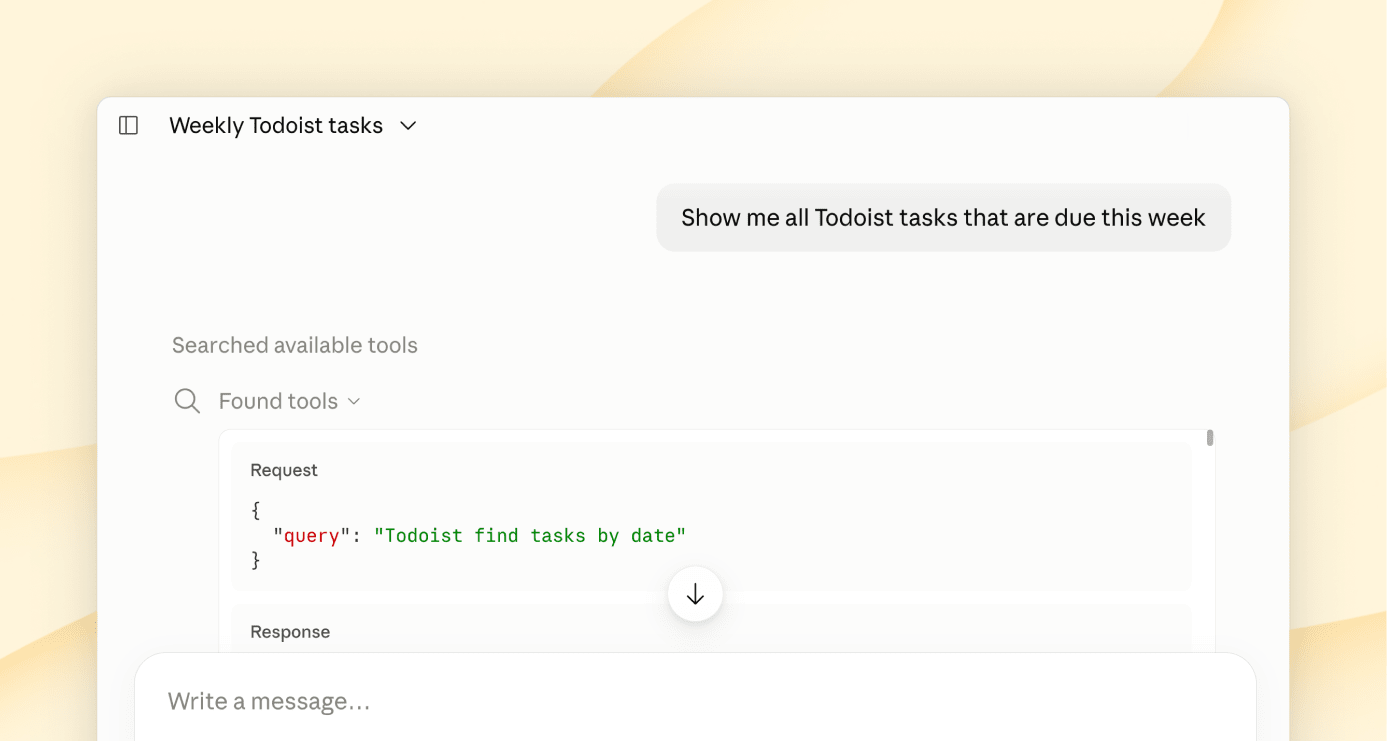
I lead product marketing at Todoist, where a single launch involves teams across the whole company. With AI, those teams ship something almost every day, and every small release adds up to one bigger launch. Keeping up used to mean reading a lot of threads and pinging every team for status each week. With the work spread across so many threads, it felt like no one was steering.
Most weeks ended with a dozen threads open and me trying to work out whether a decision we needed for Monday had been made, and who had made it. Usually the answer was another round of pings.
Now, every Friday morning, there's a fresh dashboard waiting: our open decisions and who owns them, each workstream's status, what's due next, and anything that needs someone this week. It saves me about 2 hours a week. The bigger difference is that the whole team now works from the same picture of where things stand.
How it works
Each team owner adds our launch label to their tasks in their own team's project.
Every Friday morning, the refresh starts on its own.
It reads the last 7 days of launch messages and each team's weekly update, then pulls every task with the launch label.
The dashboard shows the open decisions with their owners, each workstream's status in its team's own words, what's due in the next two weeks, and where we are against our targets.
Decisions past their date and tasks with no owner get flagged. When two sources disagree, the dashboard shows both.
It drafts a short weekly update. I cut it down by hand and post it in our launch thread.
Try it yourself
Copy this prompt into Claude or any AI tool connected to your Todoist, then fill in the parts in brackets.
Weekly launch dashboard
Highlighted parts like [launch name] are placeholders to replace with your own.
Make it yours
[launch name]: what you call the launch or project you’re tracking, like “the spring launch” or “our new website”.
@[launch label]: a Todoist label every owner adds to their launch tasks, in any project. One shared project works too.
[launch channel]: the channel or thread where your team posts launch updates. Connect your team chat to your AI tool so it can read them. If you can’t, it will ask you to paste them in.
Run it every week: I run mine every Friday morning with Todoist Automations, so the dashboard is ready before anyone asks. This works once your AI tool can read your team chat.
Later: add your launch targets, publish the dashboard as a shared page that refreshes each week, or save the prompt as a skill so anyone on the launch can refresh it.
Start with one week: run it on this week's launch tasks and check what it flags before you share it.
This is how I use it at work. Check what your AI creates before relying on it.
Alicia Carney