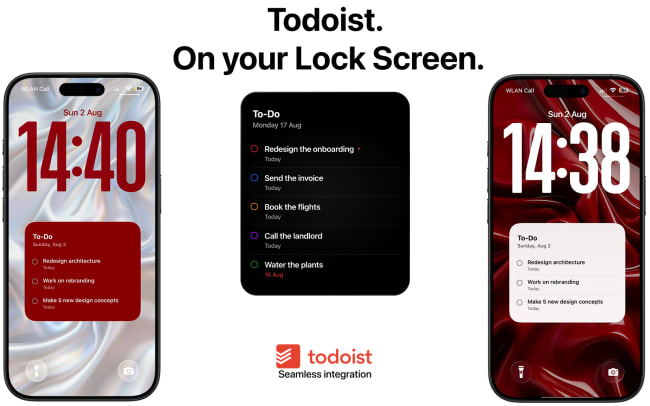
It’s easy to forget tasks when they live inside an app you have to open. Calendarly brings your Todoist tasks to your iPhone Lock Screen, together with your calendar, reminders, notes and other things you want to see during the day.
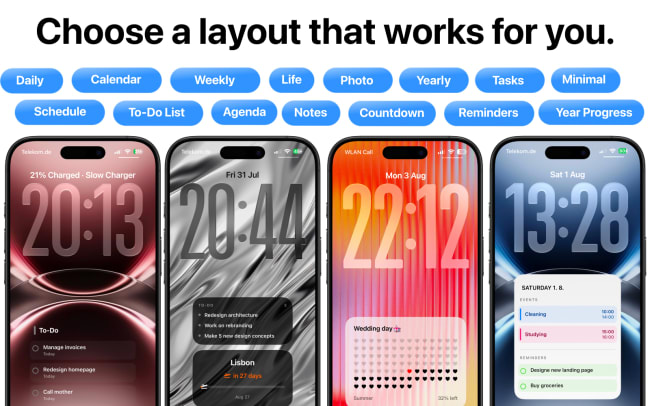
Connect Todoist in Calendarly, choose a layout, and select which tasks you want to show. Calendarly then creates a Lock Screen wallpaper with your Todoist tasks and updates it automatically every day using Shortcuts, so your current tasks are always visible without unlocking your phone.
功能
-
See today’s Todoist tasks every time you pick up your phone, without opening an app.
-
Keep work or study tasks visible throughout the day so they’re harder to forget.
-
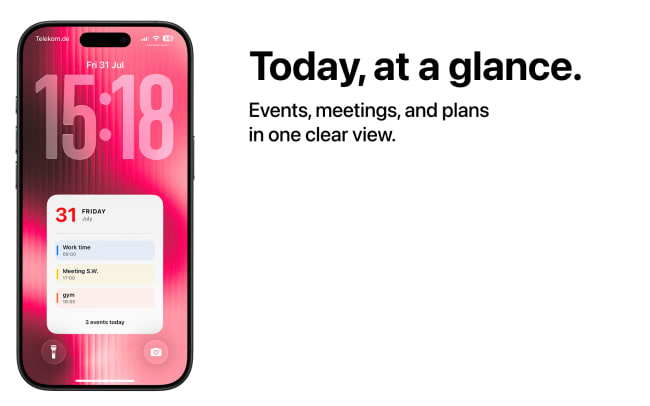
See Todoist tasks together with calendar events and reminders in one daily overview.
-
Start each morning with an automatically updated Lock Screen showing what’s planned for the day.
-
Keep important upcoming tasks visible on your Lock Screen instead of relying on notifications.

Can’t find the integration you’re looking for?
Integrate with thousands of other apps via our automation partners. Or, explore our API to build your own extensions or integrations.