Personalize the look and feel of Todoist by choosing the color theme that best suits you. Pick one of the several Free and Pro options:
| Free themes | Pro themes |
|---|---|
| Todoist | Kale |
| Dark | Blueberry |
| Moonstone | Lavender |
| Tangerine | Raspberry |
Select your color theme
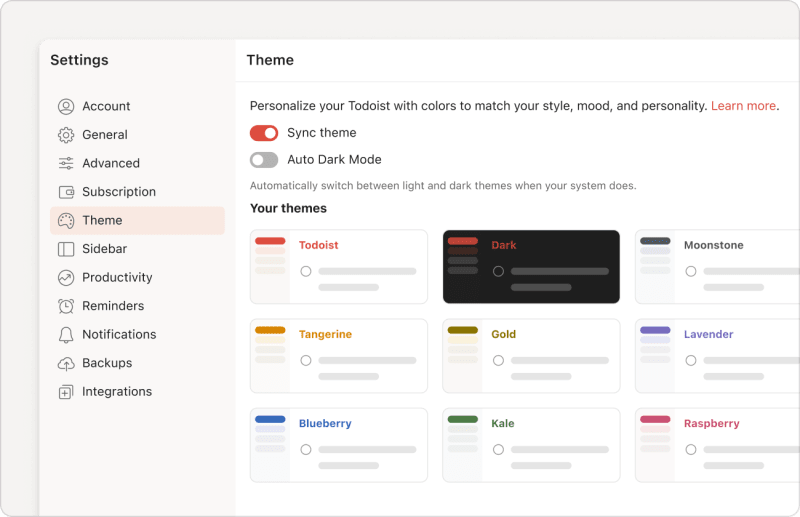
- Click your avatar at the top-left.
- Select Settings.
- Select Theme.
- Select your preferred color theme.
- Toggle the Sync Theme option OFF to use different themes across your devices, or ON to use the selected theme on all your devices.
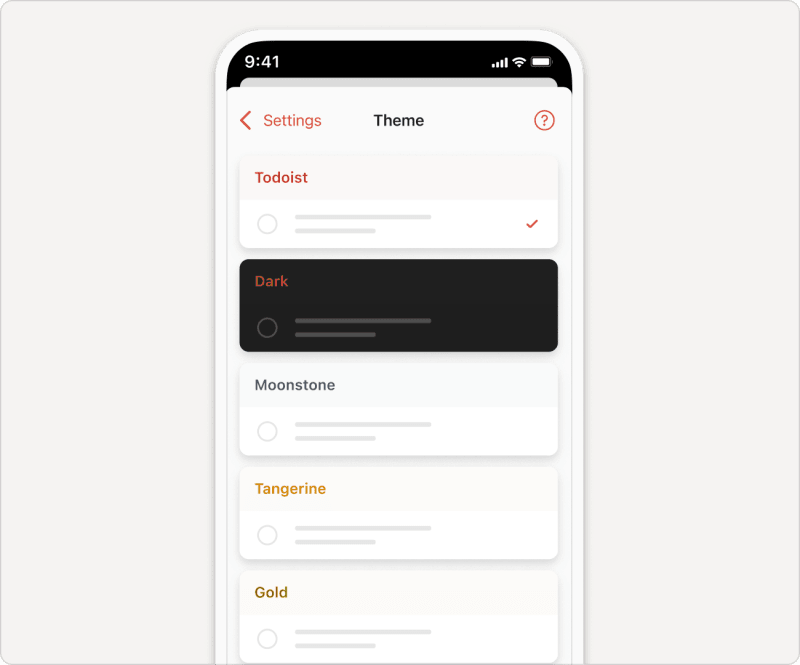
- Tap Browse in the bottom-right.
- Tap the gear icon in the top-right.
- Select the theme you’d like to use.
- Toggle the Sync Theme option OFF to use different themes across your devices, or ON to use the selected theme on all your devices.
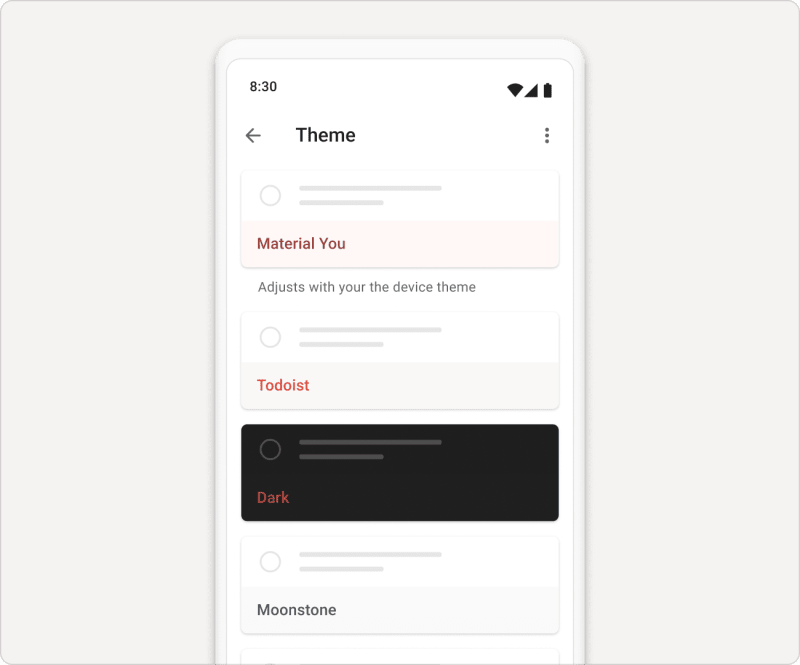
- Tap on Browse in the bottom-right.
- Tap the gear icon in the top-right.
- Select Theme.
- Select the theme you’d like to use.
- Toggle the Sync Theme option OFF to use different themes across your devices, or ON to use the selected theme on all your devices.
Quick tip
Once you reach Karma Enlightenment, you'll unlock a new mystery theme ✨ for your account.
Use Dark Mode in Todoist
If you prefer to work in Dark mode, open the Theme tab and select the Dark theme. If you want Todoist to automatically switch to Dark whenever your device uses Dark mode on the system level, toggle the Auto Dark Mode option on or off.
Get in touch
If you run into any trouble changing or syncing color themes in Todoist, get in touch with us.