Hızlı ipucu
Stop typing. Start capturing.
There’s more than one way to get a task into Todoist.
Because tasks have more than one way of finding you: in those precious seconds between back-to-back meetings, halfway around the dog walk, or in your inbox that refills before you’ve finished celebrating inbox zero.
Here are four routines worth building.
End every meeting with the follow-ups already in Todoist
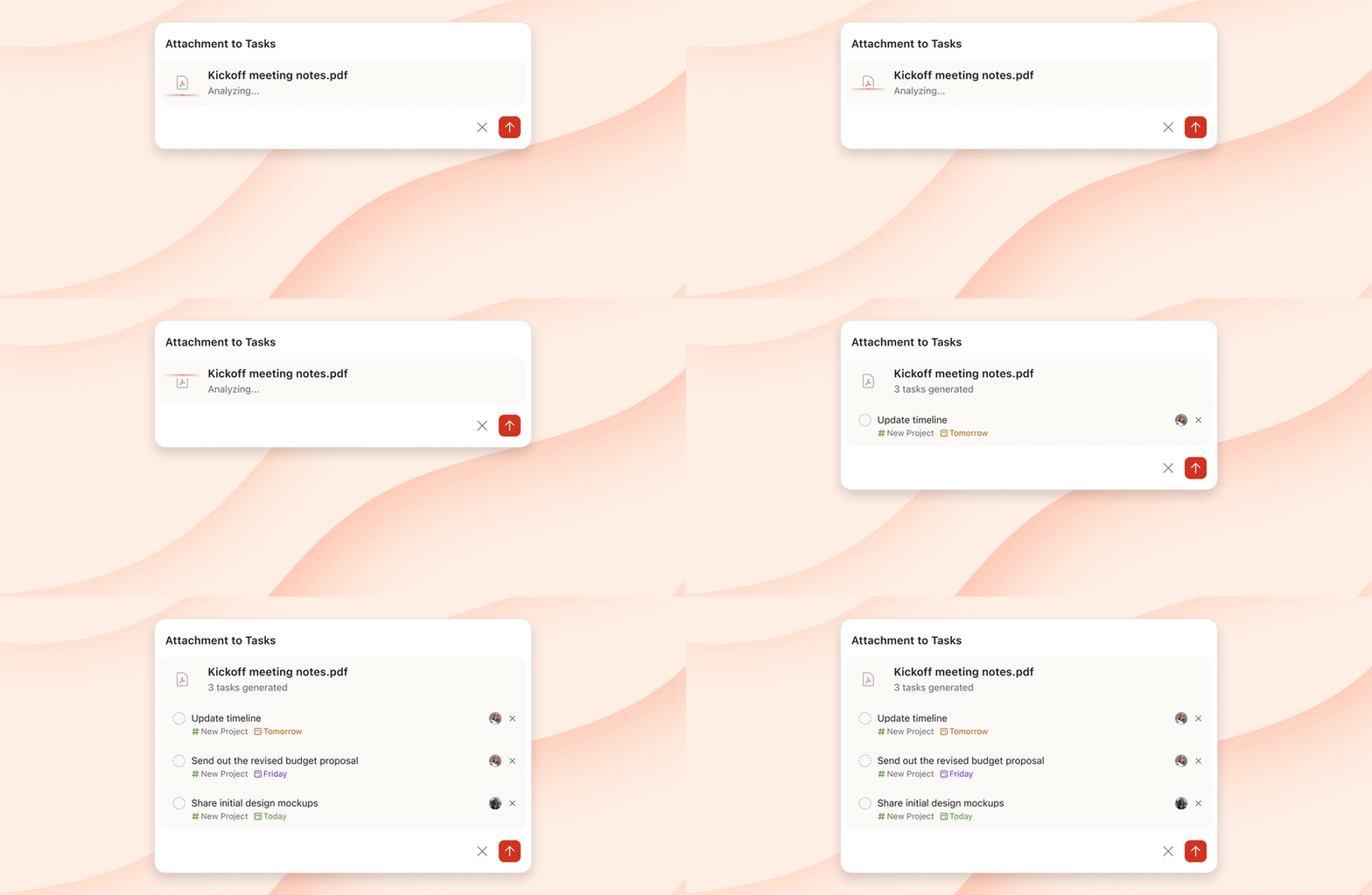
Sooner or later, the notes from the kickoff meeting have to become an actual task list. Instead of painstakingly writing it all up by hand, drop the document, or a screenshot of it, into Todoist and watch the tasks write themselves.
Make it the last step of every meeting, and the follow-ups no longer depend on anyone’s memory.
Catch it before you’re back at your desk
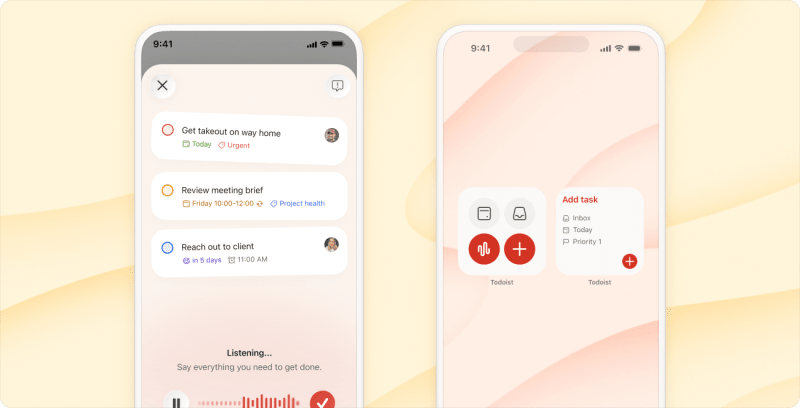
Your phone is already in your pocket. Put a Todoist widget on your lock/home screen (Android or iPhone), and capture is one tap away.
And when typing gets in the way – in the car between stops, walking from one meeting to the next – talk to Ramble. Rattle off your to-dos, and it turns what you say into tasks, with any date, priority, or project you mention.
Congrats, no catch-up admin needed when you’re finally back at your desk. A celebratory spin in your chair is optional but encouraged.
Let your inbox feed the list
The to-dos hiding in your inbox don’t have to stay there.
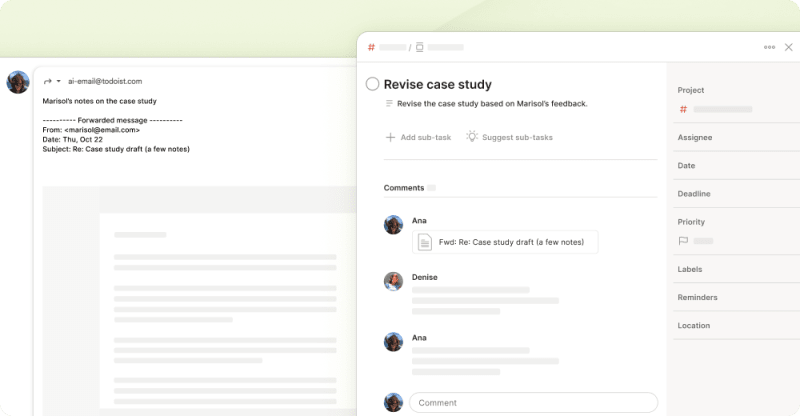
Forward the email to Todoist, and it becomes a task, with the email and any attachments in the comments.
If you’re on a paid plan, you can have Todoist automatically pick out the date and time, add a description, and rewrite the task name into something clear and actionable.
Your inbox will refill regardless. At least now it won’t be doubling as your to-do list.
Hand the morning sweep to your AI tools
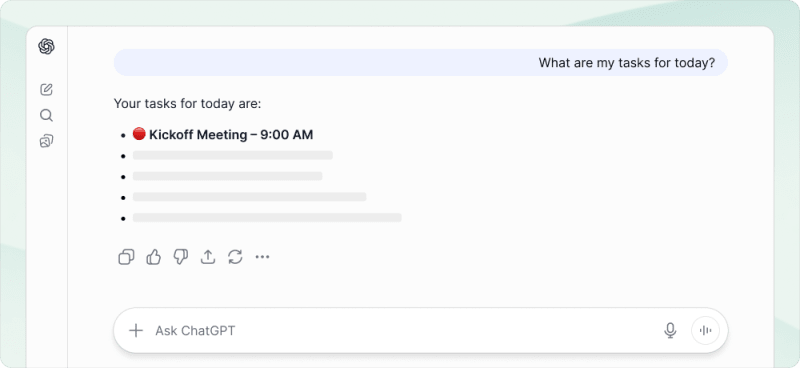
Claude, ChatGPT, or anything running on our MCP server can add tasks on your behalf. Ask your AI assistant of choice to sweep your meeting notes and inbox for action items each morning, so they’re waiting in Todoist when you sit down.
Keep tasks and conversations together
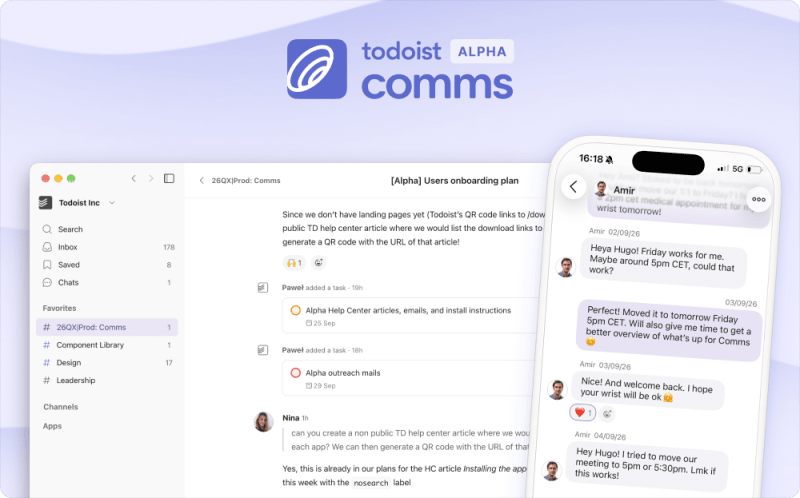

Whatever method you choose to get a task into Todoist, the conversation around it usually lives somewhere else – like a team chat – and you need to do the work to keep them connected.
We’ve been building something new to keep them together: Todoist Comms, a team communication tool that’s deeply integrated with Todoist. Add a task straight from a message, keep it linked to the conversation it came from, and complete or reassign it without leaving the chat. Now you can discuss the work and track the work in the same place.
Our team has been happily running on Comms since May, and we’re now opening it up to you for early feedback. It works with your existing Todoist account, so no additional account creation is needed. If you’d like to be in the early testing group, get your team on the waitlist →
Work will keep arriving whenever and wherever it likes. Take a little time to build some solid routines, and you’ll find Todoist starts to take some of that load off your shoulders.