簡單、強大和一點點魔法 (1)

有了後台運行的智功能,Todoist Assist可以將您的零散任務變成切實可行的計劃。

簡單、強大和一點點魔法 (1)

有了後台運行的智功能,Todoist Assist可以將您的零散任務變成切實可行的計劃。

準備好了讓Todoist Assist處理一些您的任務了嗎?分享您的想法

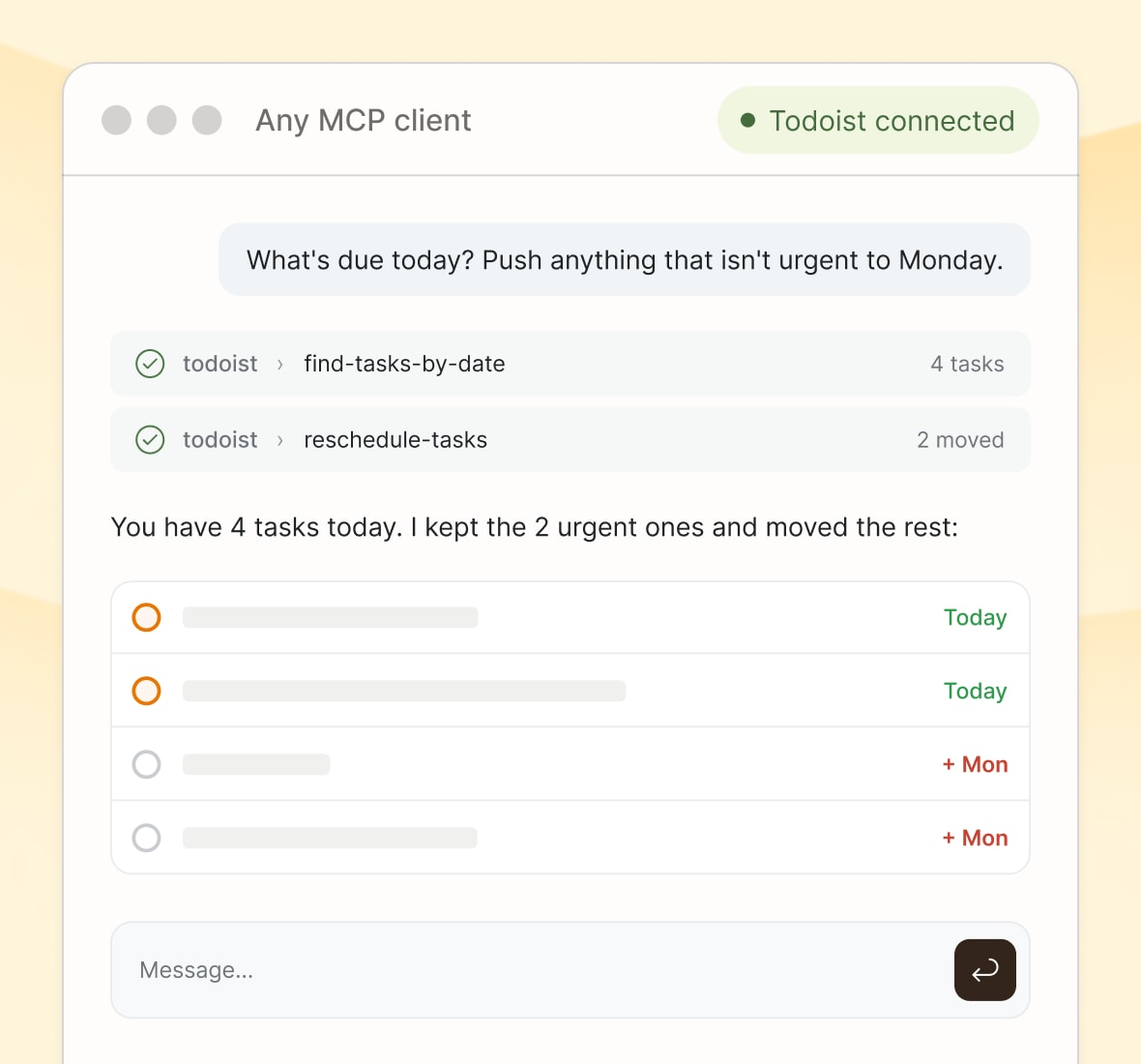
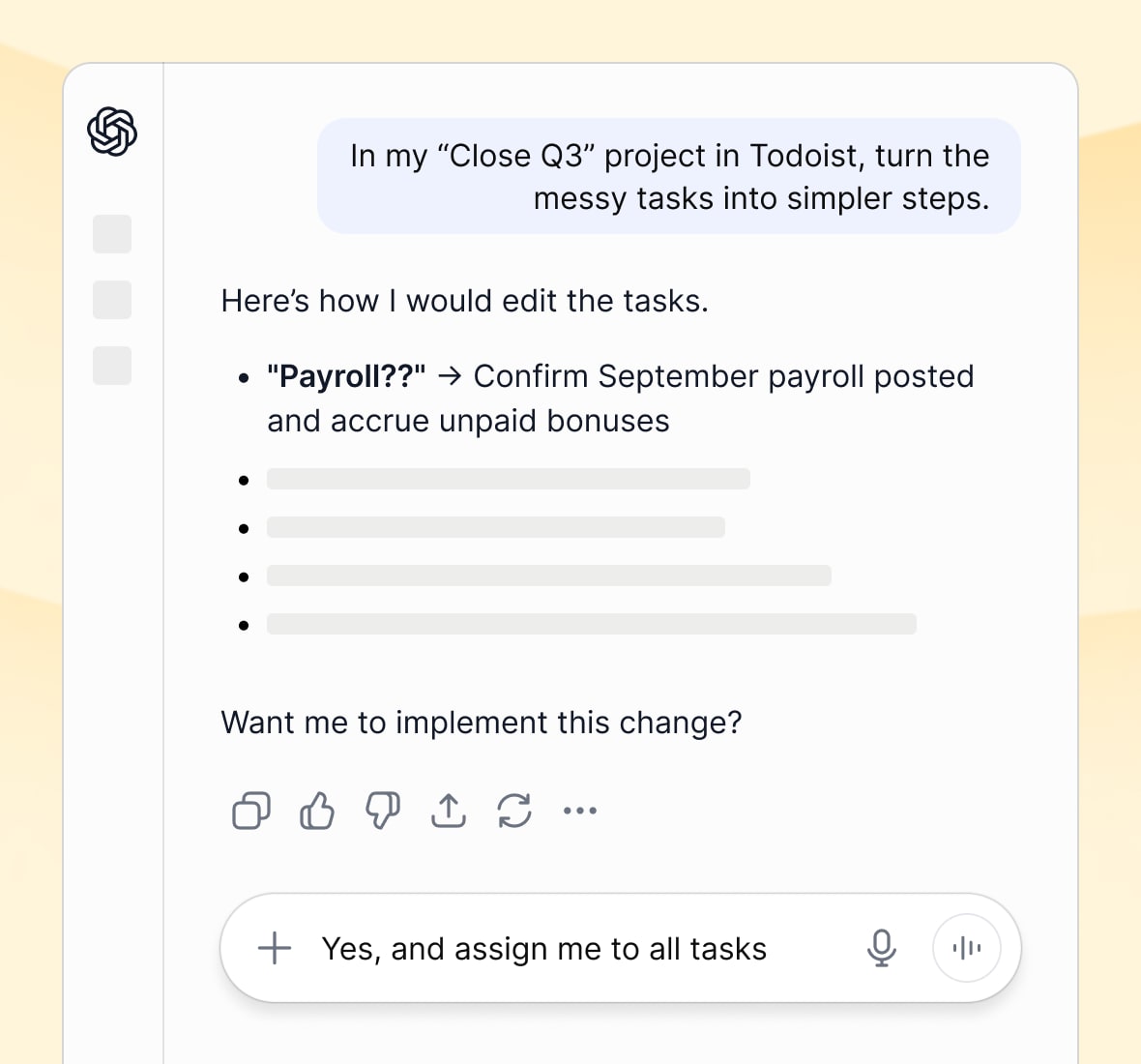
Bring Todoist into any AI conversation

Connect your assistant of choice, and Todoist works right alongside it. No copy-pasting or app-switching required.
Claude
ChatGPT

Keep the work in Todoist, whichever agent you use

Let your favorite agent read and manage your tasks, while Todoist stays where the work lives.

“Todoist’s MCP is a huge unlock for all of us because it allows us to streamline the way that our information is categorized, regardless of what tool we’re using.”
Grant Fuellenbach

Grant Fuellenbach

Founder, GO First Consulting

MCP client
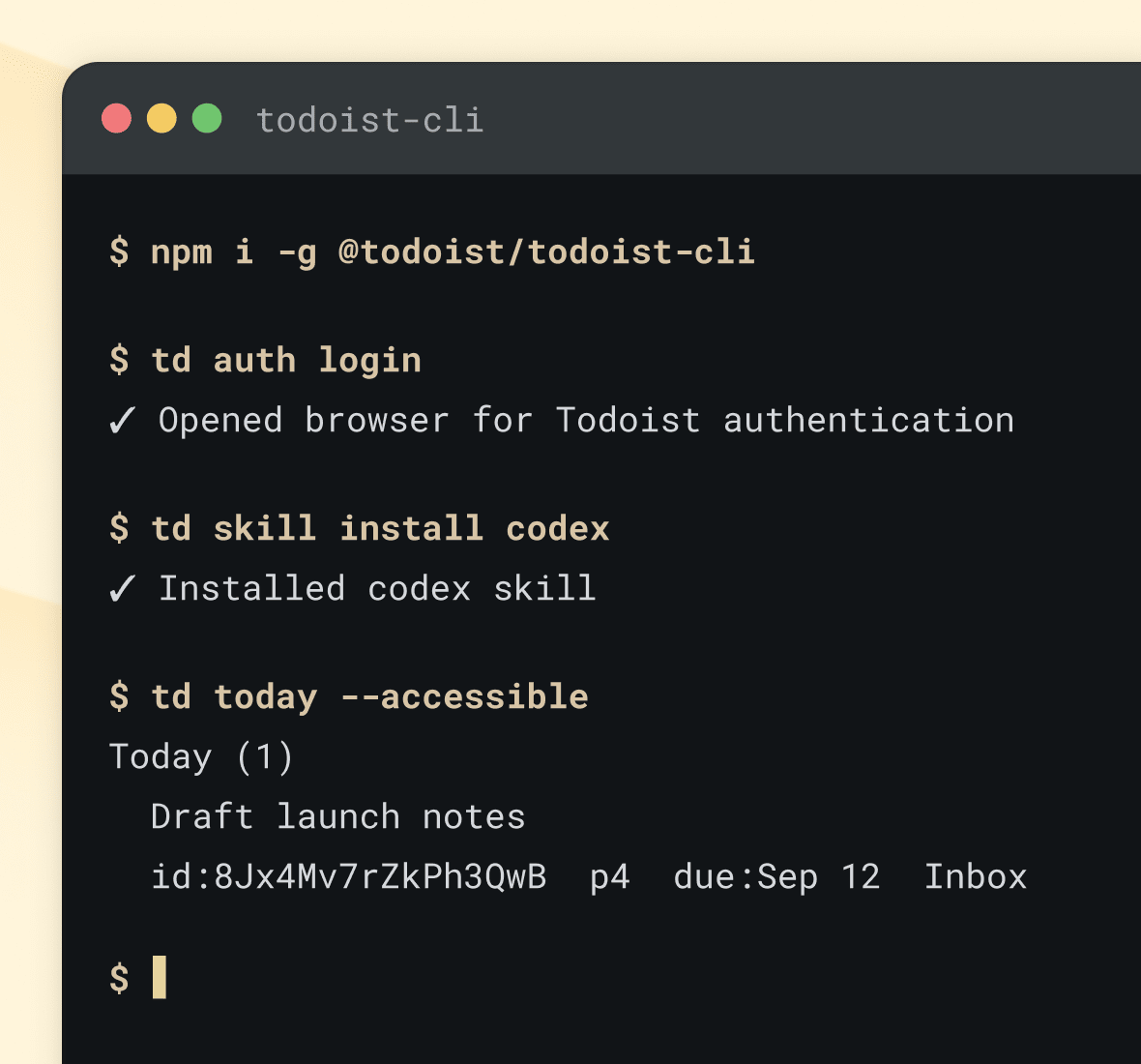
Command Line
API

Automate exactly what you need

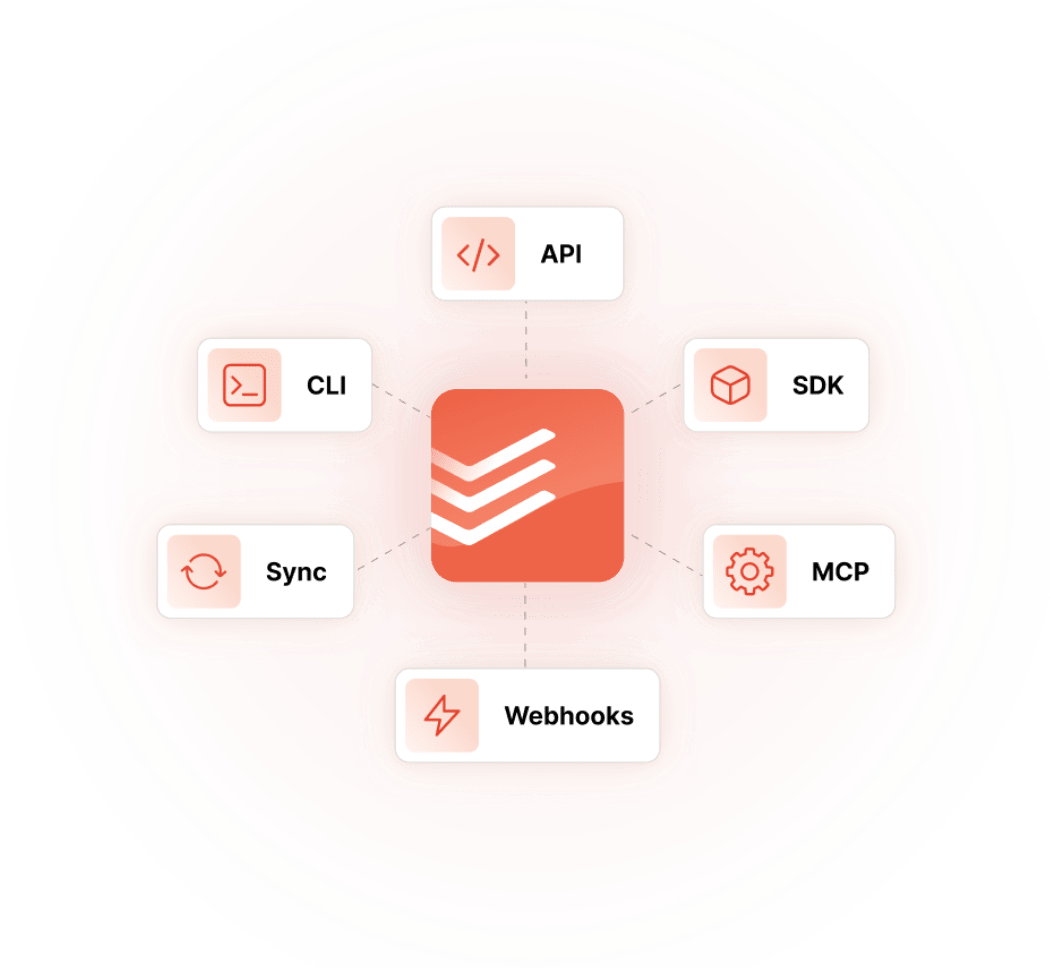
Read and write every task, project, and comment straight from your own code. Use our API to build your own integrations, keep data in sync in real time with webhooks, or create your dream customizations.

Less setting things up, more getting things done

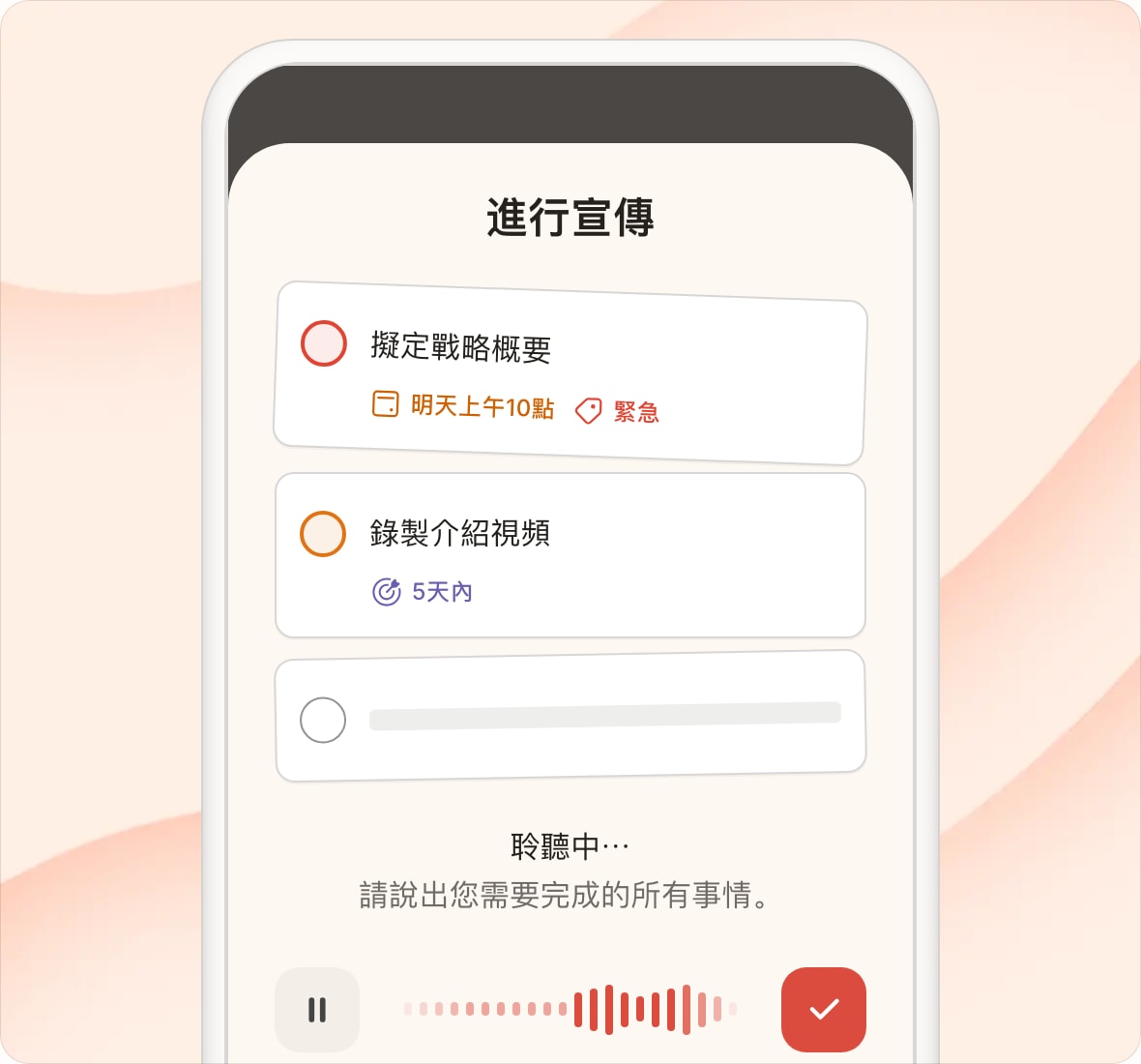
Capture tasks from anything, anywhere

No matter where an idea comes from, Todoist turns it into something you can act on.

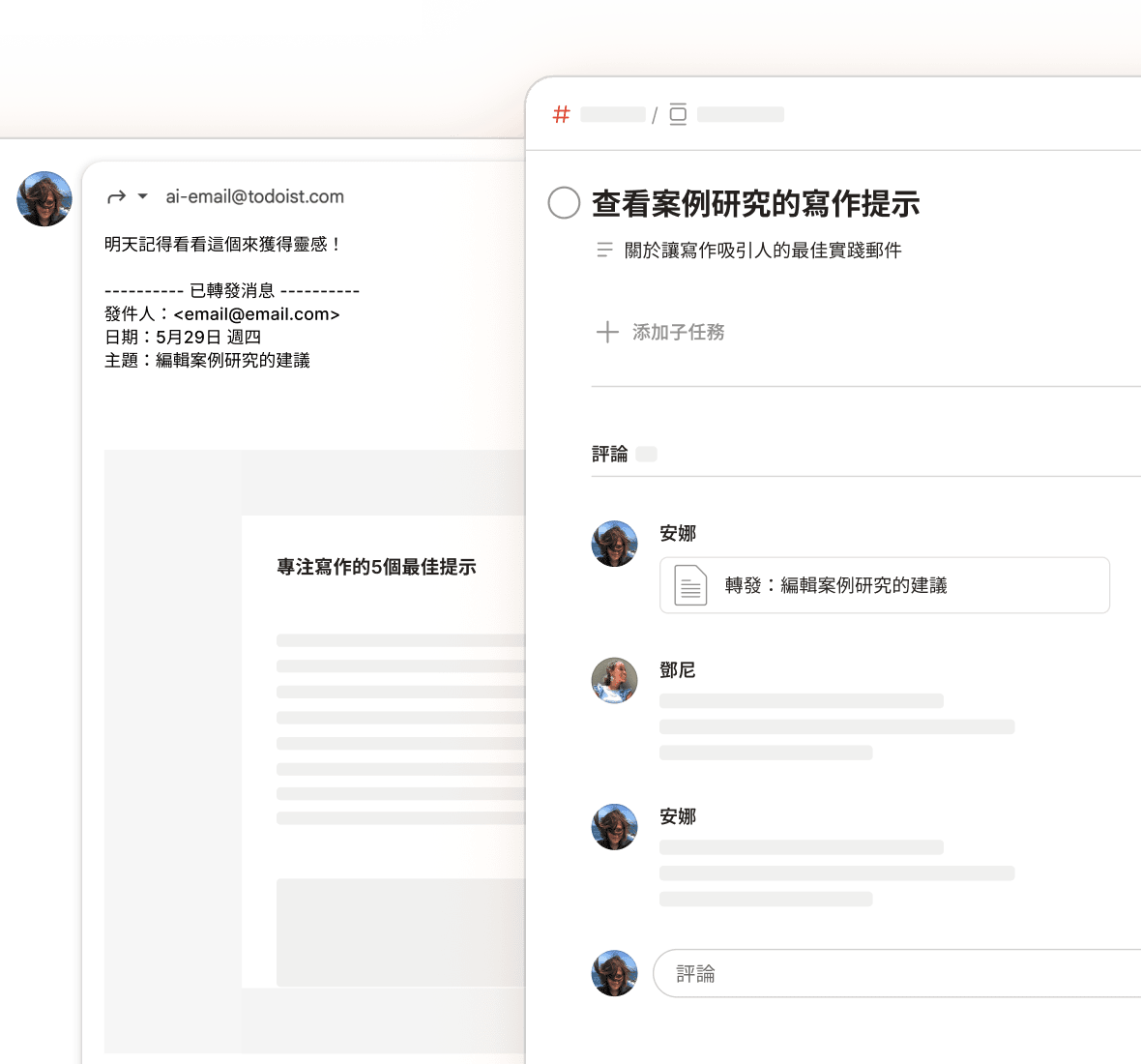
「Email Assist可以從一封官僚的政府郵件中獲取實際可行的內容以及相關的資訊。這就是在產品中使用AI的正確方式。👌」
Clemens A.

Clemens A.

創始人&主要軟件開發人員

Task Capture - Photo
Task Capture - Text
todoist-assist-email-assist

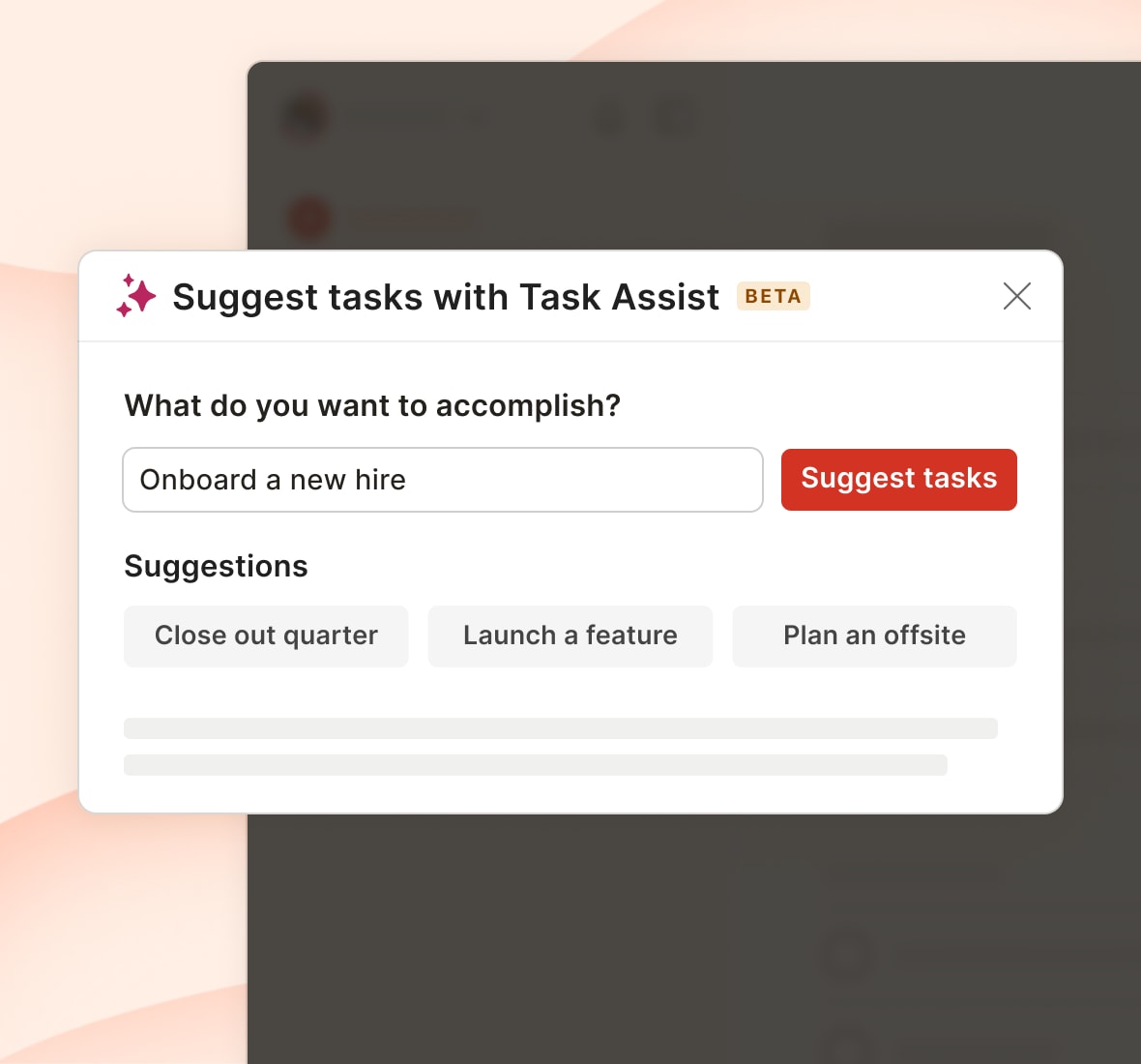
Turn ‘I don’t know where to start’ into a plan

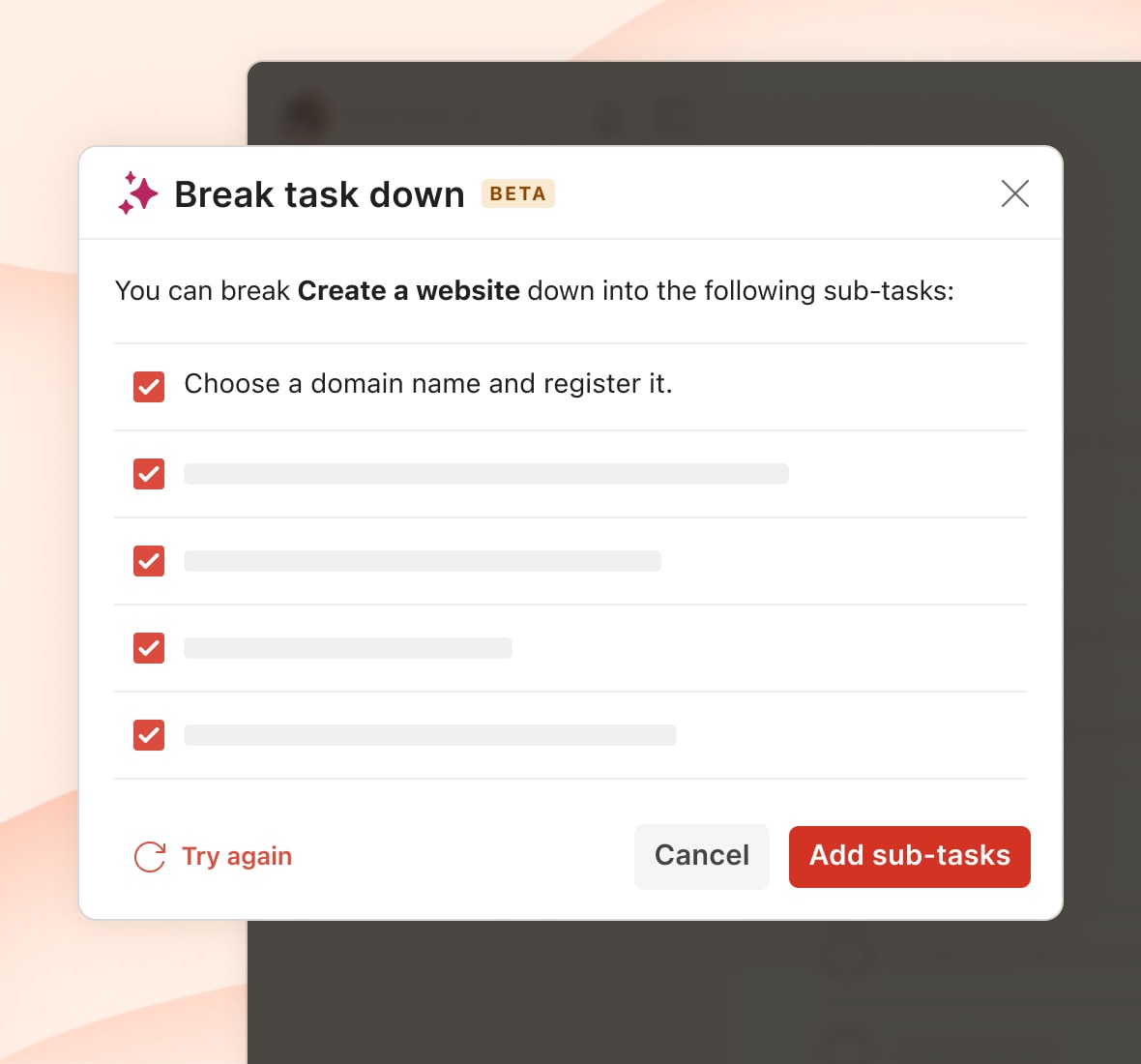
Task Assist turns a fuzzy goal or an overwhelming task into a clear next step, so you’re never stuck wondering where to start.
Task Assist
Task breakdown
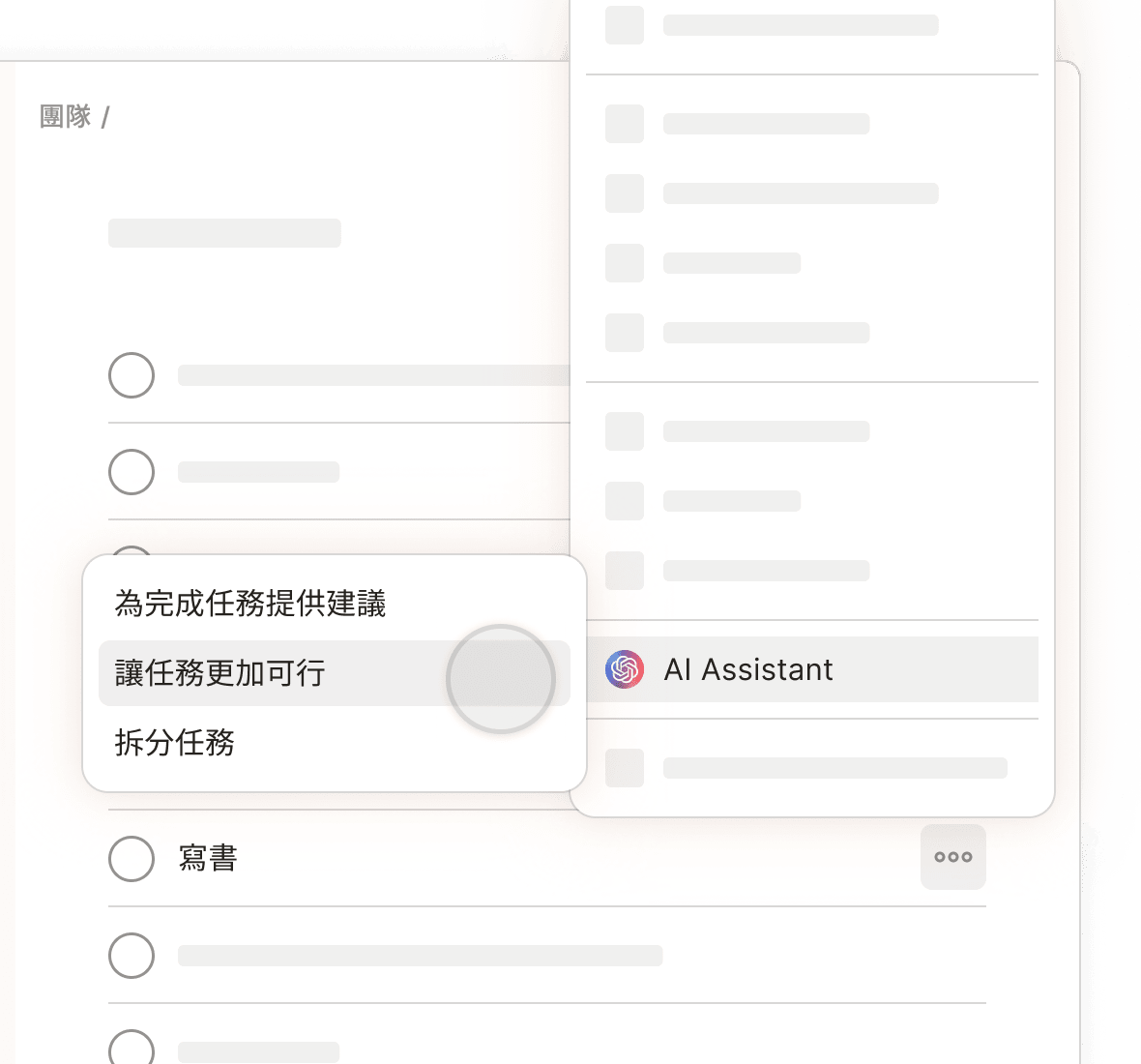
Select Task Assist from a task's context menu to get help accomplishing your tasks.
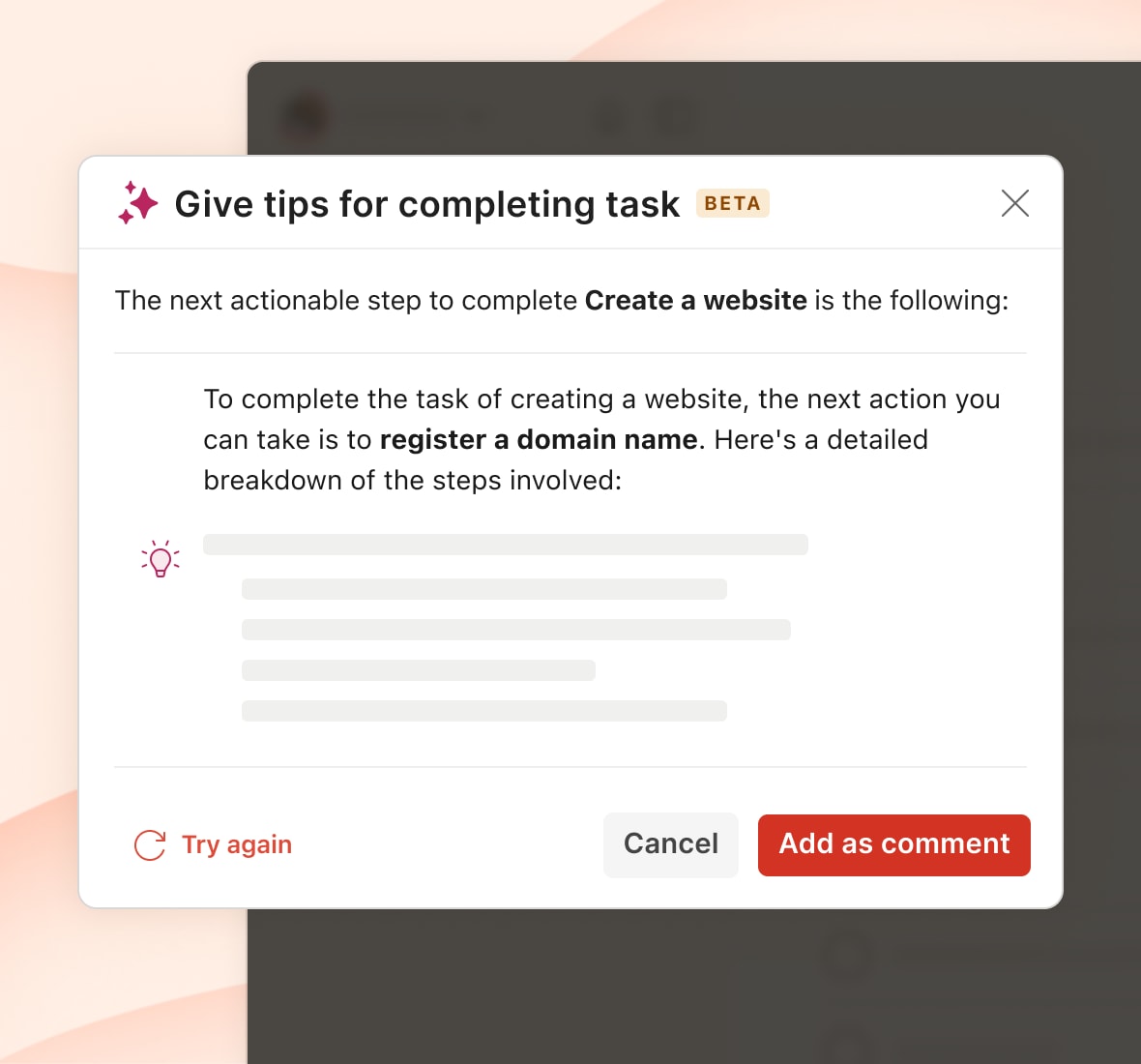
Give tips for completing task

See only what matters, right now

Narrow your focus whenever you like. Filter your tasks to see only the things you care about in that moment, place, or context.

todoist-assist-add-filter
Developer-hub

我們在Todoist中完善的AI方案 (2)

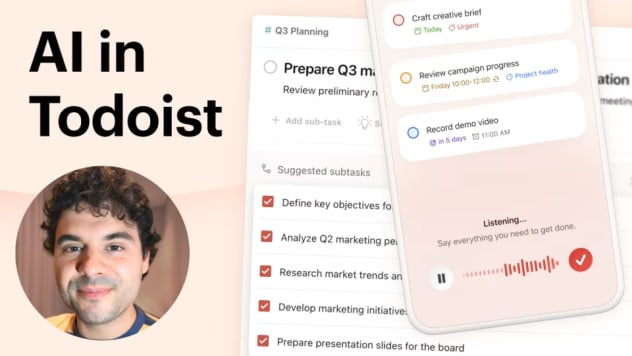
跟隨我們的CTO,Gonçalo,一起瞭解AI與Todoist深度結合的理念和架構。

想要自動化任務?分享您的想法

Your entire stack, wired in

Connect to the tools your team already uses. So the work you create everywhere else still ends up in one place.

谷歌日曆標識

谷歌日曆(全新)

使用Google日曆事件和Todoist任務來集中計劃您的時間,毫不費力。

Microsoft Teams logo

Microsoft Teams

Stay connected and organized so you can accomplish more together.

Slack logo

Slack

Where communication and collaboration come together.

Zap Logo 250

Zapier

Zapier automatically moves info between Todoist and the other apps you use.

Microsoft-Outlook-icon

Outlook郵箱

直接從Outlook中添加任務並管理待辦事項。

Trello logo

Trello Power-Up

Work more collaboratively and get more done.

查看全部關聯應用

我們在Todoist中完善的AI方案 (1)

跟隨我們的CTO,Gonçalo,一起瞭解AI與Todoist深度結合的理念和架構。

想要自動化任務?分享您的想法

隱私設計,默認安全

Todoist的AI方案會將您的隱私放在第一位,確保您享受高效體驗的同時保障您的數據安全。

一個的安全環境

您的數據始終在安全的環境中受到保護。Doist會在基礎設施上運行所有的AI功能,旨在保護您的資訊安全和隱私免於受到第三方的侵害。絕不會允許您的數據遭到竊取、監視或者被用於訓練。

強目標,高品位

隱私源於一個清晰的目標。我們的目標是在我們開發的內容中為您提供清晰且切實的利益。沒有噱頭,沒有行業黑話。只是支持您和您效率的隱私理念和實用功能。

您掌控一切

目前,Todoist Assist功能是完全可選的,給予您自由選擇如何使用這些智能功能支持您工作流程的權利。

使用Todoist Assist體驗理性清晰的魔法

瞭解更多關於Todoist Assist的詳細內容

Todoist Assist是我們正在成長的AI驅動的功能組,用於在後台運行來加強您的Todoist體驗。

是的,您的隱私和安全是我們的最高優先級。我們會在安全的基礎建設上運行Todoist的AI功能,以便確保您的數據在我們的環境中受到保護。另外,我們僅會與遵守嚴格數據處理規範的供應商合作,並且他們明確承諾經過他們服務處理的數據不會用於訓練模型。

請查看我們Todoist Assist的幫助中心文章來獲取更多資訊。如果您有更多問題,您可以在那裡聯絡我們的客戶服務團隊。

部分基礎的Todoist Assist功能,比如Filter Assist,將面向所有用戶,而進階功能僅面向我們的付費方案。請查看我們的價格頁面來獲取最新資訊。

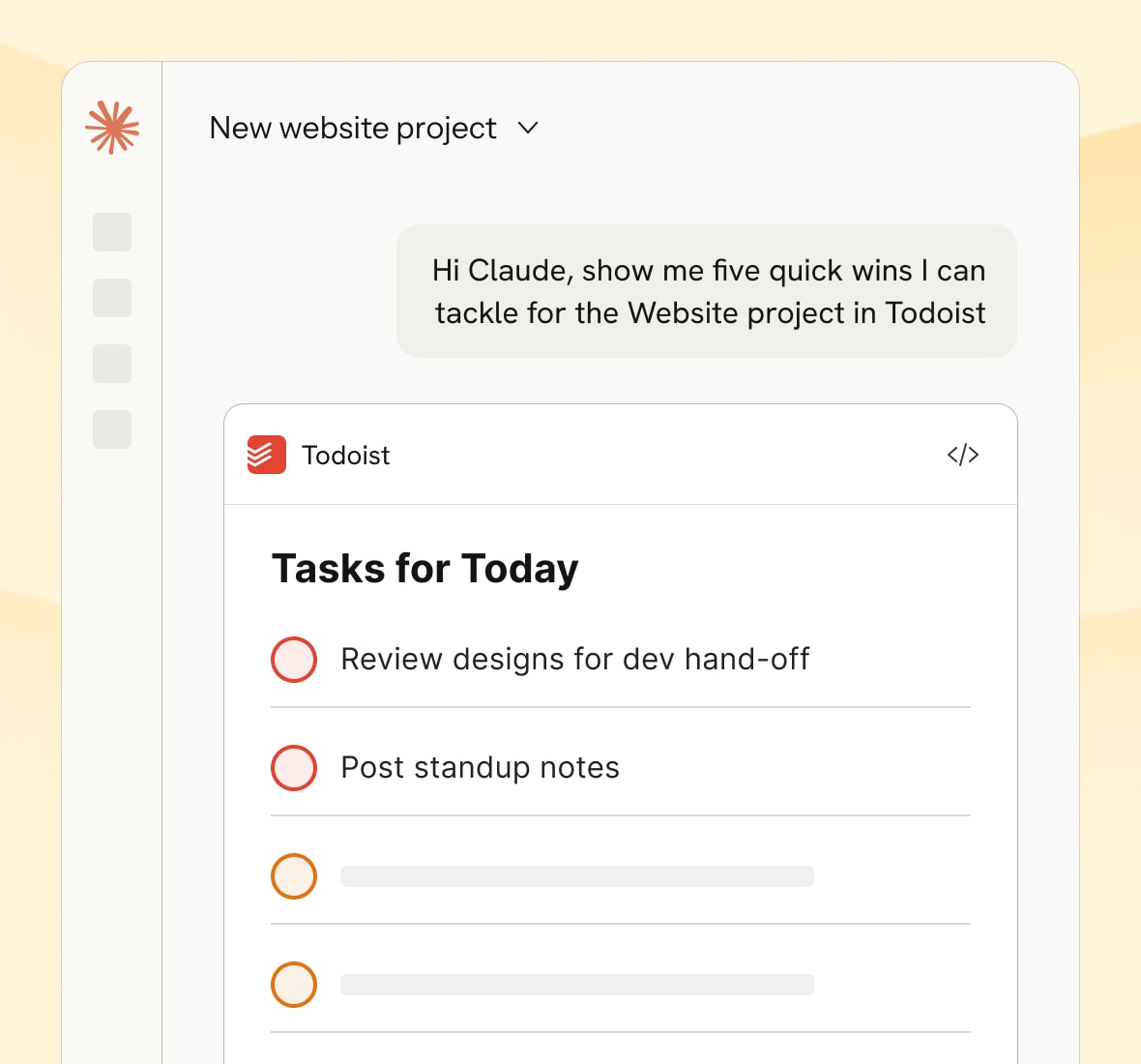
Yes. Todoist has official connectors for both Claude and ChatGPT, so you can create, update, and check in on tasks directly from a conversation with either assistant – no extra setup beyond adding the connector.

Yes, through Todoist’s official MCP server. Any MCP-compatible client – including Gemini, Codex, Cursor, and others – can connect and get direct, structured access to your tasks and projects, authorized with OAuth.

Yes. Todoist’s API can be found on our developer platform alongside everything you need to build custom automations, integrations, or internal tools – like official SDKs, our CLI, and our MCP server.

Yes. Todoist’s official td command line lets you manage tasks straight from the terminal. Head to https://www.todoist.com/cli for more information.

目前,您可以開啓或者關閉由Todoist Assist驅動的唯一功能是Email Assist。其他所有的功能都是可選的,您可以選擇使用或者完全忽略它們。