
Zendesk makes support, sales, and customer engagement software that keeps customers and support staff happy. That’s because it’s swift to implement, easy to use, and is a great fit for companies of any size.
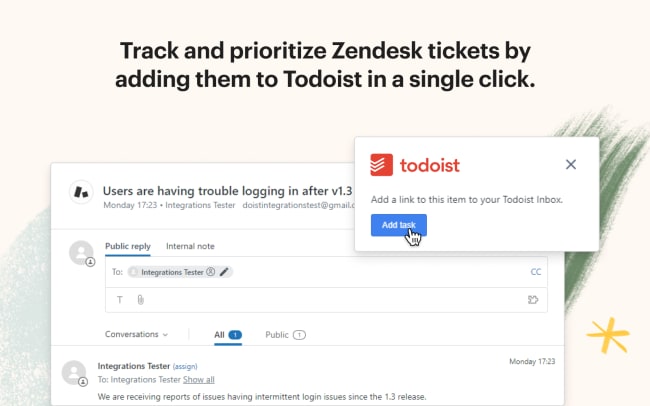
When you connect Todoist with Zendesk, you’ll be able to create calm out of chaos by seamlessly tracking your tickets. This integration lets you create Todoist tasks from Zendesk in a single click. And once it’s time to tick it off in Todoist, you can head right back to Zendesk by clicking the auto-linked task name.
功能
-
Track, prioritize, and resolve each of your Zendesk tickets by creating Todoist tasks in a single click.
-
Need to get back to Zendesk? Just click the link that is auto-added to the name of your Todoist task. Done!
-
Solve tricky Zendesk tickets by collaborating on tasks with teammates in Todoist.

Can’t find the integration you’re looking for?
Integrate with thousands of other apps via our automation partners. Or, explore our API to build your own extensions or integrations.