
Todoist vs Microsoft To Do: Daily Reset or Sustained Momentum?
Todoist vs Microsoft To Do: compare daily resets vs sustained momentum, and see why Todoist wins for individuals and teams focused on ongoing work.
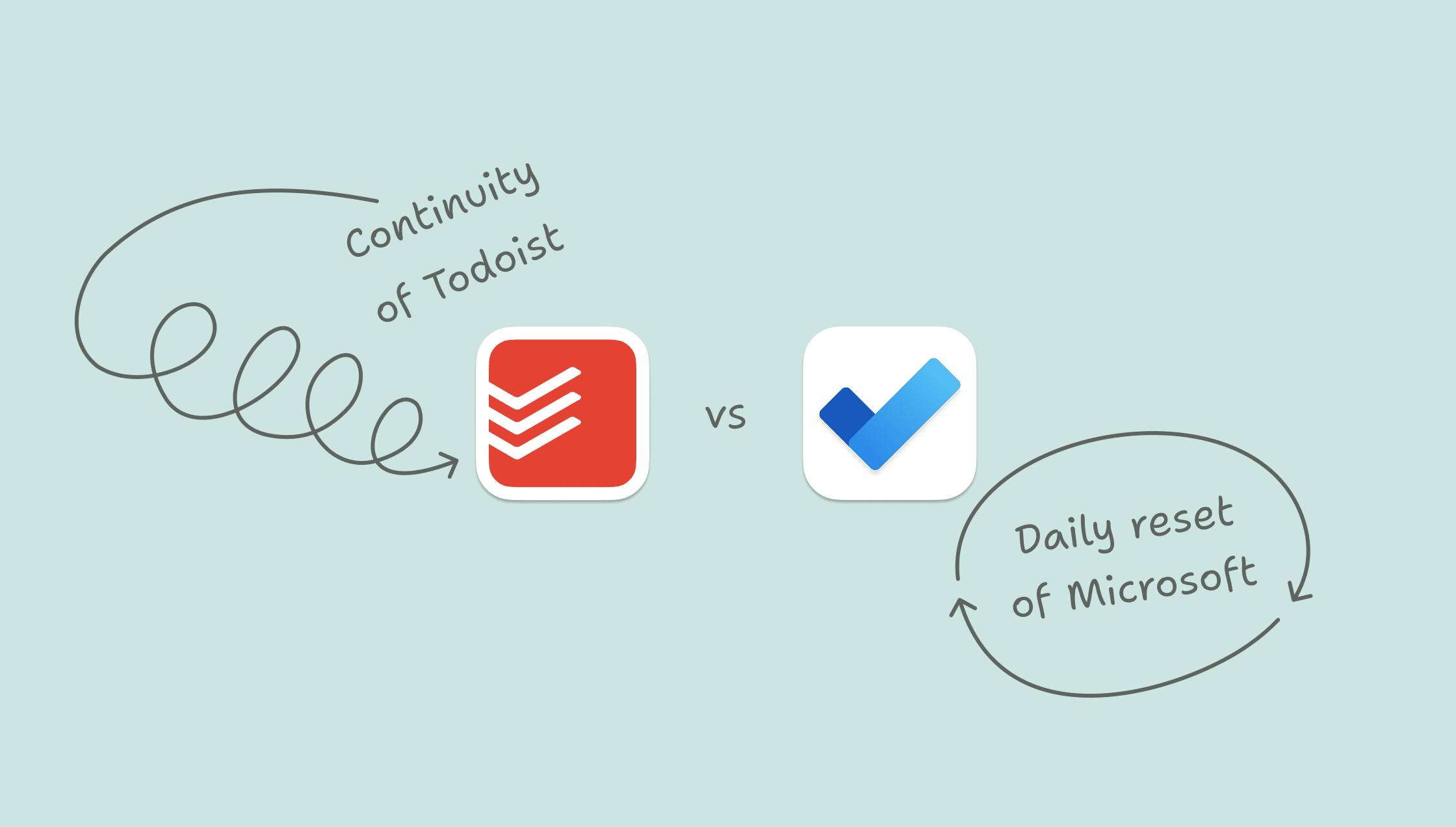
Microsoft To Do was built around a simple idea: Focus on today.
Open the app, review your list, choose what goes into My Day, and start fresh tomorrow. It integrates tightly with Outlook, pulls in flagged emails, and fits neatly inside Microsoft 365.
For many people, that works.
But productivity does not always happen in tidy daily cycles.
Deadlines stretch across weeks. Projects span months. Work and personal responsibilities overlap. Momentum builds or breaks over time, not just within a single day.
That is where Todoist takes a different approach.
Microsoft To Do was designed for daily task hygiene inside Microsoft’s ecosystem.
Todoist is built for a true blend of work and life that doesn’t always fit neatly into today.
At a glance: Todoist vs Microsoft To Do
Category | Todoist | Microsoft To Do |
|---|---|---|
Core focus | Task and project management across work and life | Personal task manager within Microsoft 365 |
Planning philosophy | Ongoing visibility across today, recurring tasks, and what’s ahead | Daily focus with My Day |
Organization | Projects, sections, sub-tasks, labels, filters, priorities | Lists, subtasks, and importance flag |
Collaboration | Shared projects, task assignment, comments, and team workspaces | Shared lists (basic collaboration) |
Ecosystem | Works across Microsoft, Apple, Google, Slack, and other tools | Integrated with Outlook and Microsoft 365 only |
Platforms | iOS, Android, Windows, macOS, web, browser extensions, wearables | iOS, Android, Windows, macOS, web |
Price | Free plan. Paid Pro and Business plans | Free with Microsoft account |
Microsoft To Do: Designed for the day
Microsoft To Do revolved around My Day. Each morning, you decided what to focus on, picked a few tasks, and started fresh.
That rhythm kept things simple. It narrowed your focus and made the day feel manageable. It also worked well with Outlook. Flagged emails showed up as tasks. Useful if most of your work started in your inbox.
For straightforward reactive task tracking inside Microsoft 365, it was clean and easy.
But it relied on you to keep things moving.
If you didn't pull tasks forward, they sat in the background. If you didn't revisit your lists, things got missed. You managed today, and then started again tomorrow.
Todoist: Designed for continuity
Todoist is built for work that doesn’t neatly reset at the end of the day.
Tasks carry over. Recurring things keep running. What’s coming up stays visible, so you’re not constantly starting from scratch or pulling things back into view.
Instead of rebuilding your list every morning, you’re picking up where you left off.
You can see what’s building over the next few days, spot when things are getting too full, and adjust before it becomes a problem.
That matters when:
You’re managing multiple projects at once
Deadlines stack up across the week
You’re trying not to overload your future self
Work and personal obligations intersect
Todoist supports daily focus. But it also supports long arcs of responsibility.
Organization depth without losing clarity
Microsoft To Do kept things intentionally simple. You got lists, subtasks, and an importance flag.
That worked well until everything started piling into the same place. Long lists with no structure often led to overwhelm, especially when you only had a Today view.
Todoist gives you more ways to organize without forcing you to use them all.
You can split work into projects, break projects into sections, and create views that show only what matters right now.
Todoist can support you when your workload grows. Instead of longer, harder-to-scan lists, you can shape things in a way that still feels manageable.
Work and life in one system
Microsoft To Do fit naturally inside Microsoft 365. It worked best when your workflow started in Outlook and stayed there.
Todoist fits with how you already work, rather than asking you to stay in one ecosystem. You can use it with Outlook, Gmail, Slack, and across Windows, macOS, iOS, and Android.
That matters if your setup isn’t perfectly uniform. For example, using a Windows laptop for work and an iPhone for everything else in your life.
More importantly, Todoist can handle both work and personal tasks with as little or as much separation as you need. You can manage client work, household planning, and personal goals in one place without switching systems.
For most people, it’s just easier to manage everything that’s in your head in one place.
Collaboration beyond shared lists
Microsoft To Do supported shared lists. For simple coordination, that could be enough.
But it started to strain once work was ongoing or involved more than a couple of people.
Todoist is built for smooth collaboration.
You can assign tasks, keep conversations attached to the work, and manage shared projects without things getting lost or duplicated.
It’s still lightweight, but structured enough to support real collaboration without needing an enterprise project management tool.
Coming from Microsoft To Do?
If To Do has worked well for you, here's how those habits carry over:
Your tasks start in Outlook: Add Todoist for Outlook and turn emails into tasks without leaving your inbox.
You like a short, fresh list each morning: The Today view gives you that, and anything unfinished is waiting there for you.
You want something free: Todoist's free plan covers everything you need for personal tasks.
You mostly work solo: Todoist works just as well for one person as it does for a team.
When Todoist makes sense
Choose Todoist if:
You want to see what’s coming, not just what’s due today
Your responsibilities span multiple projects, timelines, or areas of life
You’ve outgrown simple lists and need a bit more structure
You’re working with others, not just managing your own tasks
Your setup spans different tools or devices (for example, Outlook at work and iPhone at home)
Todoist is built for when things don’t fit neatly into a daily reset.
So which should you choose?
Microsoft To Do was a capable daily task manager inside Microsoft 365, and its apps retire on June 30, 2027. Todoist has been around for 20 years and is built by a small, bootstrapped, independent team with no plans to sell out.
If you're looking for a new home for your tasks and a system that shows you what's coming, Todoist is ready when you are.

The Todoist Team
Empower humanity with simple yet powerful productivity tools. Learn more
