
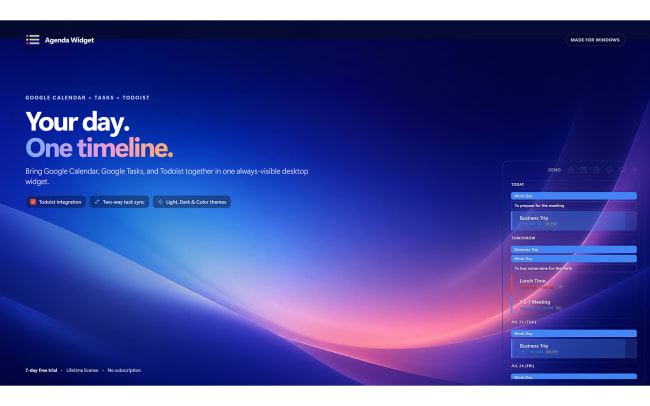
Agenda Widget is your Windows desktop command center for Google Calendar, Google Tasks, and Todoist. Keep your full agenda – events, reminders, and to-dos – always visible in one beautiful, compact widget that floats above every window.
Create, edit, and manage tasks directly inside the widget without opening a browser. The lightweight app starts automatically with your PC and uses minimal resources, so it stays out of your way while staying in your view.
Fonctionnalités
-
Before your first meeting, check the full day: calendar events and Todoist tasks - in one desktop timeline.
-
While focused in another app, capture a task without opening Todoist or losing context.
-
During planning, drag a task to another day or project when priorities change.
-
Between meetings, complete or edit the next task directly from the desktop instead of switching windows.
-
When working from documents, drop a file onto a date to create a task linked to that file.

Vous ne trouvez pas l'intégration que vous recherchez ?
Intégrez des milliers d'autres applications via nos partenaires d'automatisation.
Sinon, explorez notre API pour créer vos propres extensions ou intégrations.