Safari by Apple is a super-fast, private browser. Enjoy the best of the web with customization options, lots of extensions, and powerful privacy protection. Plus, when used with Apple devices, it helps you get the most out of your battery life.
By connecting Todoist and Safari, you can quickly capture tasks as you browse the internet. That means you can add must-reads to your reading list in two clicks or highlight and save quotes you want to cite in a paper later.
功能
-
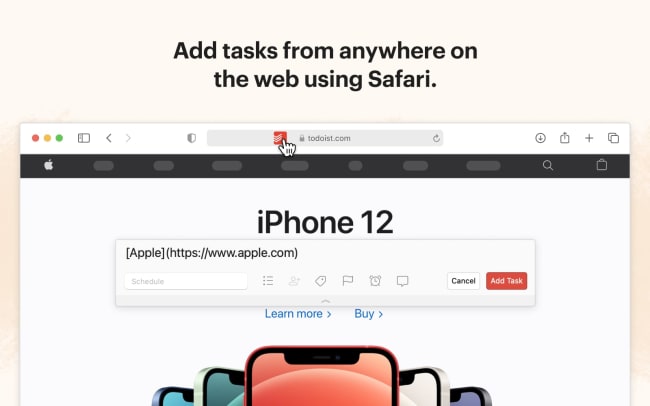
Add hyperlinked tasks of recipes to cook, products to buy, or articles to read wherever you find them on the web.
-
Select, right-click, and save statistics, data, or quotes as you find them.
-
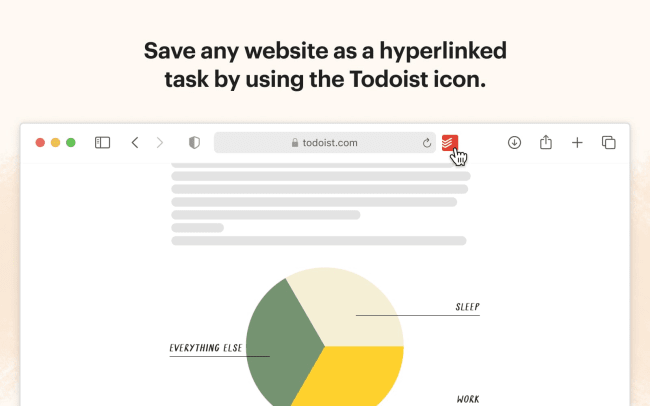
Quickly open Todoist for macOS from your browser — just click the Todoist icon in your toolbar.

Can’t find the integration you’re looking for?
Integrate with thousands of other apps via our automation partners. Or, explore our API to build your own extensions or integrations.