
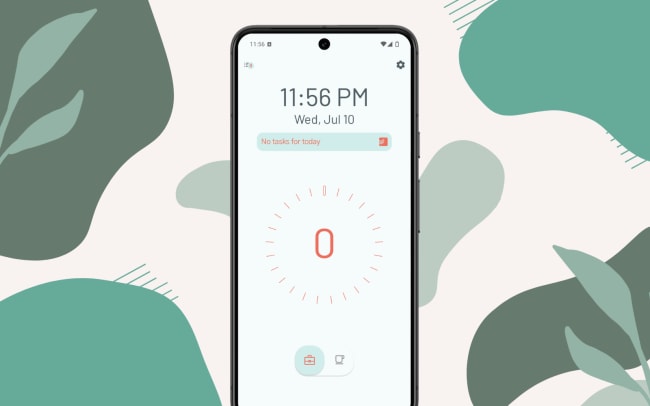
Paslen Focus Timer allows you to view and work on your Todoist tasks directly within the timer, using the effective timeboxing technique to boost focus.
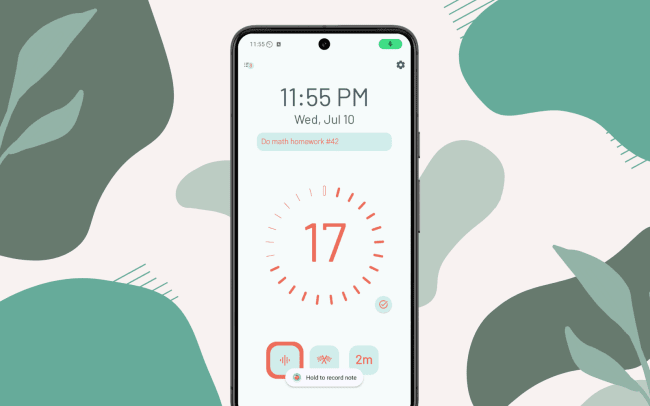
Access your list of Today’s tasks or add new tasks directly from the timer, which will then sync to your Todoist account. Simply select the current task, start the timer, and start working on it. When you’re done, you can complete tasks straight from the timer. Automatically log your pomodoros and upload audio notes to your task’s comments, so you can capture your progress in Todoist.
Connect Paslen Focus Timer with Todoist to streamline your task tracking and create a customized workflow that keeps you on track.
Características
-
Get a list of tasks directly within the Paslen timer, select the current task, and focus on it.
-
Plan on the go by adding tasks directly from the timer.
-
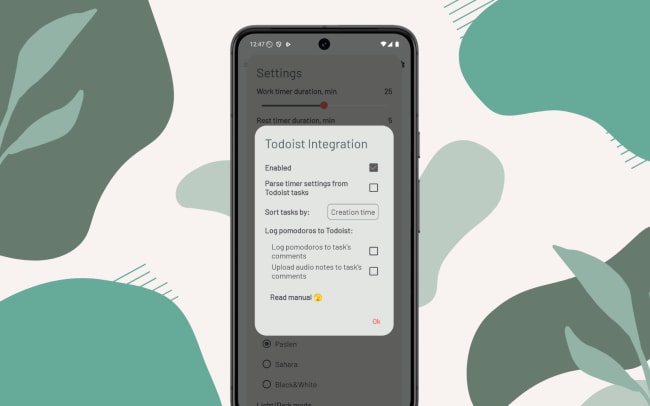
Log task progress and audio notes.
-
Configure your timers based on task settings.

¿No encuentras la integración que necesitabas
Integra con miles de otras aplicaciones a través de nuestros socios de automatización. O explora nuestra API para crear tus propias extensiones o integraciones.