Microsoft Edge blends performance, compatibility, and speed to make browsing the web feel effortless. Add in built-in control over your data and privacy protection, plus built-in shopping features like coupons and price comparison, and you have a recipe for perfection.
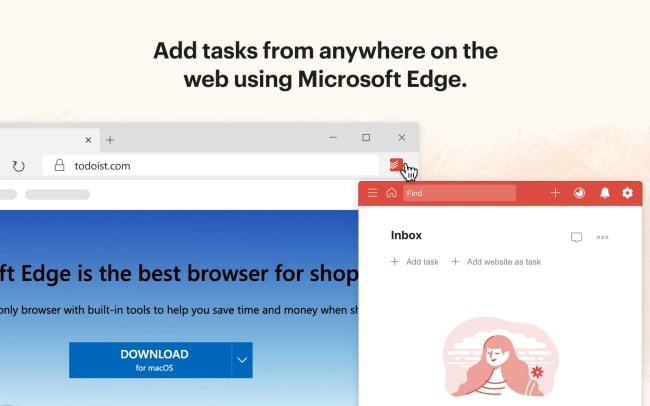
When you connect Todoist and Microsoft Edge, you can effortlessly capture tasks from anywhere on the internet. Found a must-try recipe? Save it in two clicks. How about a must-cite research statistic? Save it as a hyperlinked task right from your browser.
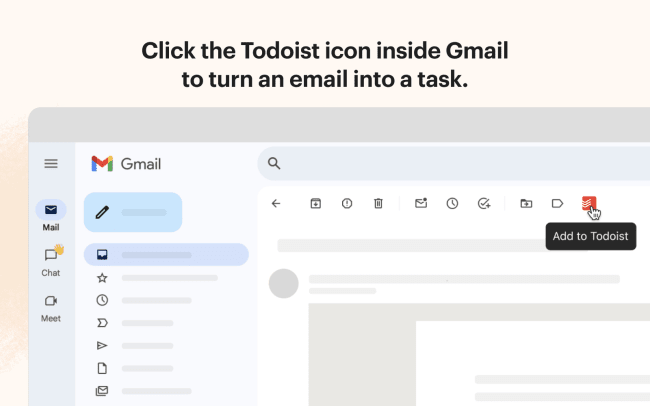
Todoist for Microsoft Edge also works inside Gmail. Instead of flagging emails to deal with later, turn them into proper tasks directly from your inbox – with a date, a project, and everything else you’d add in Todoist.
기능
-
Books to buy, articles to read, or recipes to try — you can save them all as hyperlinked tasks from your browser.
-
Save any text you find by selecting, right-clicking, and adding it to Todoist.
-
Got a Gmail email that needs following up? Click the “Add to Todoist” button inside Gmail to turn it into a task – date, project, and all – without leaving your inbox.
-
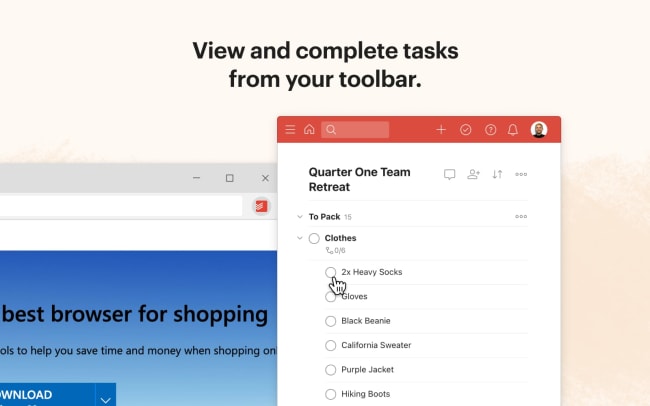
Keep on top of your to-do list by viewing, organizing, and completing tasks without opening another tab. Just click the Todoist icon in your extensions toolbar.
-
Capture and schedule tasks as they come to you with Todoist Quick Add, right from your toolbar.