
Todoist vs Microsoft To Do: Daily Reset or Sustained Momentum?
Todoist vs Microsoft To Do: compare daily resets vs sustained momentum, and see why Todoist wins for individuals and teams focused on ongoing work.
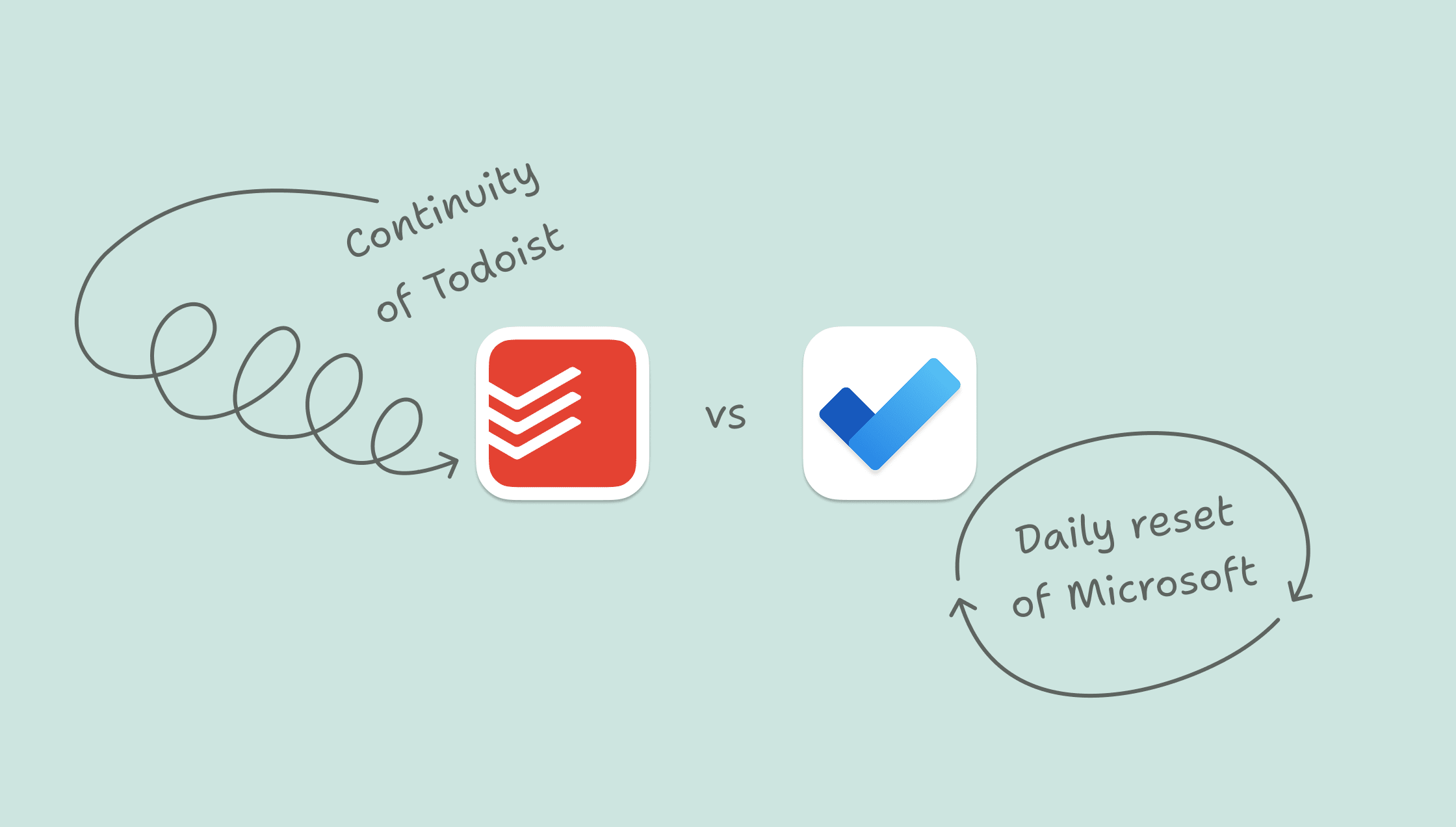
Microsoft To Do is built around a simple idea: Focus on today.
Open the app, review your list, choose what goes into My Day, and start fresh tomorrow. It integrates tightly with Outlook, pulls in flagged emails, and fits neatly inside Microsoft 365.
For many people, that works.
But productivity does not always happen in tidy daily cycles.
Deadlines stretch across weeks. Projects span months. Work and personal responsibilities overlap. Momentum builds or breaks over time, not just within a single day.
That is where Todoist takes a different approach.
Microsoft To Do is designed for daily task hygiene inside Microsoft’s ecosystem.
Todoist is built for a true blend of work and life that doesn’t always fit neatly into today.
At a glance: Todoist vs Microsoft To Do
Category | Todoist | Microsoft To Do |
|---|---|---|
Core focus | Task and project management across work and life | Personal task manager within Microsoft 365 |
Planning philosophy | Ongoing visibility across today, recurring tasks, and what’s ahead | Daily focus with My Day |
Organization | Projects, sections, sub-tasks, labels, filters, priorities | Lists, subtasks, and importance flag |
Collaboration | Shared projects, task assignment, comments, and team workspaces | Shared lists (basic collaboration) |
Ecosystem | Works across Microsoft, Apple, Google, Slack, and other tools | Integrated with Outlook and Microsoft 365 only |
Platforms | iOS, Android, Windows, macOS, web, browser extensions, wearables | iOS, Android, Windows, macOS, web |
Price | Free plan. Paid Pro and Business plans | Free with Microsoft account |
Microsoft To Do: Designed for the day
Microsoft To Do revolves around My Day. Each morning, you decide what to focus on, pick a few tasks, and start fresh.
That rhythm keeps things simple. It narrows your focus and makes the day feel manageable. It also works well with Outlook. Flag an email, and it shows up as a task. Useful if most of your work starts in your inbox.
For straightforward reactive task tracking inside Microsoft 365, it’s clean and easy.
But it relies on you to keep things moving.
If you don’t pull tasks forward, they sit in the background. If you don’t revisit your lists, things get missed. You’re managing today, and then starting again tomorrow.
Todoist: Designed for continuity
Todoist is built for work that doesn’t neatly reset at the end of the day.
Tasks carry over. Recurring things keep running. What’s coming up stays visible, so you’re not constantly starting from scratch or pulling things back into view.
Instead of rebuilding your list every morning, you’re picking up where you left off.
You can see what’s building over the next few days, spot when things are getting too full, and adjust before it becomes a problem.
That matters when:
You’re managing multiple projects at once
Deadlines stack up across the week
You’re trying not to overload your future self
Work and personal obligations intersect
Todoist supports daily focus. But it also supports long arcs of responsibility.
Organization depth without losing clarity
Microsoft To Do keeps things intentionally simple. You get lists, subtasks, and an importance flag.
That works well until everything starts piling into the same place. Long lists with no structure often lead to overwhelm, especially when you only have a Today view.
Todoist gives you more ways to organize without forcing you to use them all.
You can split work into projects, break projects into sections, and create views that show only what matters right now.
Todoist can support you when your workload grows. Instead of longer, harder-to-scan lists, you can shape things in a way that still feels manageable.
Work and life in one system
Microsoft To Do fits naturally inside Microsoft 365. It works best when your workflow starts in Outlook and stays there.
Todoist fits with how you already work, rather than asking you to stay in one ecosystem. You can use it with Outlook, Gmail, Slack, and across Windows, macOS, iOS, and Android.
That matters if your setup isn’t perfectly uniform. For example, using a Windows laptop for work and an iPhone for everything else in your life.
More importantly, Todoist can handle both work and personal tasks with as little or as much separation as you need. You can manage client work, household planning, and personal goals in one place without switching systems.
For most people, it’s just easier to manage everything that’s in your head in one place.
Collaboration beyond shared lists
Microsoft To Do supports shared lists. For simple coordination, that can be enough.
But it starts to strain once work is ongoing or involves more than a couple of people.
Todoist is built for smooth collaboration.
You can assign tasks, keep conversations attached to the work, and manage shared projects without things getting lost or duplicated.
It’s still lightweight, but structured enough to support real collaboration without needing an enterprise project management tool.
When Microsoft To Do is the right fit
Choose Microsoft To Do if:
Most of your tasks start in Outlook and stay there
You like the idea of resetting each day and focusing on a short list
You want something free, and easy to maintain
You’re mostly tracking personal work tasks alone
It’s a clean, focused tool that works inside Microsoft’s world.
When Todoist makes more sense
Choose Todoist if:
You want to see what’s coming, not just what’s due today
Your responsibilities span multiple projects, timelines, or areas of life
You’ve outgrown simple lists and need a bit more structure
You’re working with others, not just managing your own tasks
Your setup spans different tools or devices (for example, Outlook at work and iPhone at home)
Todoist is built for when things don’t fit neatly into a daily reset.
So which should you choose?
Microsoft To Do is a capable daily task manager inside Microsoft 365. Todoist is built for managing work that carries over from one day to the next, across different tools and areas of life.
If you’re comfortable working out of Outlook and deciding what matters each day, Microsoft To Do will feel natural.
If you want a system that shows you what’s coming and helps you stay ahead of it, Todoist is a better fit.

The Todoist Team
Empower humanity with simple yet powerful productivity tools. Learn more