
How a 20-Person Biotech Startup Coordinates Tasks Across Berlin and Leipzig Without Chasing
Finding the right project management tool helped Pacifico Biolabs teammates free up mental capacity
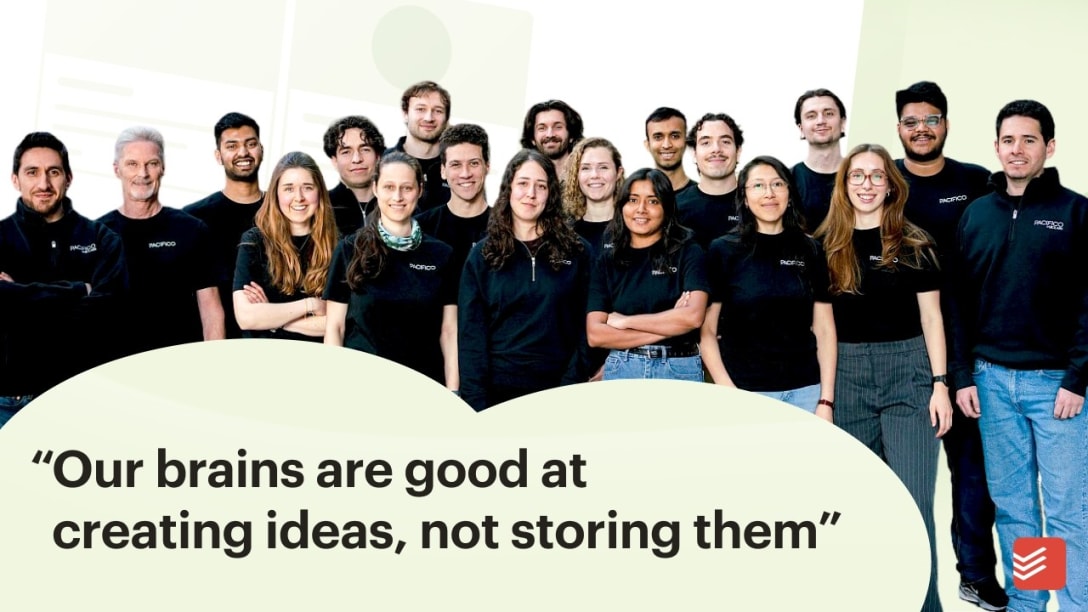
Alejandro Giribás Makki describes his role as a founder’s associate at Pacifico Biolabs (a startup focused on growing fungi for meat alternatives) as a "founder-light experience.” That means front-row access to everything: strategy conversations with the founders, operational decisions about their first commercial production site, sourcing negotiations, vendor coordination, and team onboarding.
"It comes with wearing a lot of different hats: learning how to think in a structured manner about a variety of topics and provide value even if you're not the expert,” he says.
The Pacifico Biolabs team consists of over 20 people spread across Berlin and Leipzig, so coordination is key: "Since we have multiple people working across projects, it makes a lot of sense to have a centralized source for tasks."
Todoist helps Alejandro to get things out of his head and clearly move them forward:
"Having a low-friction system for storing information and things I need to do just gives me peace of mind. I can remember things, but it just takes capacity away. I love to free that capacity, while still making sure nothing slips through the cracks." - Alejandro Giribás Makki, founder's associate, Pacifico Biolabs
Team coordination, one assigned task at a time
One of the biggest projects on Alejandro's plate is scaling Pacifico from small-lab operations to their first fully commercial production site. That means equipment sourcing, regulatory requirements, and a cast of people, each owning a different piece.
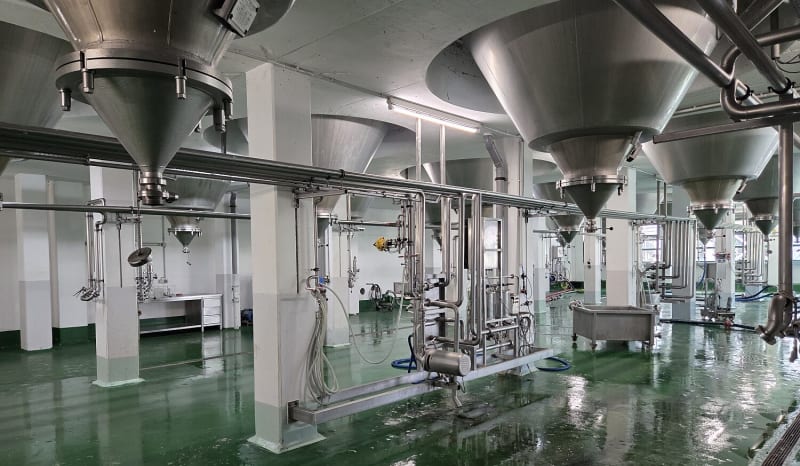
Take sourcing a large industrial mixer. The product scientists define the specs. Alejandro handles the operational questions, including where to get it, when, and at what cost. Commercial colleagues support the sourcing. And all of this has to stay aligned with the product team's requirements.
"That's where the different participants of a task come together," he says. "Among operational team members, Todoist comes in handy because we're co-assigning tasks and working quite collaboratively."
Moving from Asana to Todoist
Upon joining Pacifico Biolabs, Alejandro realized Asana, their project management tool at the time, wasn’t cutting it: "It's a tool better suited for other use cases, and way more expensive. We didn't really use it much."
Alejandro had found Todoist while watching YouTube videos years ago and saw an opportunity to bring it to the team.
"Todoist seemed to be an easy, but powerful tool. And at a reasonable price point.” - Alejandro Giribás Makki, founder's associate, Pacifico Biolabs
He introduced it to his teammates by sending a quick email with links to a few Todoist explainer videos.
No follow-up required
There were a few teammates who didn’t start using Todoist right away. For example, one colleague still hadn’t tried it, but as she got more involved in shared projects, Alejandro again made the case. So she tried it out and assigned him a task. When Todoist notified her that he had completed the task without her having to follow up, she was sold:
"She basically told me the same day: 'Actually, this makes a lot of sense,’” Alejandro says. “She could see the value after assigning a task to me that I handled.”
That sort of visibility is what Alejandro loves most about using Todoist with teammates.
"It's not about controlling what people do," he says. "It's more about just creating something and being able to assign it to someone, and seeing that it's captured and that they're having it on their mind: that's the most helpful thing."
Three tips from Pacifico Biolabs’ Todoist setup
1. Keep your Todoist Inbox as a capture zone, not a to-do list.
On mobile, Alejandro drops tasks into his Inbox without priorities, labels, or structure. The real organizing happens later, on desktop.
2. Use Today view as your daily operating mode.
Rather than working from a long backlog, Alejandro starts each day in Today view, which he narrows into a focused list of what actually needs to happen. It keeps the noise of hundreds of tasks from getting in the way of the handful that matter right now.
3. Resist the urge to over-engineer.
Alejandro thought a lot about all the labels and filters he could set up. He dropped most of them early on, instead remaining focused on clear priorities and inbox management. "That's the 80% functionality I need. The rest is nice, but not crucial."

Carlin Sack
Carlin Sack is a product marketer at Todoist.