You've logged in, and the screen looks busy: a sidebar on the left full of unfamiliar names, a list in the middle, and somewhere in there, the work your team has been talking about.
It's less complicated than it looks. The sidebar has three parts, and once you know what each one is, the rest starts to fall into place.
Today view
Today pulls together everything you have due today, across every project. Most of your days will start here first thing.
One new team member described the moment it clicked for her: she'd always had work tasks on her laptop and personal things in a separate notebook, and the two never sat in the same place. Opening Today view was the first time she saw the whole day at once – and could decide what actually mattered first.
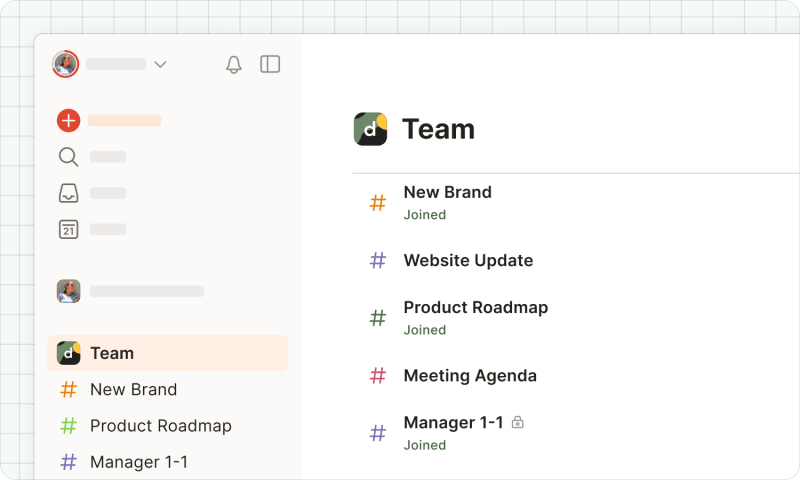
Your team workspace
Your team workspace is the shared space your Champion built. It’s usually named for your team or company. Inside are the team's projects: shared lists of work, visible to the people who've been added to them.
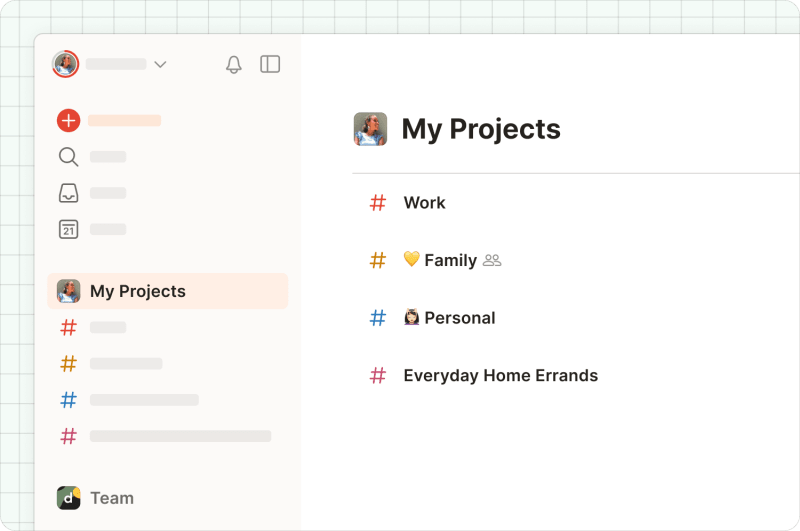
My projects
My Projects is your personal space. Anything you create here is invisible to your team. (Lesson 1 covered this – but it's the thing people most want to be sure of, so definitely worth saying twice.)
Find your way around
That's the whole map. Two things to do when you’re ready:
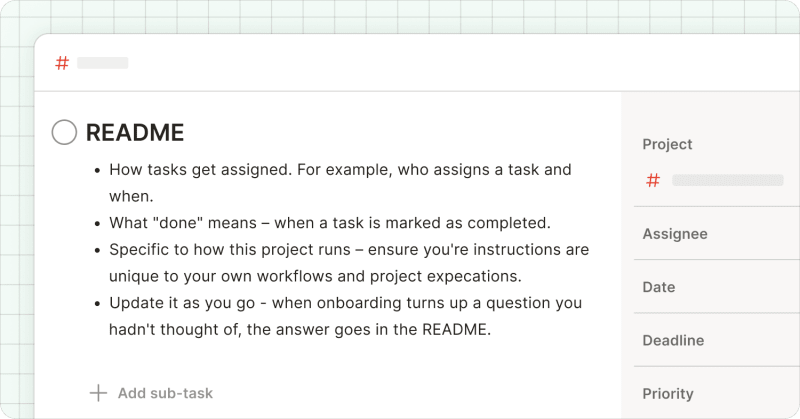
First: open the team workspace and find your project. Inside are the team's projects, named for the work the team does. Click into the one you'll be working in. Look for a task called something like "README" or "Welcome" – that's the note your Champion left you, and it has what you need to get started. It'll usually sound like a colleague talking, not a manual. One Champion's README opened like this:
Rychlý tip
"This task has everything you need to know about our content planning for May – links included. Feel free to comment with an emoji if you agree with the overview."
Read it before anything else.
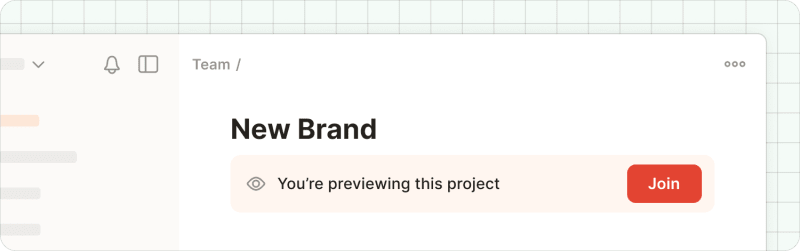
Second: if you see a "Join" button, click it. Some projects ask you to join before you can take part. Once you've joined, you can complete tasks, assign them, and leave comments. If nothing's asking you to join, you're already set.
That's it! You can find your way around.
In the next lesson, you’ll get to do the work itself.