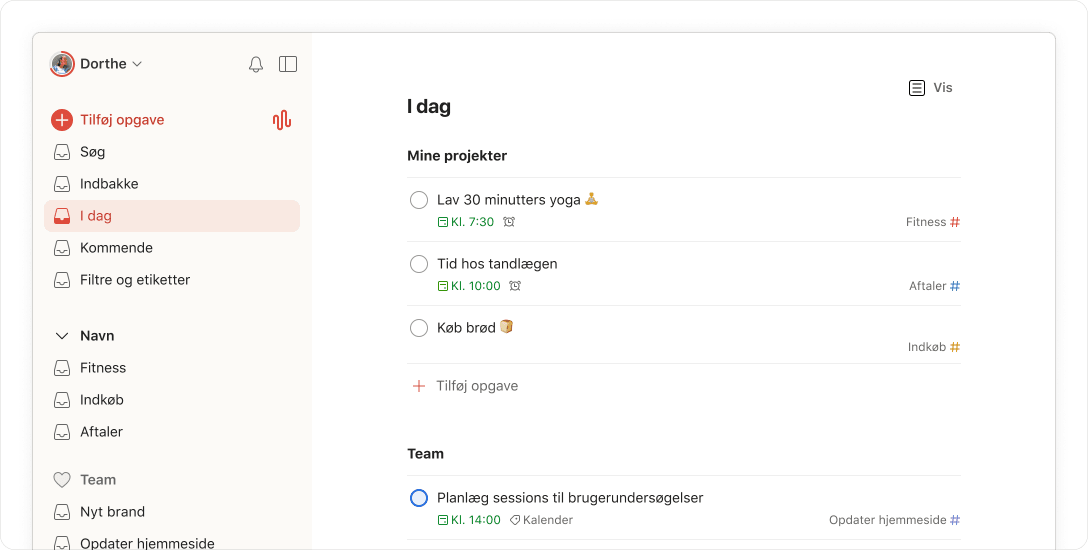

Less juggling. More progress.

See all your tasks in one place, set priorities, and keep the team aligned.

Less juggling. More progress.

See all your tasks in one place, set priorities, and keep the team aligned.

“Simple, straightforward,
and super powerful”
“The best to-do list app
on the market”
“Nothing short of stellar”
“Simple, straightforward,
and super powerful”
“The best to-do list app
on the market”
“Nothing short of stellar”

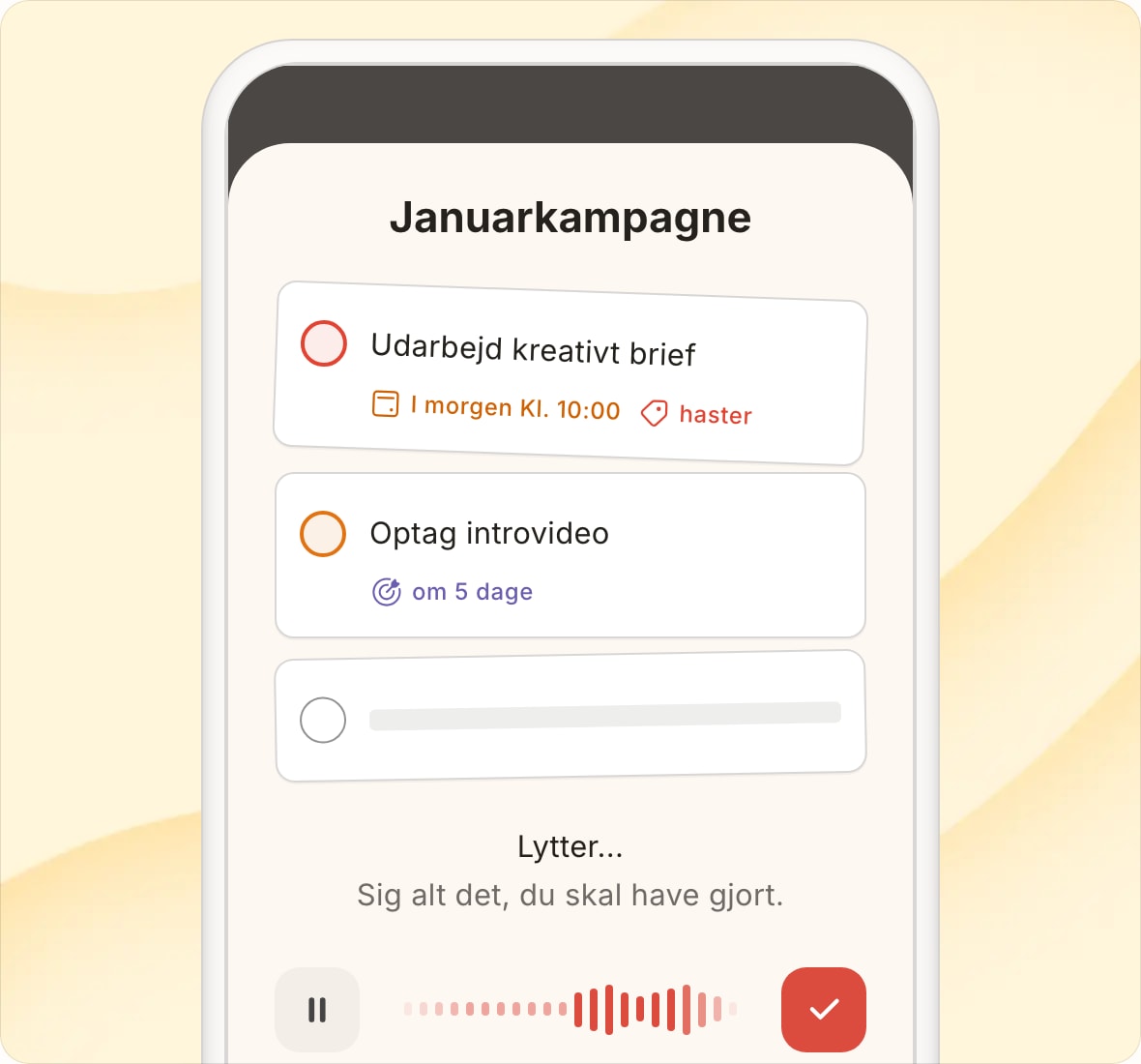
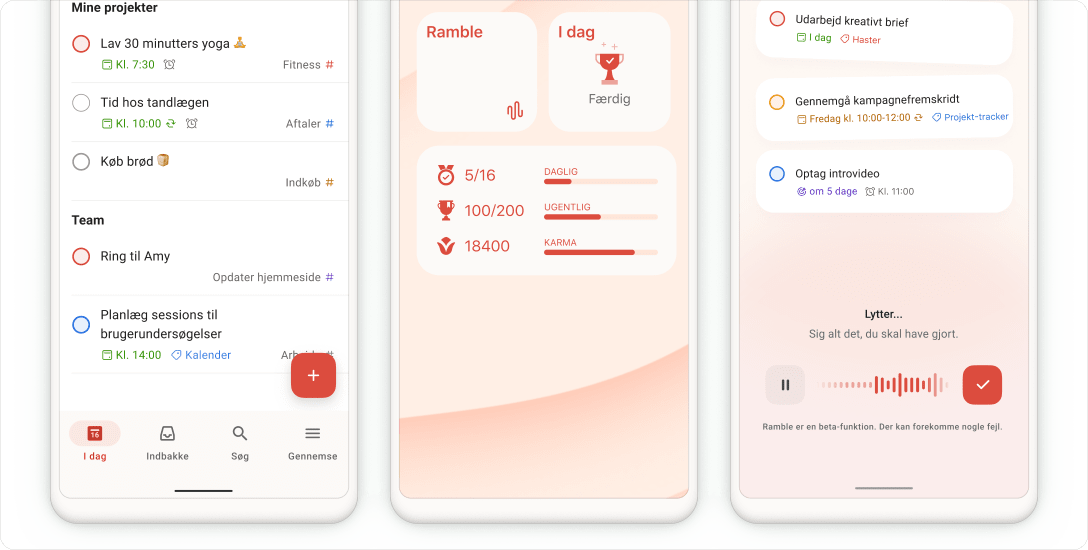
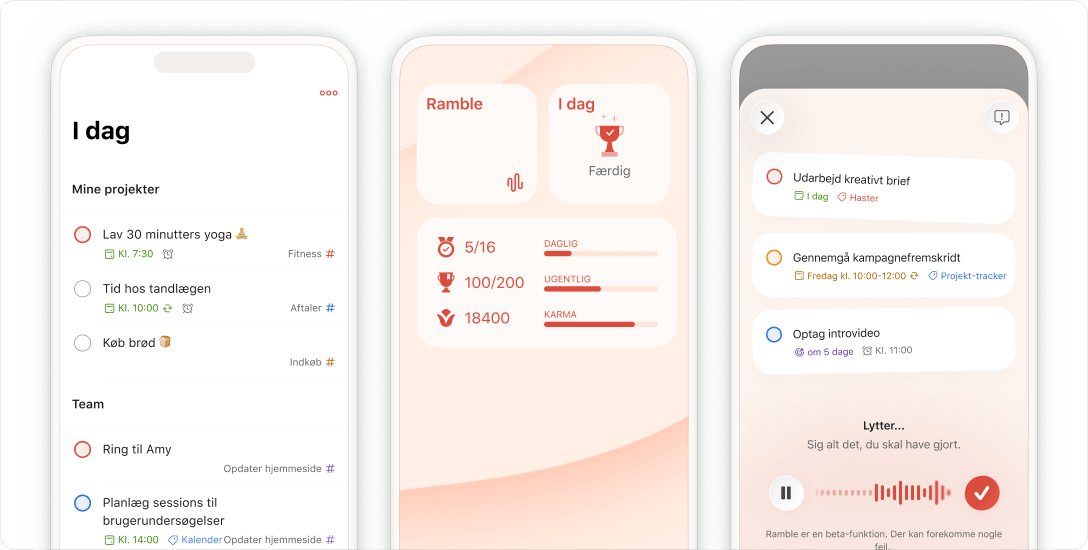
Quick thoughts instantly become organized tasks

Input tasks in plain English and watch Todoist automatically categorize, label, and schedule them.

“Todoist gives me the peace of mind knowing I am doing exactly what I need to do, exactly when I need to do it.”
Ashley W.

Ashley W.

Head of Leadership & Learning

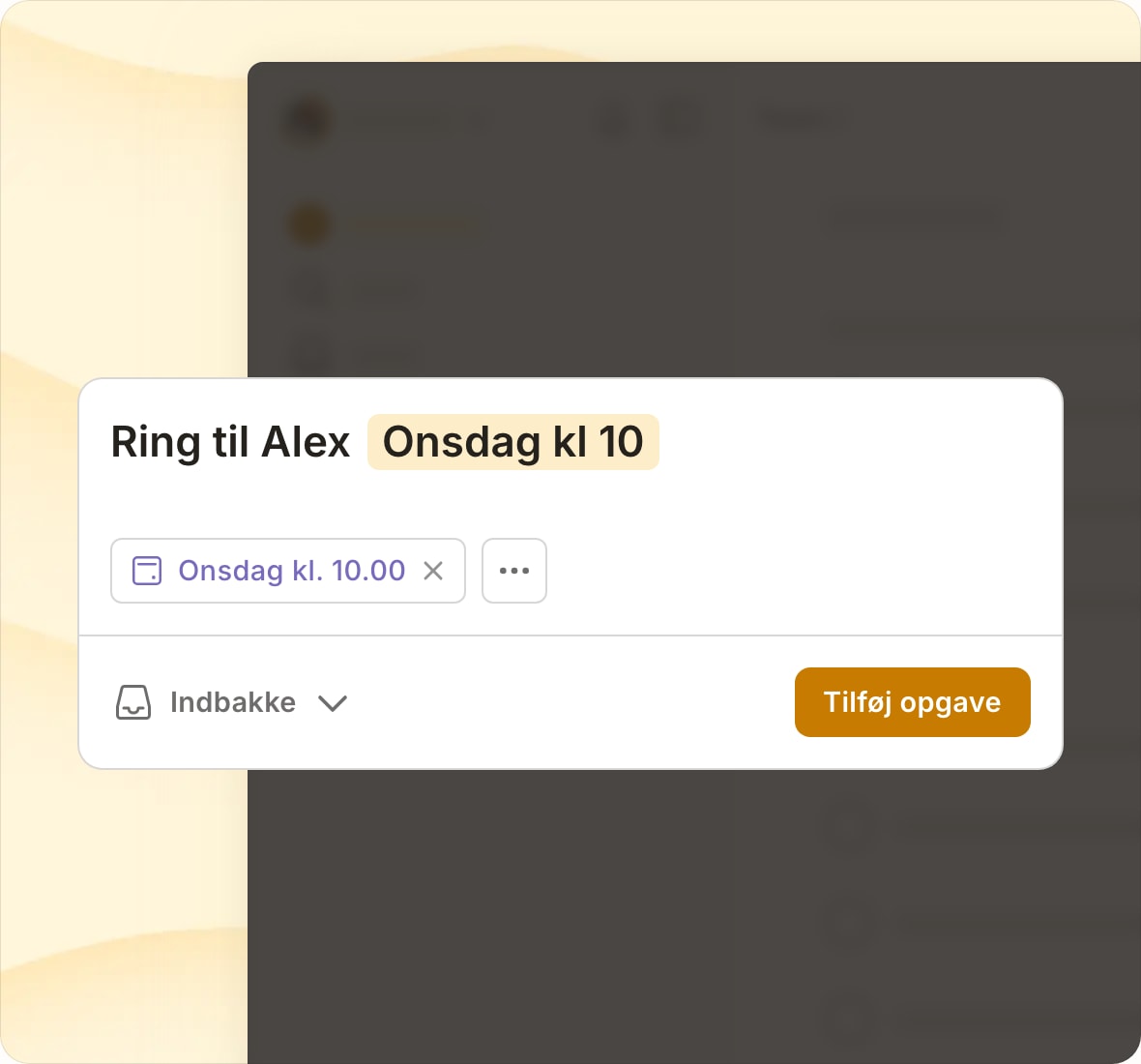
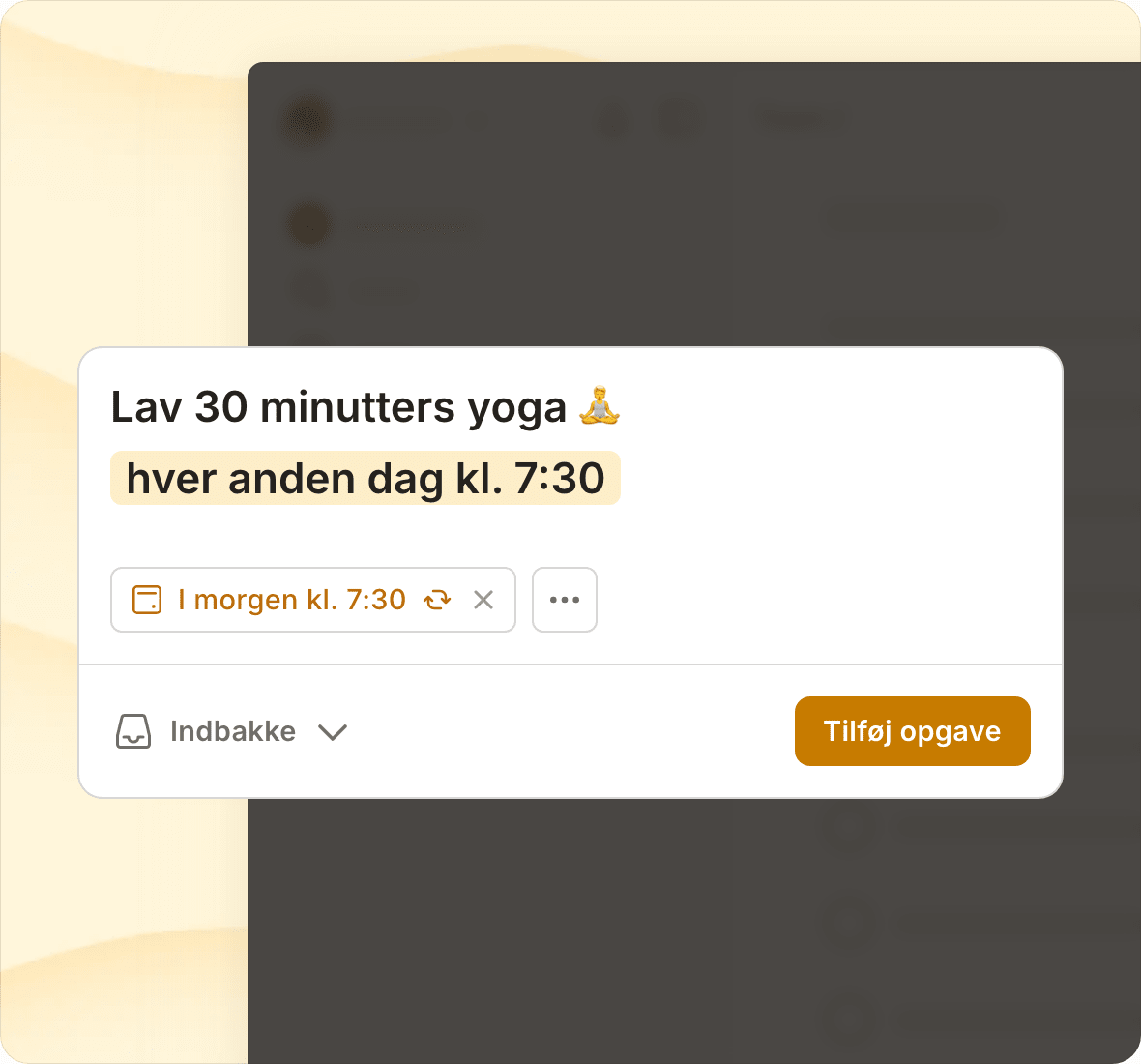
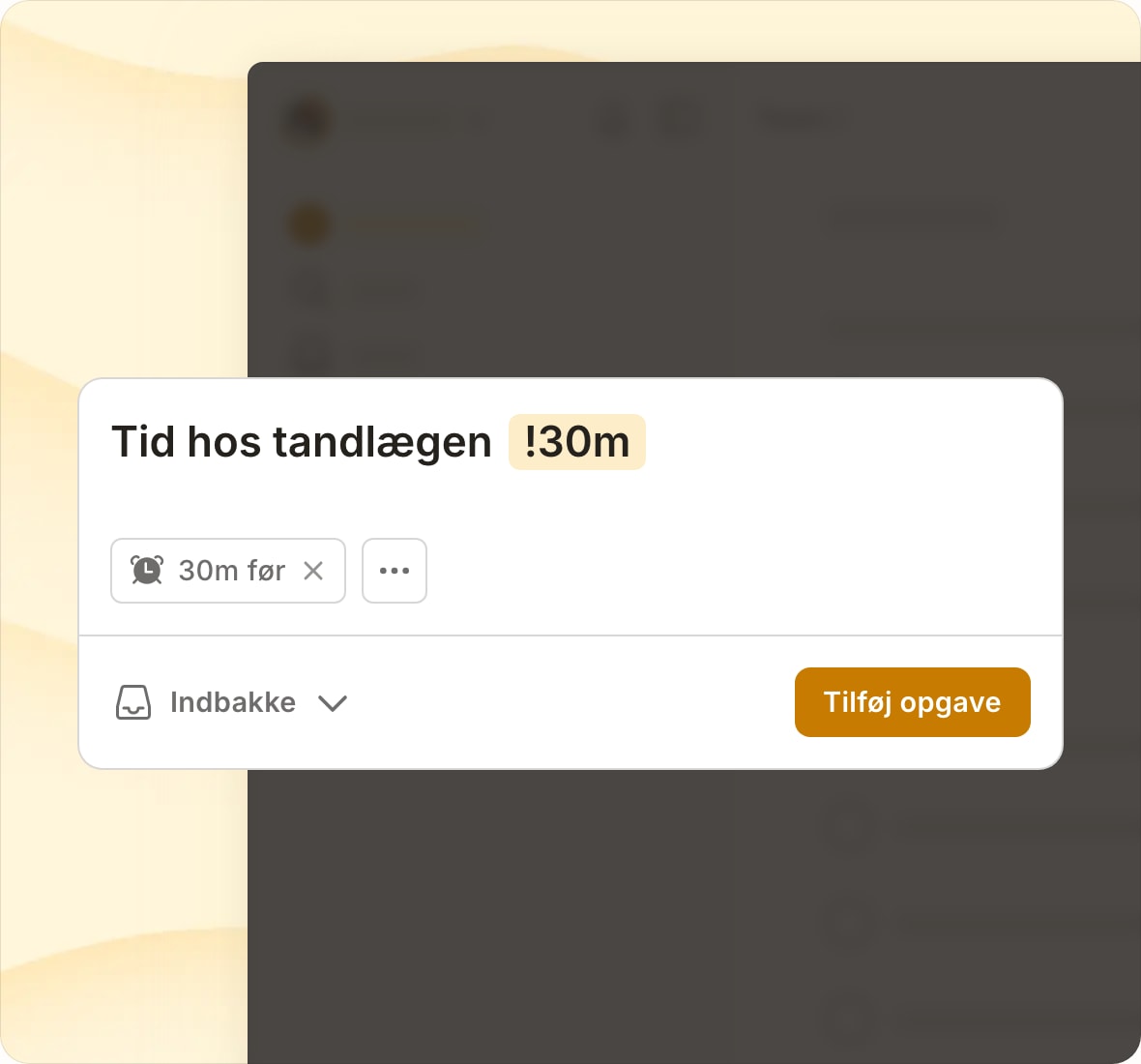
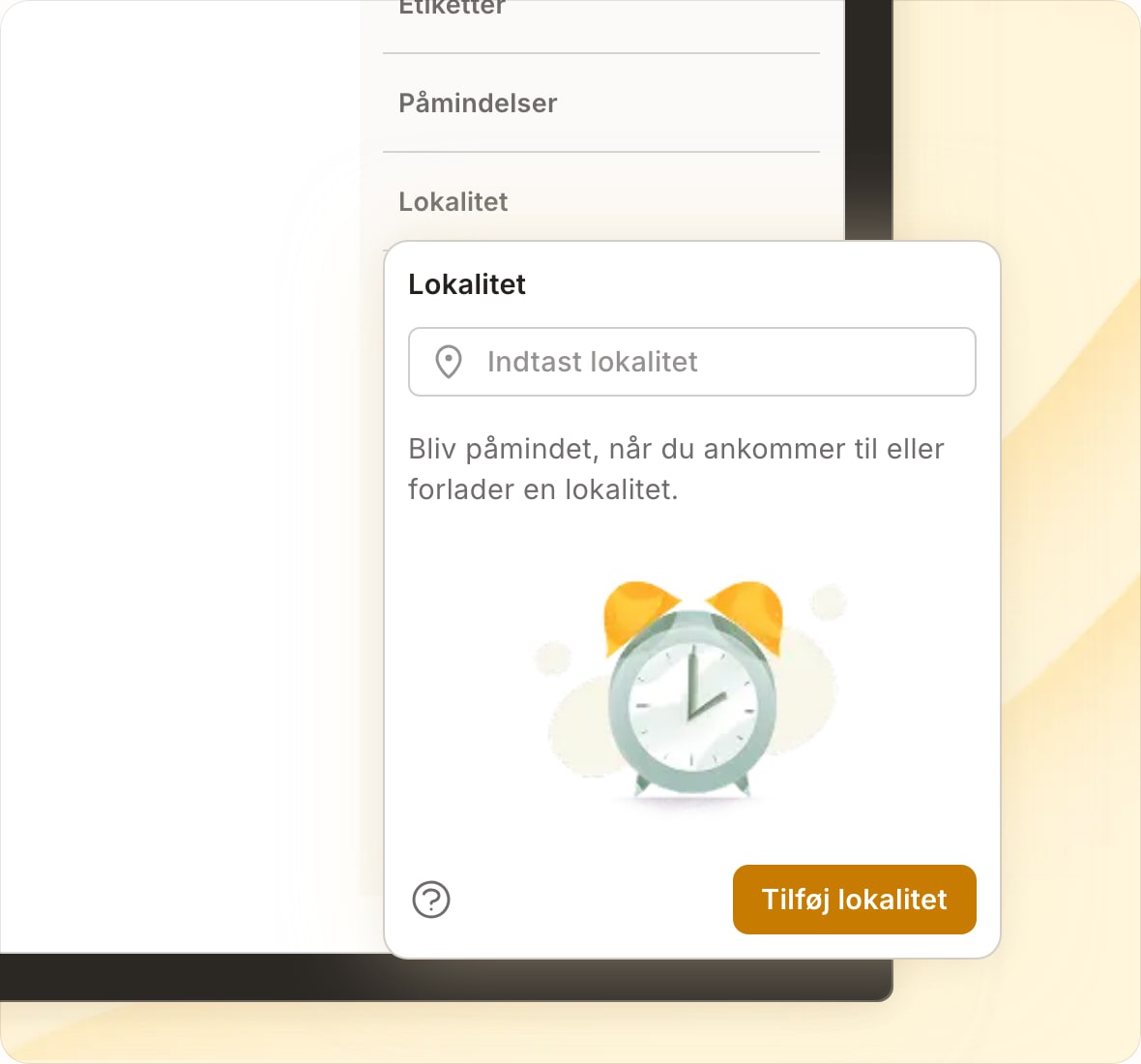
Schedule it once, remember it forever

From monthly work reports to weekly grocery runs, Todoist will remind you at exactly the right time.

“Todoist helps me organize my time based on the most important things in my life. As a result, I am happier and more confident.”
Pedro V.

Pedro V.

Project Manager

Integrations
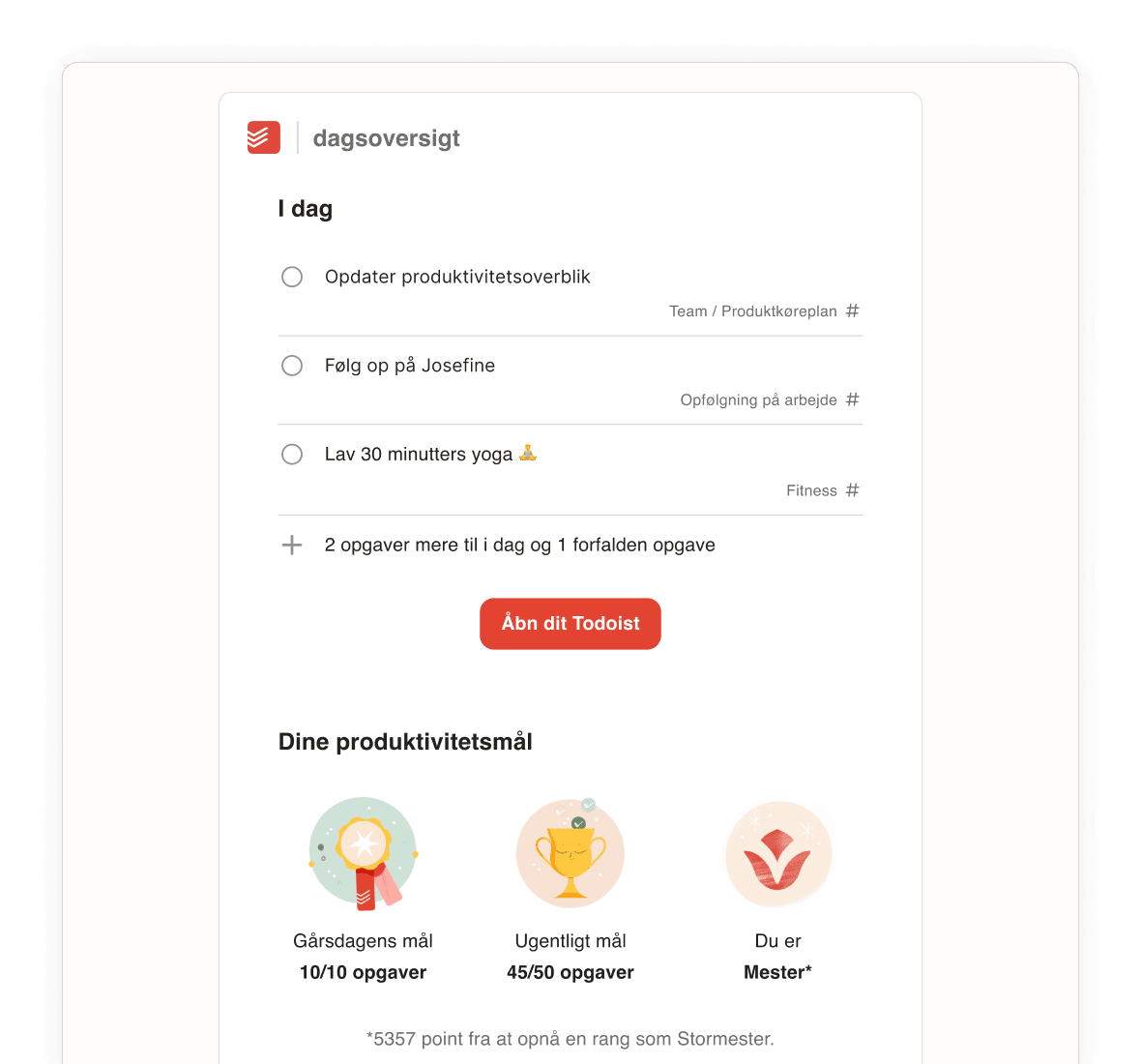
Daily Digest Updated Static Image

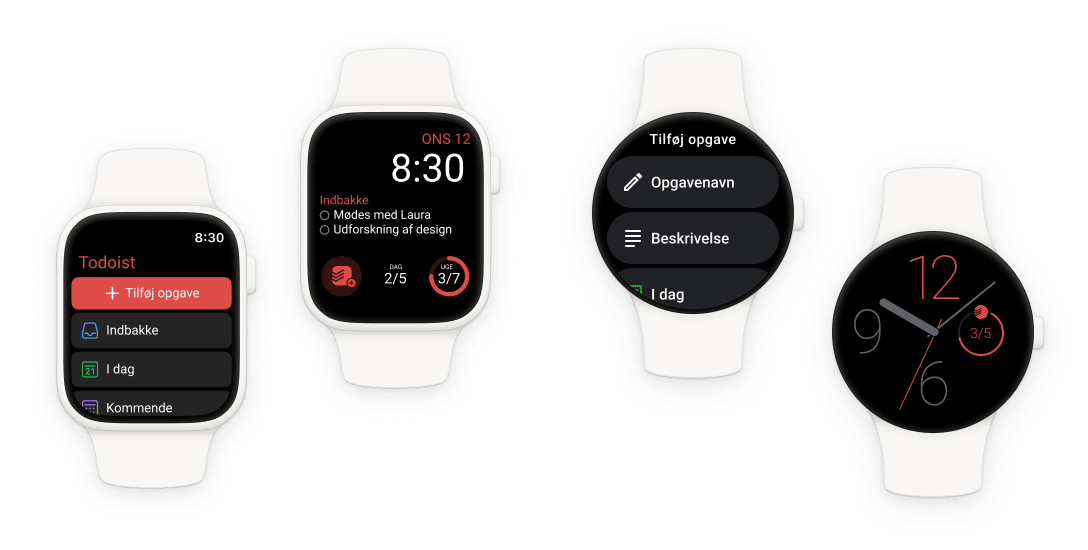
Capture tasks wherever you are

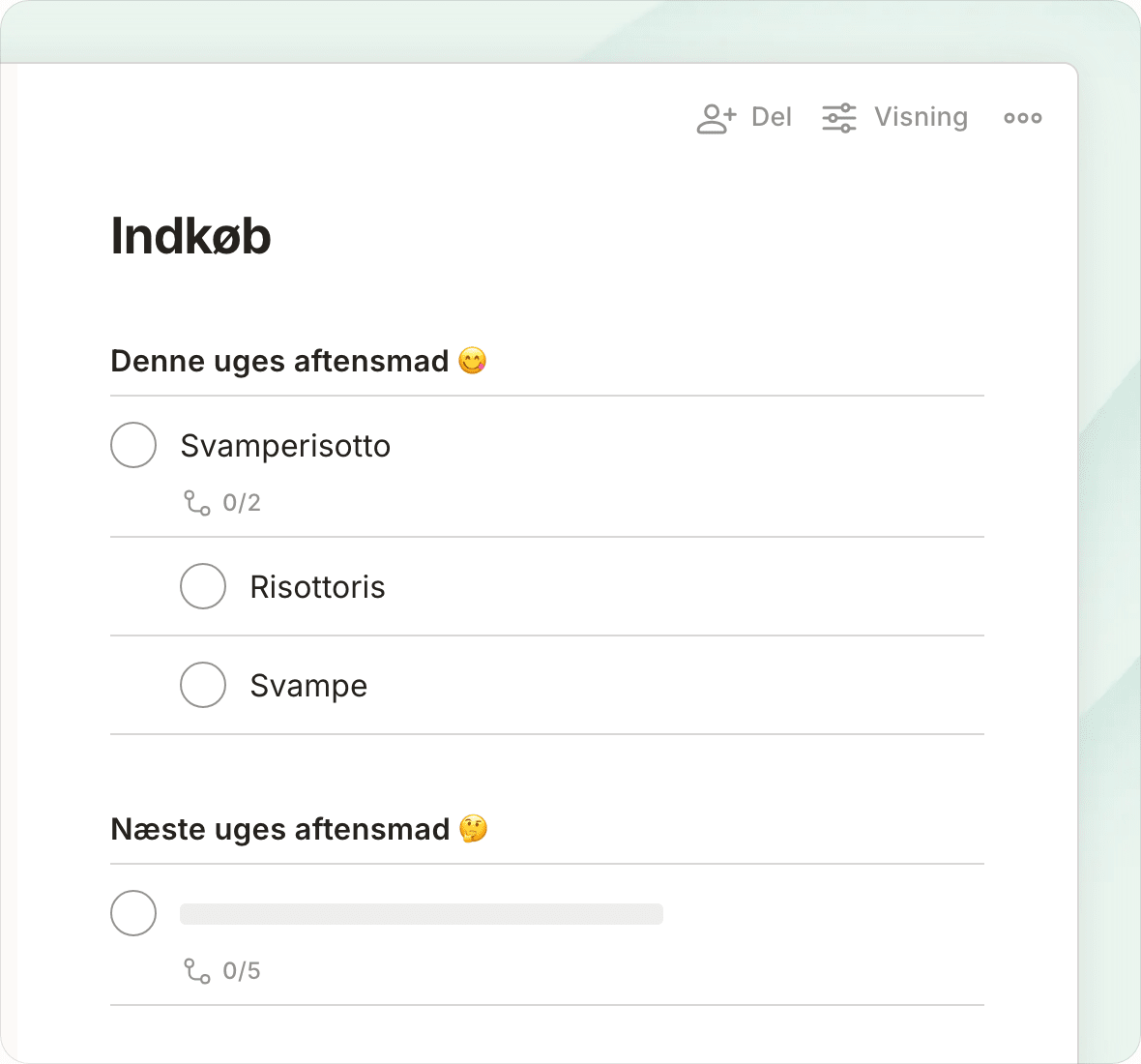
Review tasks on your phone, add them from your laptop, complete them from your watch. Then see it all sync in real-time.

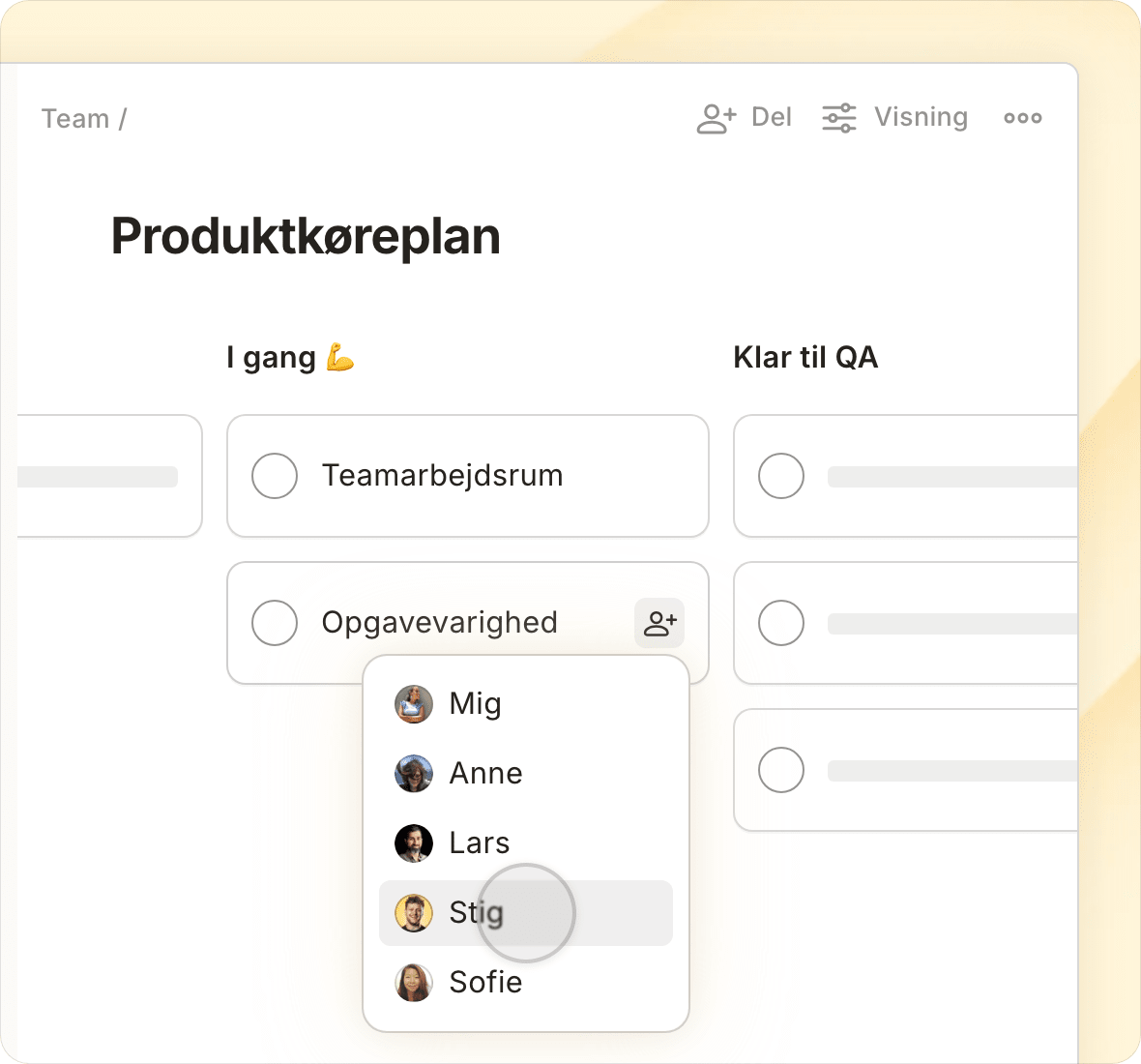
Focus on the right tasks at the right time

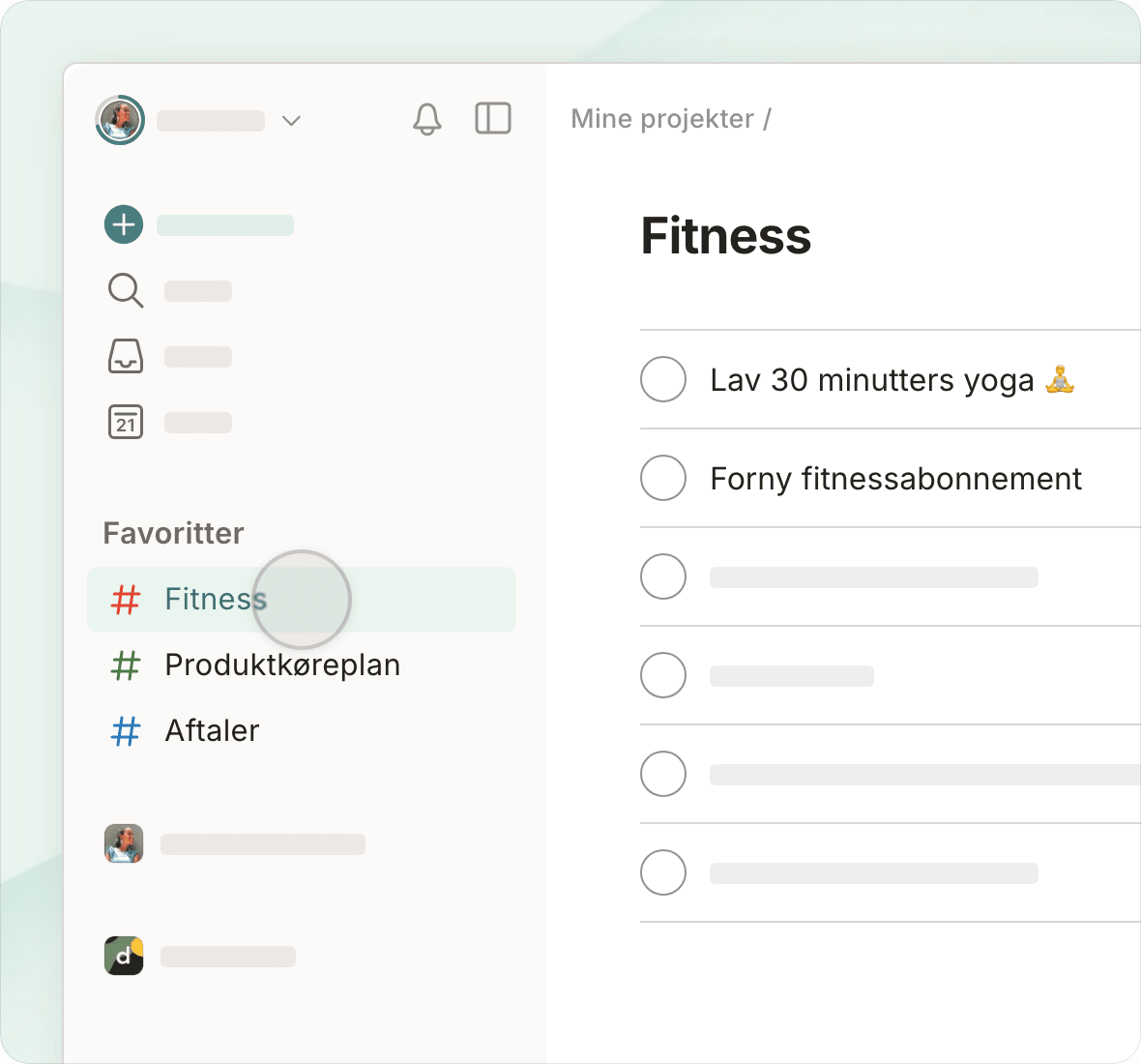
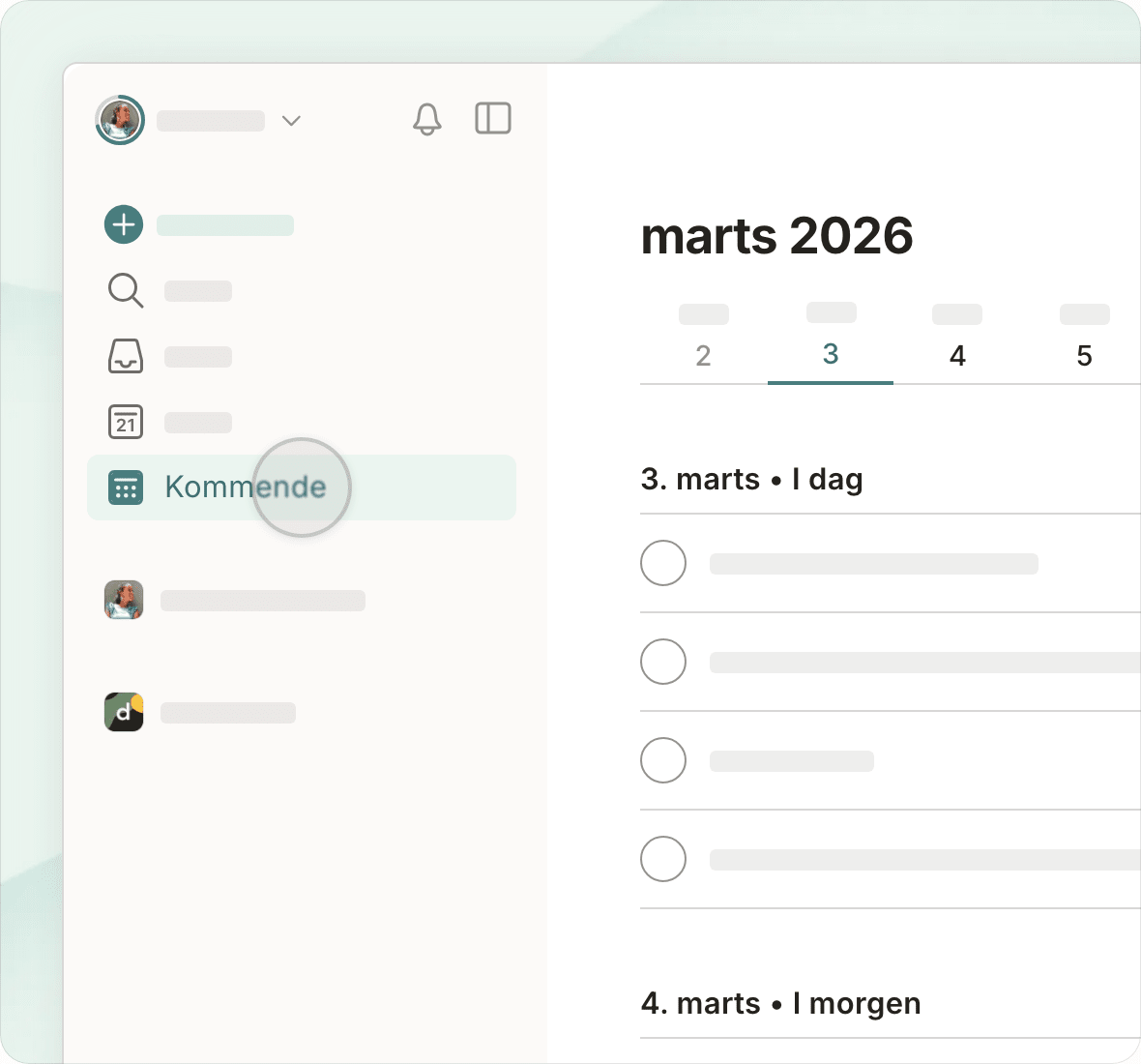
Switch views with a single tap and see today's priorities, project deadlines, upcoming work, or custom filtered views.

“I can finally see an overview of all the areas of my life – broken down into actionable steps – in one single place.”
Maria R.

Maria R.

Quality System Manager

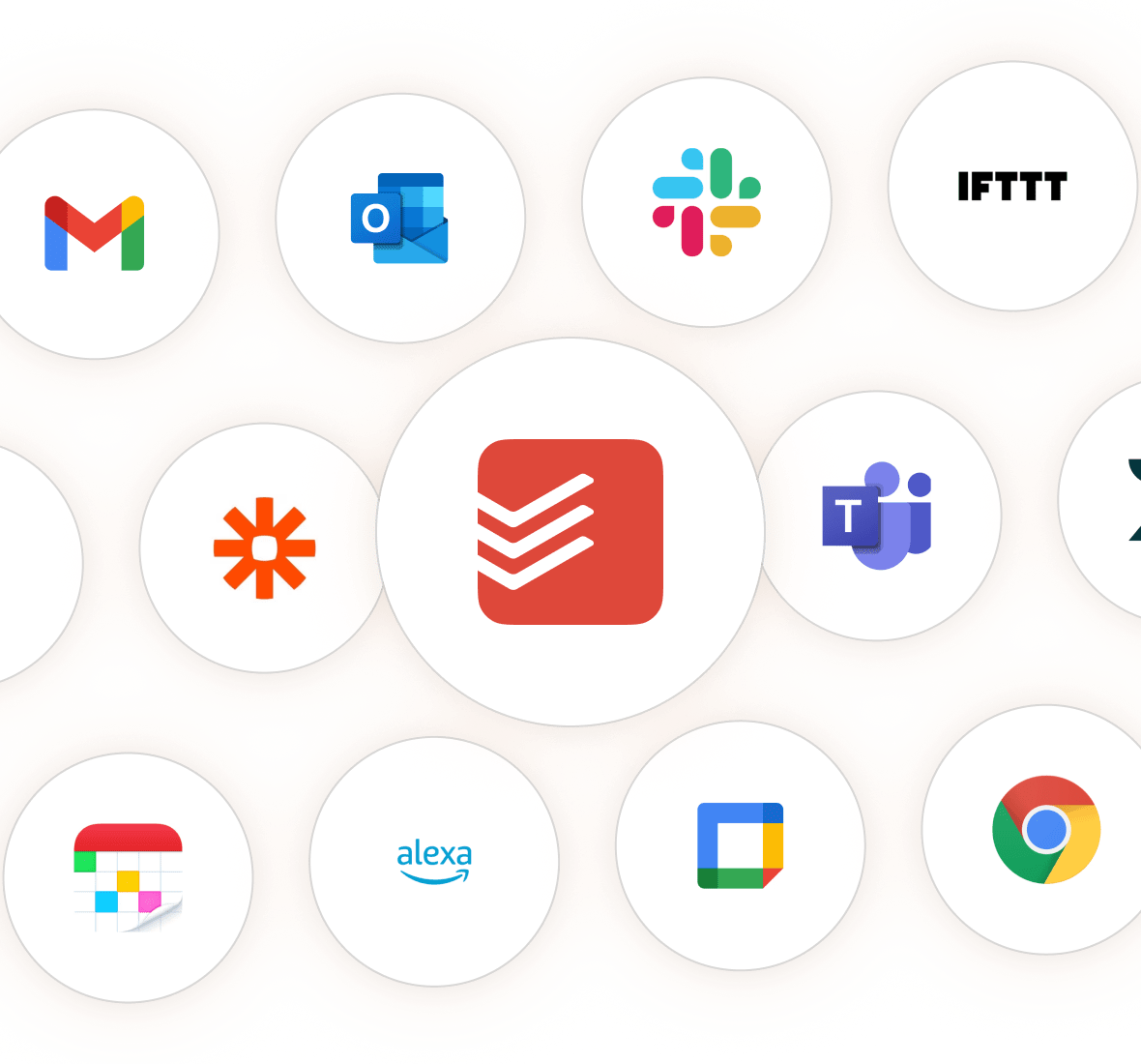
Gather it all together with integrations

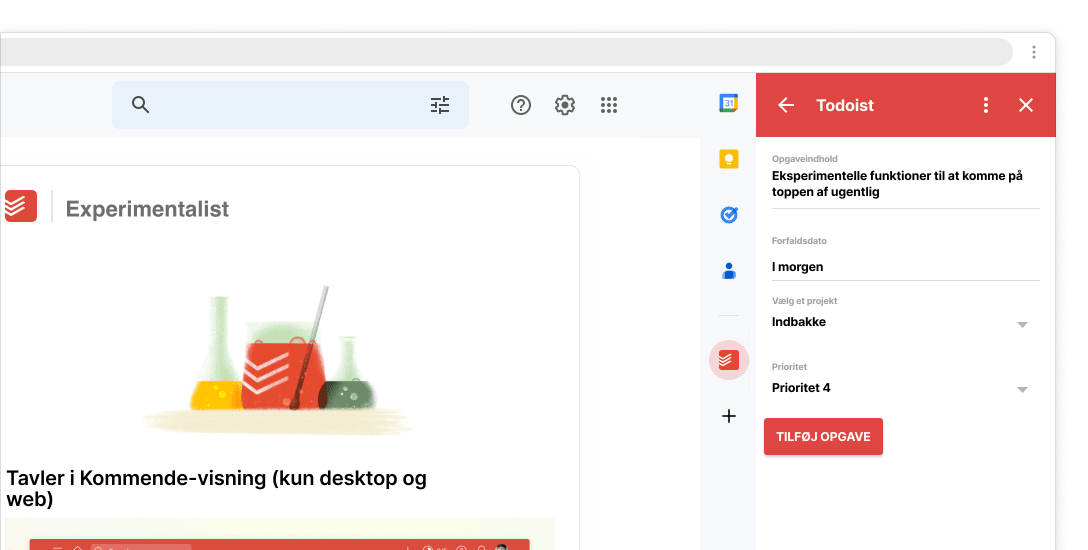
Connect Todoist to your email, Slack, time tracker and 50+ other tools without leaving your workflow.

Chrome

Chrome

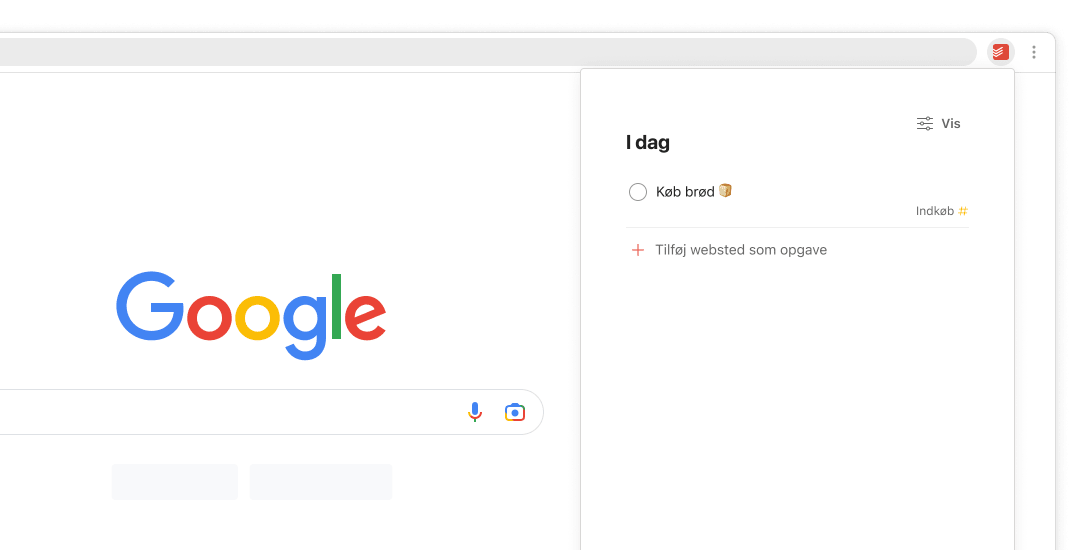
Quickly add tasks from anywhere on the web using Chrome.

Google Calendar Logo

Google Calendar

Plan your time effortlessly with Google Calendar events and Todoist tasks – all in one place.

Microsoft-Outlook-icon

Outlook Mail

Add tasks and manage your to-dos right from Outlook.

Explore our integration library

Join the 50k+ teams who manage their work and lives with Todoist

Start free trial

Frequently asked questions

You can go here to see a full overview of the features and limits for each team plan.

Yes! There are no limits to the amount of paid teams you can create.

However, billing is per team. If you have the same person in two different paid teams, you’d be paying twice for that person. This means that separate teams are best used when interacting with completely distinct groups — like clients, vendors, or partner organizations — with no crossover.

Instead of creating new teams, you may choose to use Folders and restricted projects to group and organize team efforts... in fact, that's how we do it ourselves.

The Business plan includes all the features of the Pro plan — like reminders, filters, and more — in addition to a few handy capabilities for team users and admins:

All team members will be able to:

  • Browse and preview public team projects and join only the ones that are relevant to them.

  • Share direct links to projects, sections, tasks, and comments that teammates can preview and instantly take action on.

  • Group or filter tasks by personal and/or team projects from the View Options menu in Today, Upcoming, and filter views to better separate work and life.

For team leaders, adding a team to Todoist:

  • Gives you a transparent, organized overview of all your team’s work and lets you pop in to see progress, without having to join each and every individual project.

  • Makes data ownership crystal clear. Team projects belong to the team. Personal projects belong to the individual.

  • Grants admins more control over permissions and data access in team settings.

Plus, when you upgrade your team to the Business plan, all members automatically get access to all personal Pro features – like reminders, calendar layout for projects, and task durations!

(After all, when your teammates are organized and on top of their personal to-dos, teamwork magically tends to flow more smoothly, too. 💆)

You can view a full overview of what is included with each plan on our pricing page.

We respect your privacy

We use cookies to improve our site and how we market Todoist. Select your preference, and we’ll remember your choice.